6
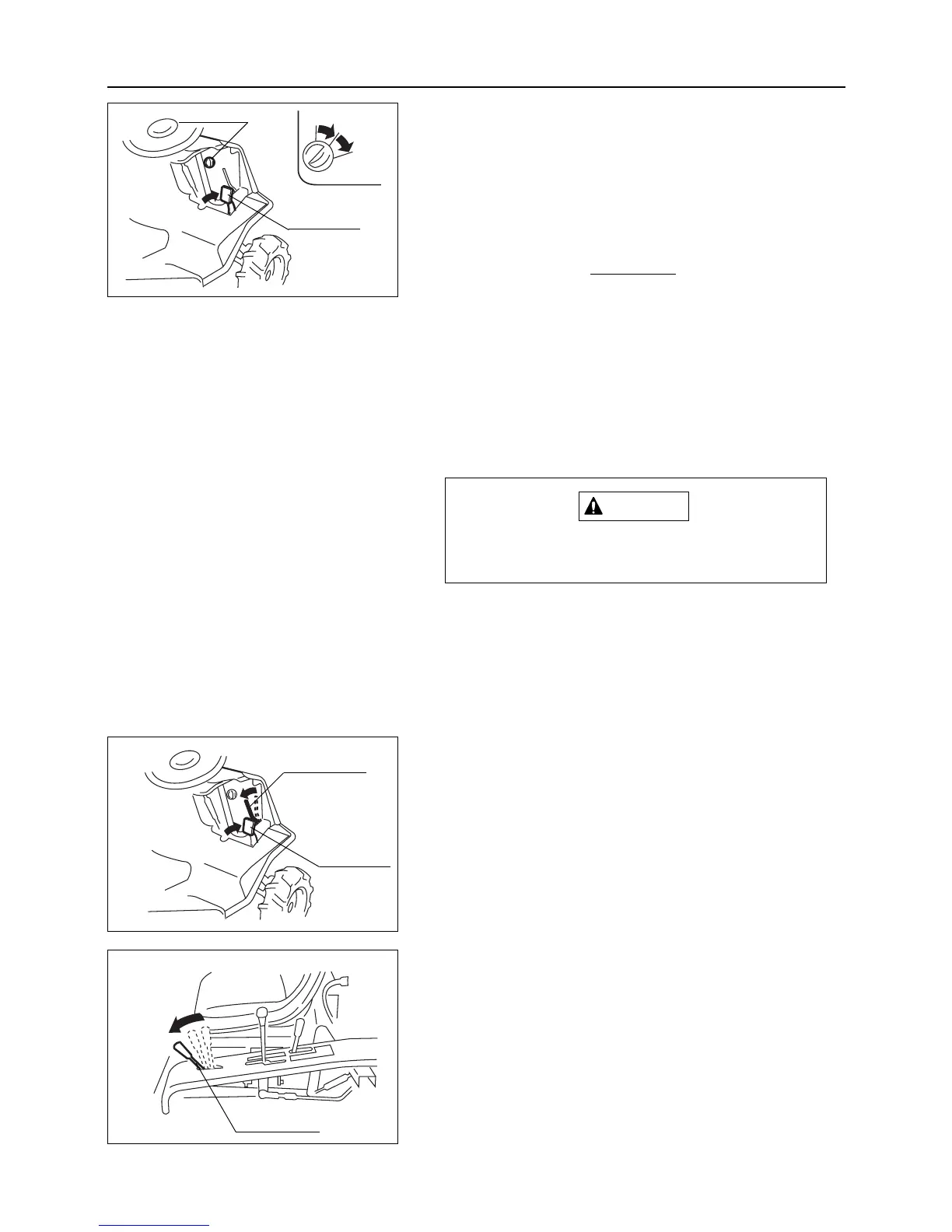
10. Remove main switch cap and put engine key into main
switch.
11. Turn main switch to [START] position.
12. When engine starts, release main switch; it automatically
goes back to [ON] position.
• Do not run starter motor for an extended
period. If engine does not start after 15 sec-
onds, wait for 1 minute and try again.
•Avoid turning starter motor repeatedly when
engine is hard to start. It may damage
starter gear.
• When an operator does not sit on seat, safe-
ty switch engages and engine will not start.
Never turn main switch to [START] position
while engine is running. It will damage starter.
13. Engage parking brake lock lever and push brake pedal into
the fully depressed position.
– 18 –
Operation
OFF
Main switch
START
ON
Brake pedal
Brake pedal
Parking brake
lock lever
14. Move throttle lever to [Low speed] position.
Throttle lever
Low
speed



 To Next Page