– 42 –
7
Maintenance
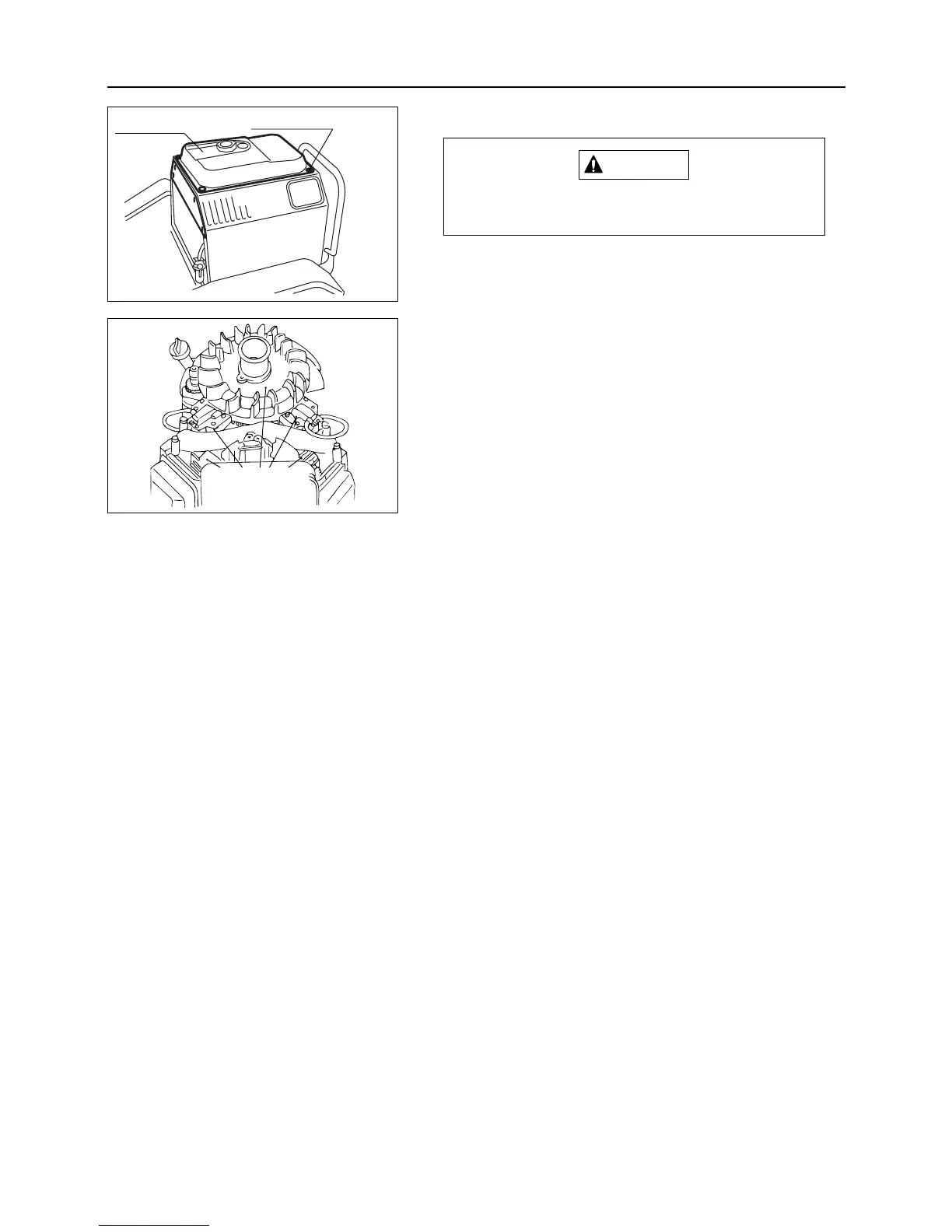
7.7.4 Blower Housing and Cooling Fan
Let engine cool off before removing blower
housing.
1. Drain all fuel from fuel tank.
2. Remove cover in front of fuel tank.
3. Remove mounting bolts (4 pcs.) for fuel tank.
4. Move fuel tank forward and keep it there.
5. Remove blower housing mounting bolts and detach
shroud.
6. Inspect cooling fan blades for dirt or dust. Clean them
with compressed air.



 To Next Page