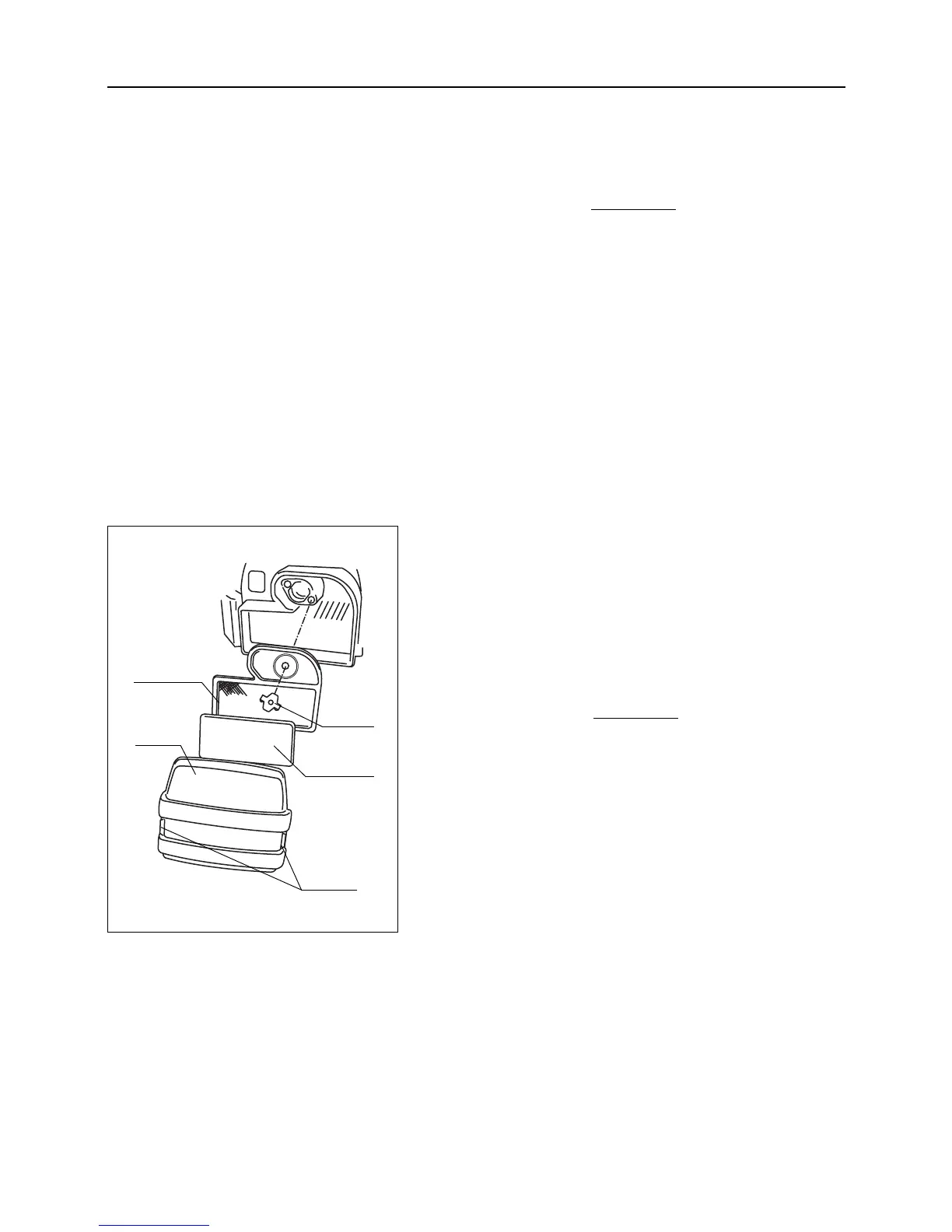
Cleaning
1. Remove hooks on both sides of air cleaner cover and
remove cover. Undo wing bolt to remove air cleaner ele-
ments.
2. Follow instructions in the operator's manual for the
engine to clean air cleaner elements.
3. Install elements. Replace wing bolt.
If air cleaner element is markedly dirty or dam-
aged, replace it.
4. Install cover.
Replacing
Inspect air cleaner elements every 50 hours (every week).
Replace them if necessary.
– 39 –
7
Maintenance
7.7 Cleaning
7.7.1 Air Cleaner
• Make sure to clean air cleaner elements on
a regular basis (every 50 hours of use). Dirty
air cleaner elements will badly affect engine
performance, power and life.
• Air cleaner element is fragile. Handle with
care.



 To Next Page