6540 Series Operations Manual Rev_I 1/12/2016 35
Set Temperature and Humidity (Optional) Alarms
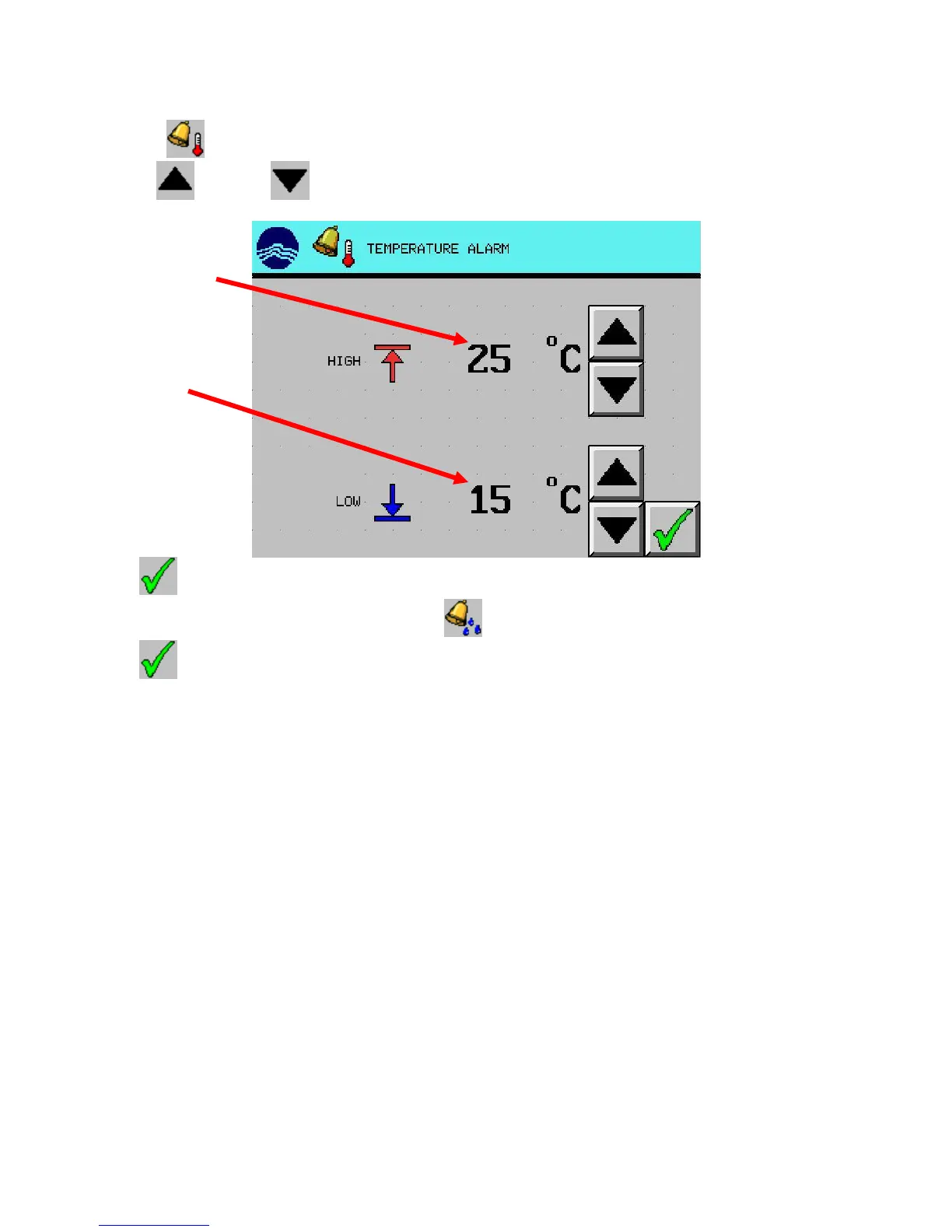
1. Press the (TEMPERATURE ALARM) button from the alarm screen.
2. Use the (UP) and (DOWN) arrow buttons to set the high and low temperature alarms.
3. Press (EXIT) button to return to the alarm screen.
4. Repeat steps 1-3 for humidity by pressing the (HUMIDITY ALARM) button (optional).
5. Press (EXIT) button to return to the main screen.
alarm
alarm



 To Next Page