Apex2
11
Operation
This section describes how to use the pump to take air samples using the minimum of
settings. The Apex2 has many other menu and settings options and these are described in
later chapters.
Turn the pump on/off
To turn on the pump:
On the top of the pump, press .
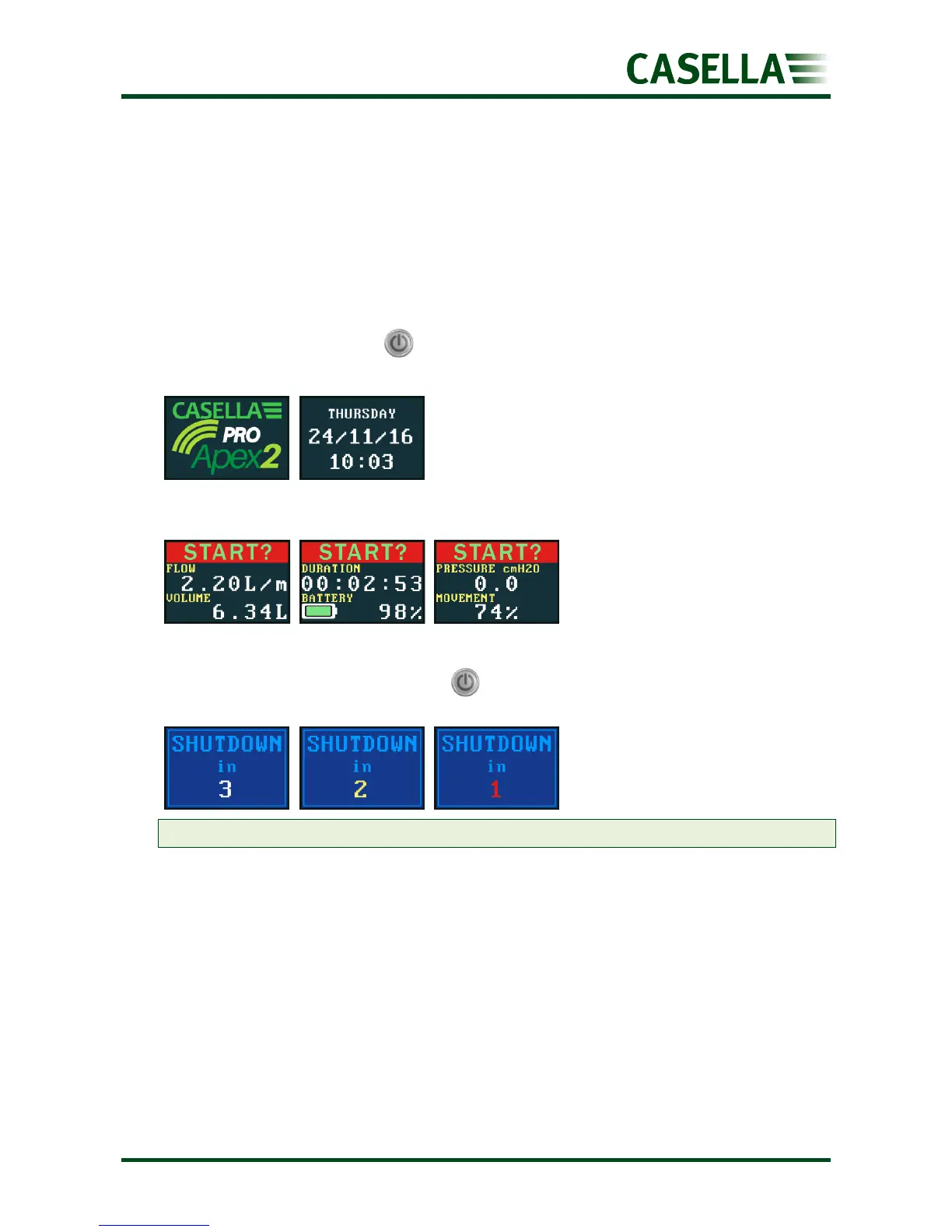
The following sequence is displayed:
This is followed by the three alternating dashboard screens, showing data from the last run.
Notice that the screen header is prompting you to start a sampling run.
To turn off the pump:
On the top of the pump, press and hold until the countdown has finished and the screen
goes blank.
Note: You can’t turn off the pump during a sampling run or when a programme timer is set.
Charge the pump battery
Before using the pump, check the battery level icon or battery gauge to ensure there is
enough charge for the intended sampling run. A good discipline is to place the pump on a
charger at the end of the shift so that it is always fully charged at the start of next shift.
Remember, it takes approximately 6 hours to fully charge a pump battery.


 To Next Page