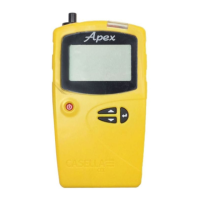
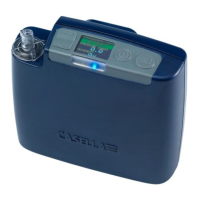
Apex2
22
Airwave software for mobile devices
The Airwave software allows you to control and check the pump’s status and measurement
progress without having to disturb the wearer who may be performing a critical task or
unavailable.
Note: Your mobile device must support Bluetooth®4.0 connectivity and must be running
Android version 4.3 or higher. Check you device specifications if unsure.
To install the Airwave software:
1. On your mobile device go to the Play Store and
search for casella airwave.
2. Click the Casella Airwave selection to install the
software.
Bluetooth connection and security
With Bluetooth® enabled, Airwave compatible products will always broadcast their basic
status and dashboard data and will be visible on any number of local mobile devices running
the Airwave Software.
However, Airwave compatible products, such as the Apex2, will only accept connection and
control requests from a single known or paired mobile device. This prevents an unknown
mobile device making a connection and then interrupting an active measurement run.
To pair a mobile device with your pump:
1. Ensure the pump is in Stop mode and that Bluetooth is switched on.
2. On your mobile device, open the Airwave software.
The identity of your mobile device is saved within the pump, and only this mobile
device can connect to the instrument during an active run.
Dashboard view
When the Airwave Software is first opened it automatically
scans for any Airwave compatible products within range
(up to 25 m in a direct line with no solid obstructions in the
path).
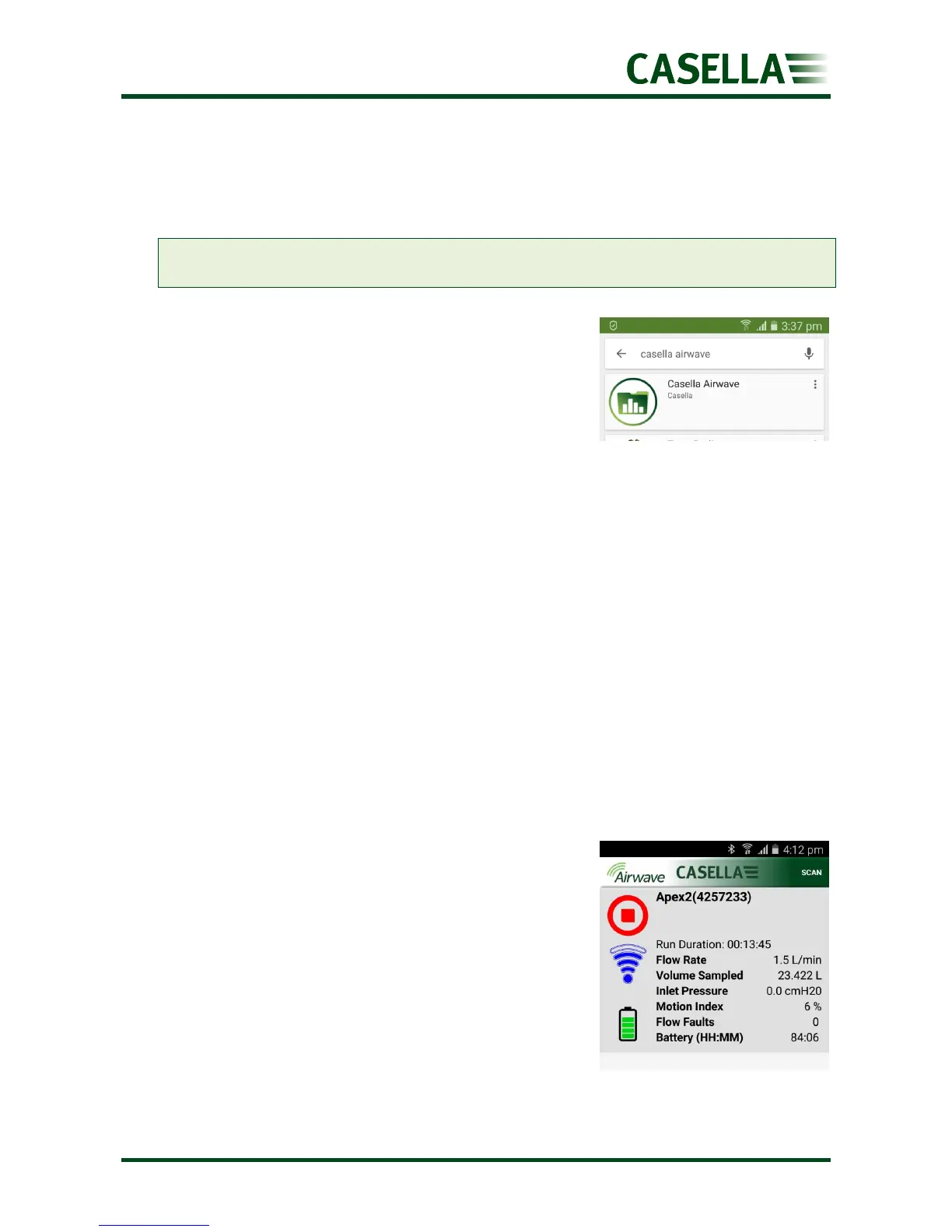
The dashboard provides an instantaneous view of the
measured data and status of all Airwave compatible
devices in range. Each device updates and broadcasts its
dashboard data every 3 seconds approximately.
To save power, the Airwave Software stops scanning when
all instruments within range have been detected.
To rescan for new devices, in the top-right corner of the software, touch SCAN.


 To Next Page