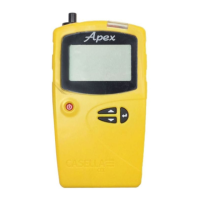
Apex2
23
Control panel
On the dashboard, touch the device you want to control.
A comprehensive set of measurement results similar to
those shown on the right will be displayed. You may need
to scroll up and down to view all the available data.
On the control panel you can, start, stop or pause a
sampling run.
To start, stop or pause a run:
• At the bottom of the screen, touch the appropriate
icon for 3 seconds, during which time a countdown is
displayed as shown below.
Release at any time during the countdown to abort the operation.
Menu options
At the top of the control panel screen, touch MENU to
display the options you can see in the screenshot on the
right. Each option is described below.
Send Results via eMail
Use this option to email the sampling run results to an
email address. When you select the option, the following
form is displayed that allows you to add some additional
information to the email.
You can alter the field names (see Customise eMail Header on the next page).


 To Next Page