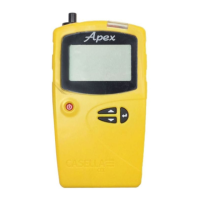
Apex2
18
Settings
This section describes the settings you may wish, or need, to alter occasionally, and it
describes how to access system information you may be asked for by a service technician.
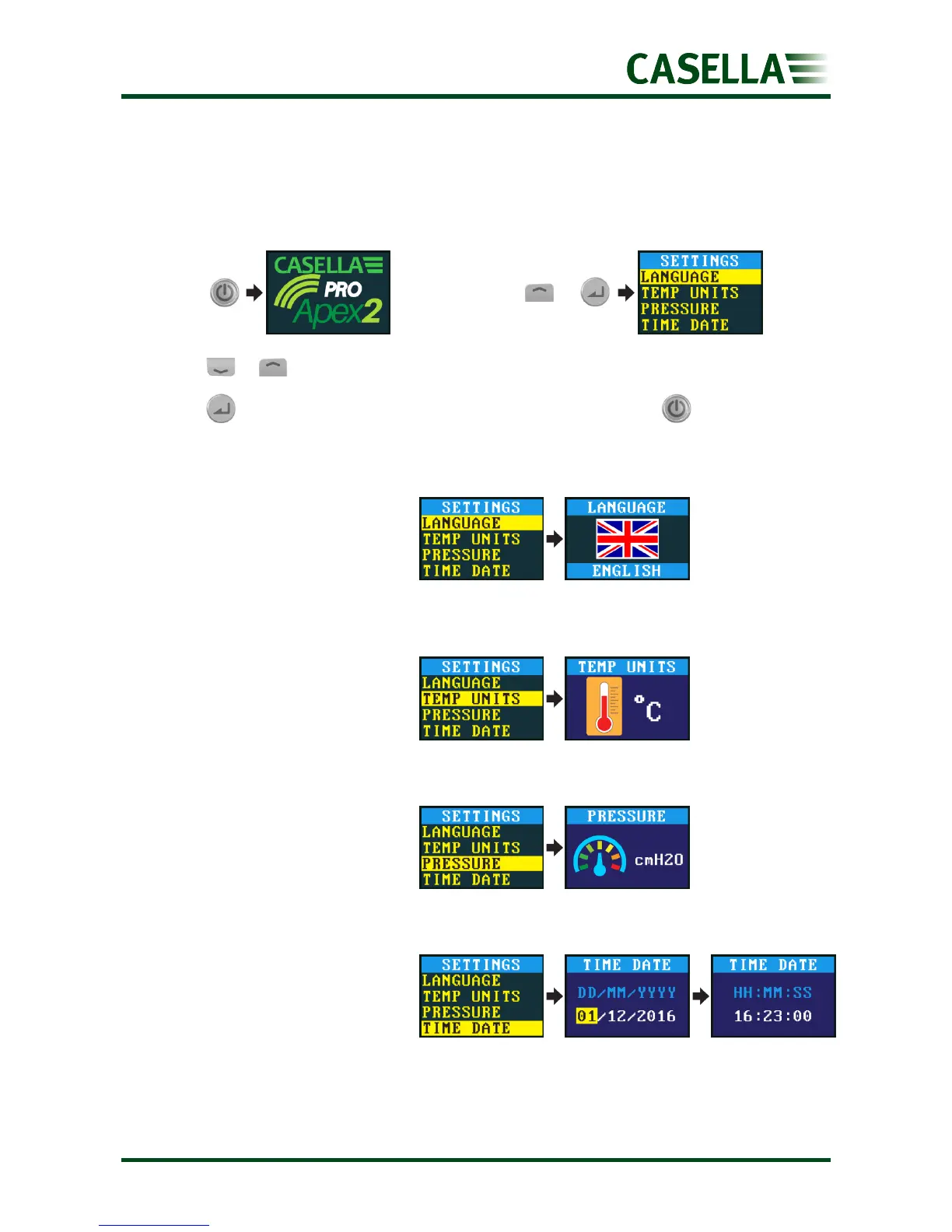
To access the SETTINGS menu:
Press or to scroll to any of the following settings.
Press to enter/save a setting or move between values, and press to go back.
Supported languages include
English, Portuguese, Brazilian,
Spanish, Italian, German and
French.
Select centigrade or Fahrenheit.
Select cmH2O, kPa, ”H2O or
mBar.
Set the date and time. Press
enter to sequence through the
numbers to be set.
With the Casella
screen visible,
press and hold


 To Next Page