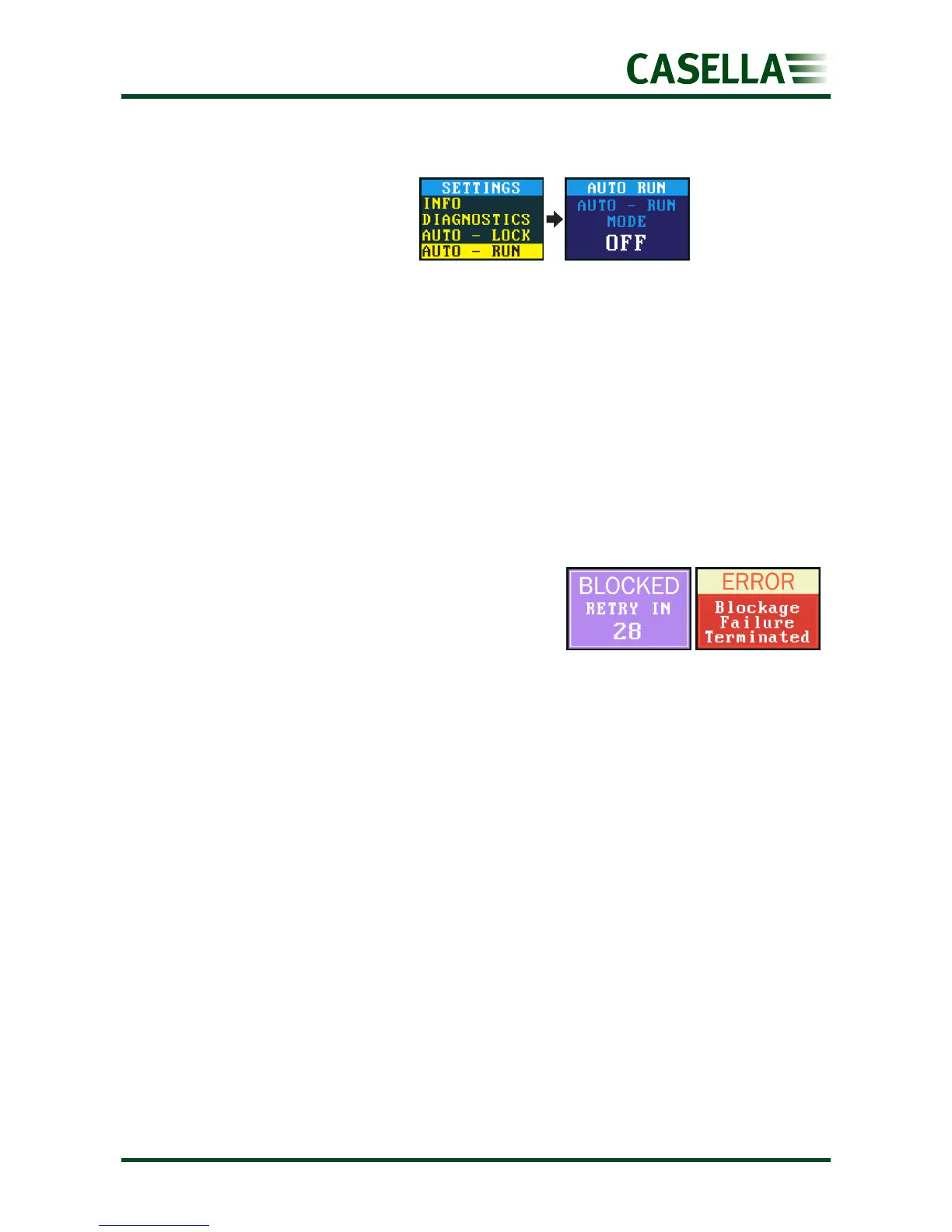
When set to ON the pump runs
automatically when it is placed
on the charger. Use this mode
when, for example, you want to
run a static long-term sample in
a non-hazardous area.
Warning and error messages
Warnings
When turning the pump on, if the battery level is below 10% a warning message will be
displayed. The pump will then switch off. Recharge the pump as necessary.
Errors
If the pump cannot maintain the target flow rate
within 5% for more than 20 seconds (due to a
kinked tube or inlet blockage) then it will
automatically stop sampling and show the Blocked
Retry message.
After one minute the pump will attempt to re-start. If the pump has not been able to re-start
after the specified number of retry attempts, the pump will terminate the current sampling
run and display an error message.


 To Next Page