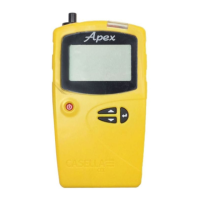
Apex2
15
Full lock
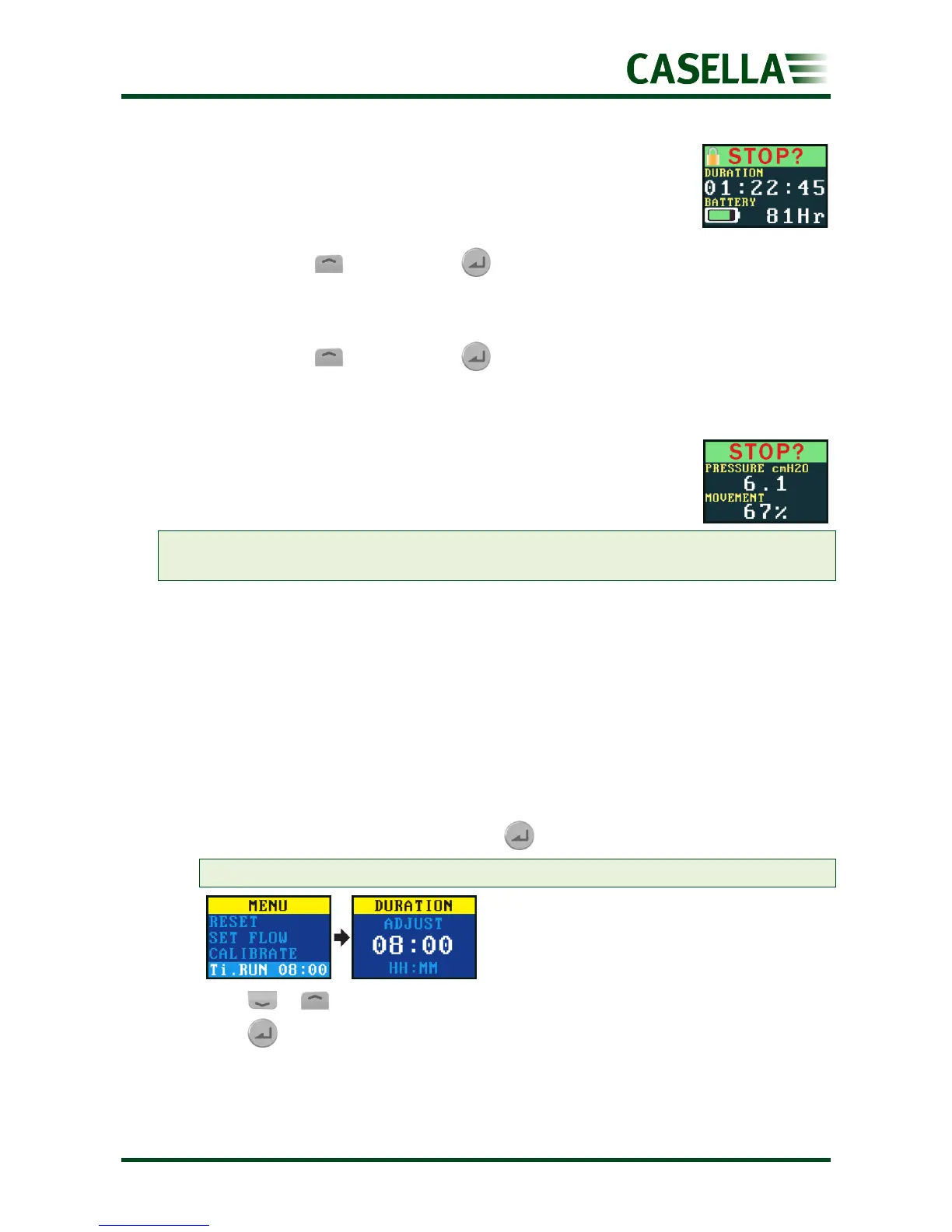
The full lock can only be set when the pump is running and is denoted by
a closed padlock icon. While fully locked, the keypad is fully de-activated.
The wearer cannot stop or disturb the pump by any key presses.
To fully lock the pump:
• Press and hold , and then press 6 times in quick succession. The full lock icon
will be displayed.
To unlock the pump:
• Press and hold , and then press 3 times in quick succession.
Motion sensing
The Apex2 includes a motion sensor, which reports the amount of time
the pump is moving as a percentage of the sample run time (shown as
67% in the example on the right). This ensures wearer compliance giving
you confidence in the validity of the sample.
Note: The percentage value is only updated after a fixed time interval that you set in
minutes. The available intervals are 1, 3, 5, 10 or 15 minutes (see Activity on page 19).
Timer programmes (Plus and Pro models only)
The duration and programmed sequence timer functions are only available when
ADV. MODE (Advanced Mode) has been enabled in the SETTINGS menu (see page 19).
Timed run
Using this mode you can run the pump for a set period, after which the pump will turn off
automatically.
To start a timed run for a set period:
1. Navigate to Ti RUN 08:00, and then press .
Note: 08:00 in this example is the previously set time.
2. Press or to set the time in hours and minutes.
3. Press for 3 seconds to start the timed run.


 To Next Page