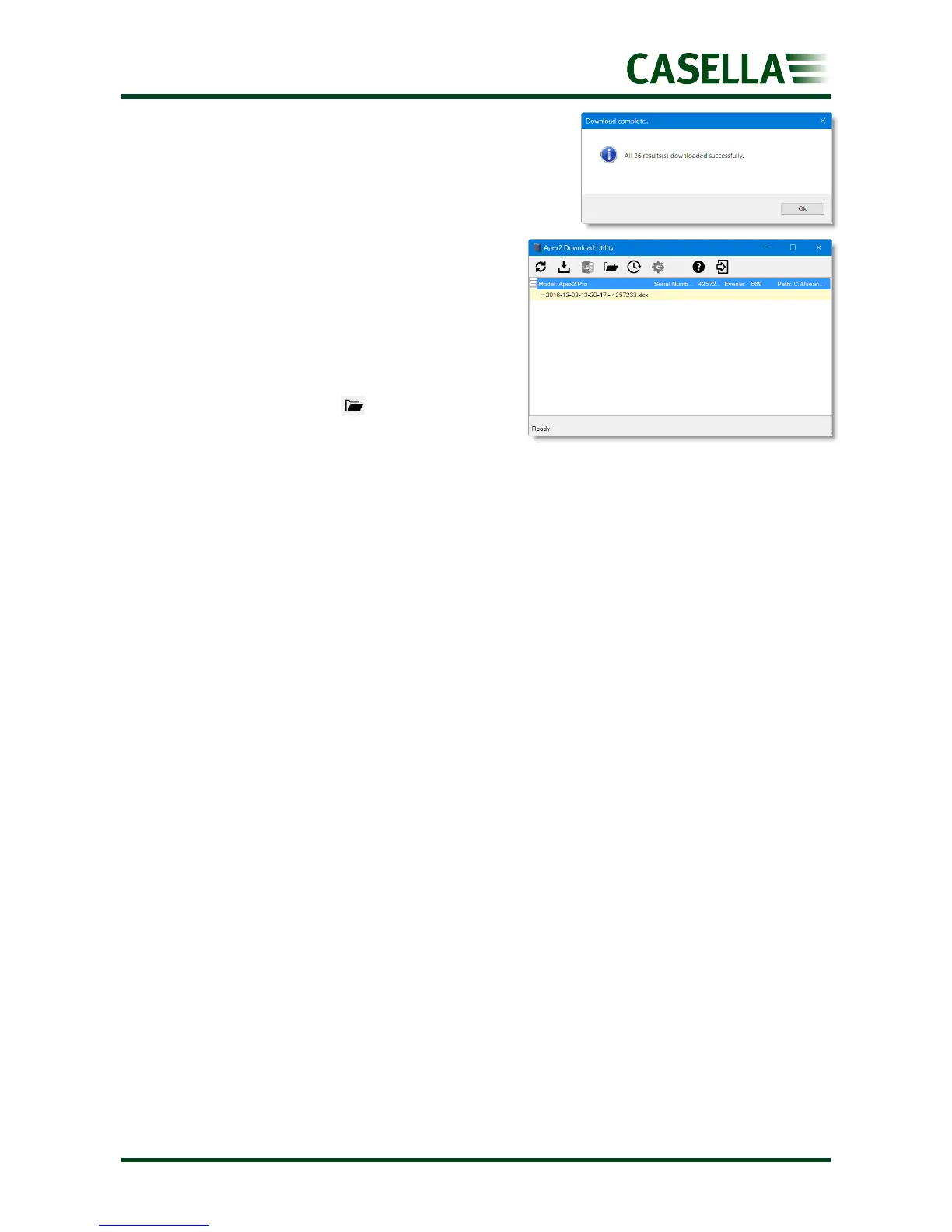
The data is downloaded and when
finished the Download complete
message is displayed.
7. Click OK to remove the message.
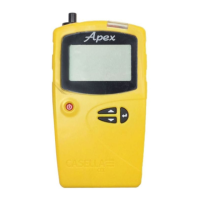
The downloaded data is loaded into an
Excel file.
A link to the file is displayed in the utility
as you can see in the example shown.
You can double-click the link to open the
Excel file.
You can also click to open your
selected folder containing any
downloaded Excel files.


 To Next Page