Reference
EN-175
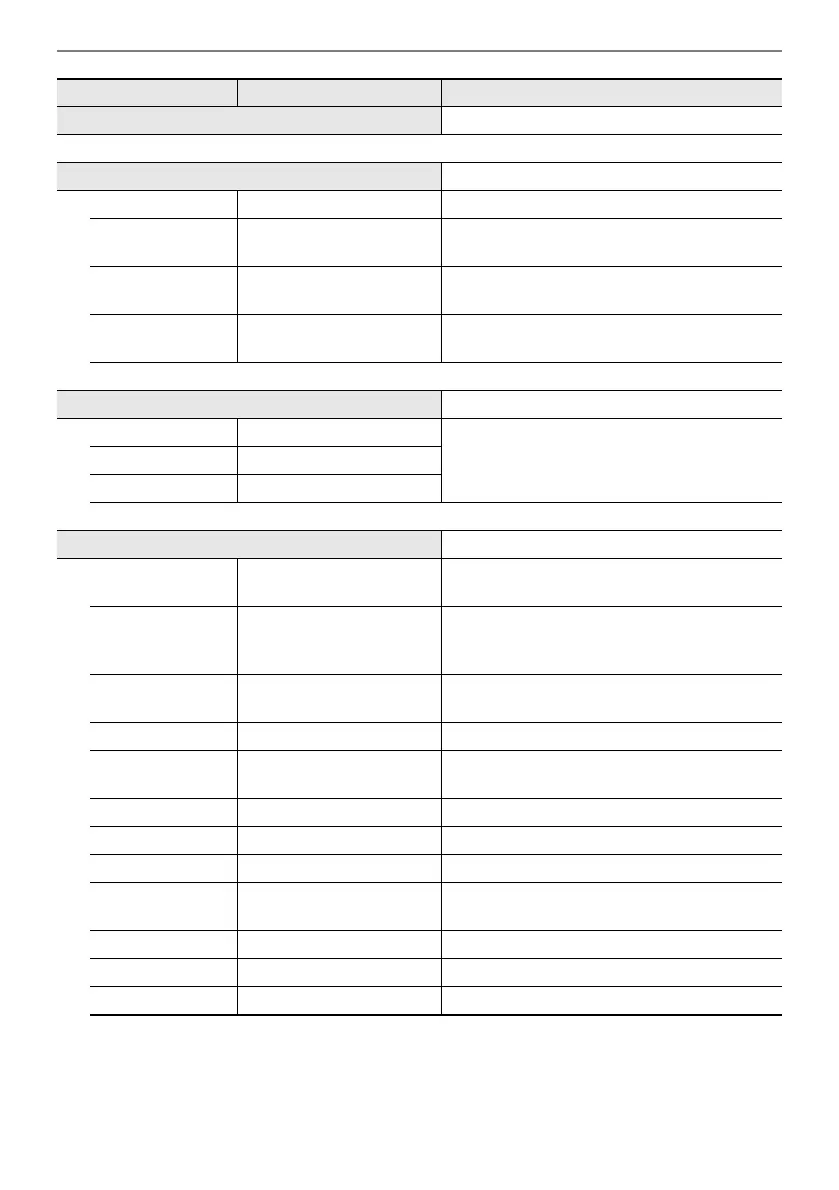
MEDIA “USB Flash Drive” (page EN-132)
WIRELESS (◆Touch and hold [ADPTR])
Notification Vol 0 - 127 “Notification Tones” (page EN-144)
Audio Pairing —
“Pairing the Digital Piano with a Bluetooth
Audio Device” (page EN-146)
Pairing Clear —
“Deleting Bluetooth Audio Device Pairing
Registration” (page EN-147)
Audio C Cancel Off, On
“Bluetooth Audio Center Cancel (Vocal Cut)”
(page EN-152)
MIDI —
Keyboard Ch 1 - 16
“Configuring MIDI Settings” (page EN-142)Local Control Off, On
Hi-Reso MIDI Out
Off, On
SYSTEM —
Master Tuning 415.5 - 465.9
“Fine Tuning a Pitch (Master Tuning)”
(page EN-124)
Op. Click Volume
0 - 10
“Setting the Volume of the Sound Made When
the Touch Ring is Used (Operation Click
Volume)” (page EN-26)
Panel Light Off, 5, 30, 60,120
“Panel Lights Off”
(page EN-19)
Operation Lock Off, On, Auto
“Operation Lock” (page EN-22)
Speaker Out Off, On, Auto
“Outputting From the Speakers While
Headphones are Connected” (page EN-20)
Headphone Mode
Off, On “Headphone Mode” (page EN-21)
Auto Resume Off, On “Auto Resume” (page EN-17)
Auto Power Off Off, On “Auto Power Off” (page EN-17)
Power On Alert Off, On
“Power On Alert and Illumination Effect”
(page EN-18)
Battery Type Alkaline, Ni-MH “To select the Battery Type” (page EN-14)
Close-up Off, On “Close-Up Screen” (page EN-29)
LCD Contrast 1 - 17
“Adjusting Display Contrast” (page EN-19)
Menu Item Setting Values Reference


 To Next Page
 Loading...