7
4. Alter the parameter
The key feature of the control panel is the logical way in which the controls are arranged.
All the main parameters needed for day-to-day working can easily be
- selected with the buttons
- altered with the adjusting dial
- shown on the display during welding.
Note! Owing to software updates, you may find that your machine has certain
functions that are not described in these Operating Instructions, or vice-versa.
Also, certain illustrations may be very slightly different from the actual controls
on your machine. However, these controls function in exactly the same way.
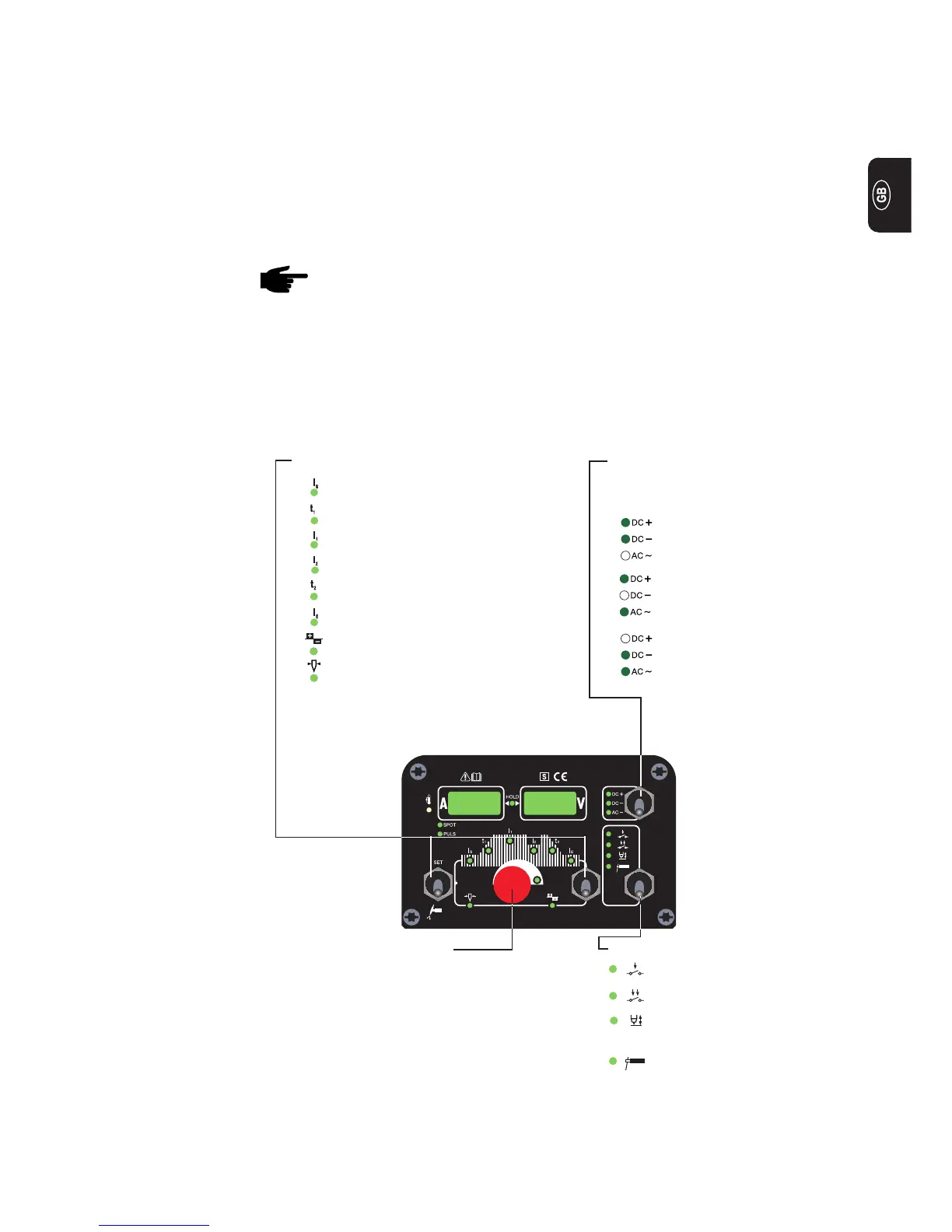
The illustration below shows an overview of the main settings needed for day-to-day
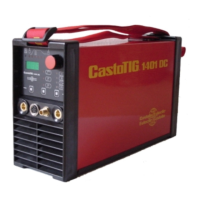
working, based on the example of the CastoTIG 1702/2202 AC/DC and CastoTIG 2201
DC control panel. You will find a detailed description of these settings in the following
section (“Control panel”).
1. Select the operating mode:
Rod electrode (MMA)
Contact ignition
(Lift-arc)
4-step mode
2-step mode
2. Choose which process:
(only on CastoTIG 1702/2202 AC/
DC)
DC+ welding
(only with rod electrode)
DC- welding
AC welding
3. Select the parameter:
Starting current I
S
Upslope t
1
Main current I
1
Reduced current I
2
Downslope t
2
Final current I
E
Balance (only with TIG-AC)
Electrode diameter
Control panel
Overwiew


 To Next Page