49
General remarks
Displayed service
codes
If any error message that is not described here appears on the displays, then the fault is
one that can only be put right by a service technician. Make a note of the error message
shown in the display, and of the serial number and configuration of the power source,
and get in touch with our after-sales service, giving them a detailed description of the
error.
no | Prg
Cause: No pre-programmed program has been selected
Remedy: Select a pre-programmed program
tP1 | xxx, tP2 | xxx, tP3 | xxx, tP4 | xxx, tP5 | xxx, tP6 | xxx
Cause: Over-temperature in the primary circuit of the power source
Remedy: Allow the power source to cool down
The power sources are equipped with an intelligent safety system. This means that apart
from the fuse for the coolant-pump, it has been possible to dispense with melting-type
fuses entirely. After a possible malfunction or error has been remedied, the power source
can be put back into normal operation again without any melting-type fuses having to be
changed.
Warning! An electric shock can be fatal. Before opening up the machine
- Shift the mains switch into the "OFF" position
- Unplug the machine from the mains
- Put up an easy-to-understand warning sign to stop anybody inadvertently
switching it back on again
- Using a suitable measuring instrument, check to make sure that electrical-
ly charged components (e.g. capacitors) have been discharged
Caution! Inadequate PE conductor connections can cause serious injury and
damage. The housing screws provide a suitable PE conductor connection for
earthing (grounding) the housing and must NOT be replaced by any other
screws which do not provide a reliable PE conductor connection.
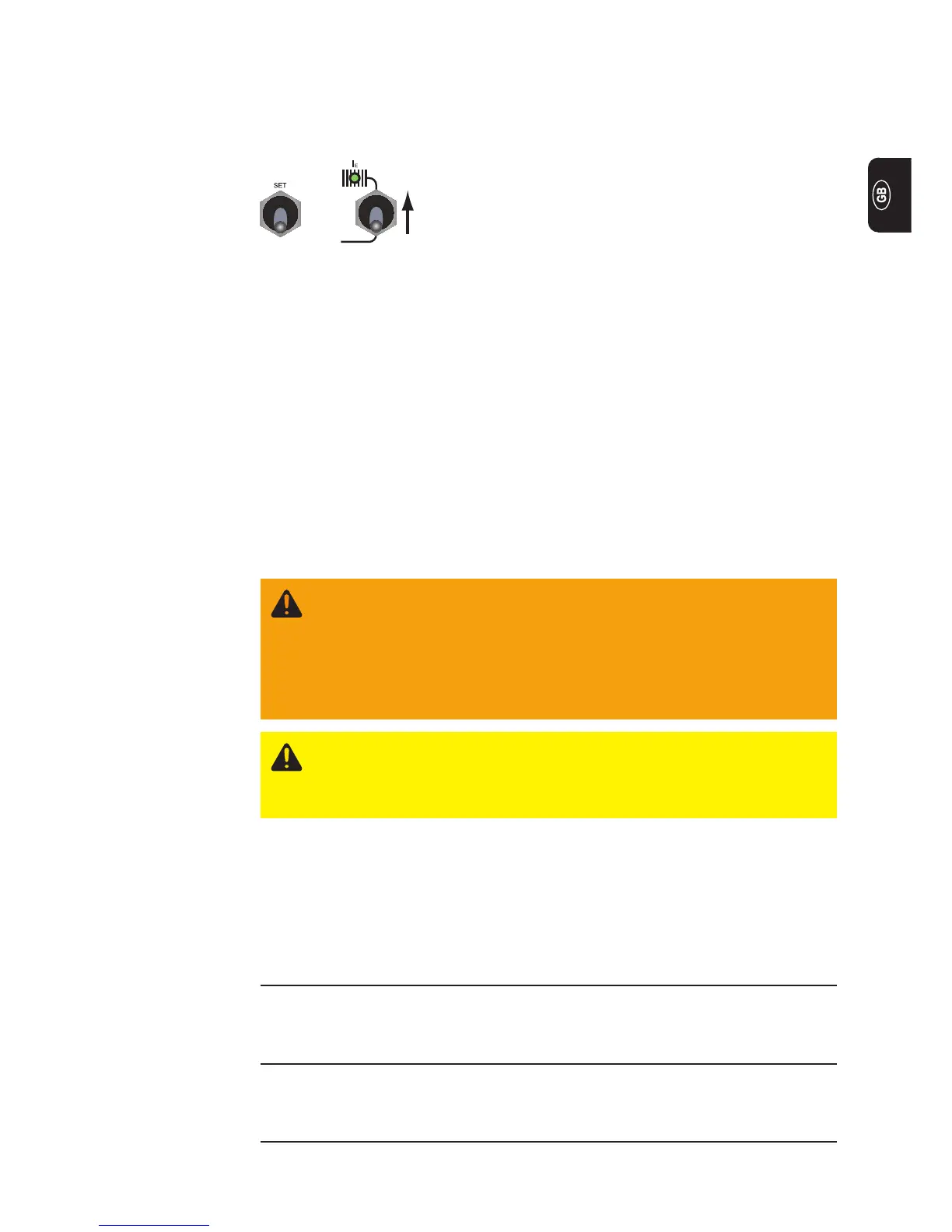
Indicating the software version:
While pressing and holding the Set button (13), press the parameter selection button (8).
The software version now appears on the displays. To exit, press the Set button (13)
again.
+
Troubleshooting
Special function
Indicating the
software version


 To Next Page