45
HCU ... Hot-start current ... 0 to 100 %, factory setting: 50 %
Hti ...... Hot-current time ... 0 to 2.0 s, factory setting: 0.5 s
dYn .... dynamic ... arc-force dynamic correction ... 0 to 100, factory setting: 20
FAC .... Factory ... To reset the welding machine
Press and hold the Set button (13) for 2 s to reset the machine to the factory settings.
When the display reads “PrG”, the welding machine has been reset.
Important! When the welding machine is reset, all the personal settings in Level 1 of
the set-up menu are lost. The parameter settings in the second level of the set-up menu
(2nd) are also not deleted.
2nd ..... Second level of the set-up menu (see “The set-up menu: Level 2”)
Available set-up
parameters
The set-up menu: Level 2
General remarks “Set-up menu: Level 2” contains all the set-up parameters needed for making the preli-
minary settings on the welding machine. The parameters are arranged in logical groups.
Each of these groups is called up by pressing a different combination of buttons.
- While pressing and holding the Set button (13), press the “Mode” button (1)
- The first set-up parameter is displayed (e.g. “SPt”)
Important! The first parameter to be displayed is always the one that was the last to be
selected the last time the set-up menu was accessed.
- Select the set-up parameter “2nd” with the parameter selection buttons (8) and (9).
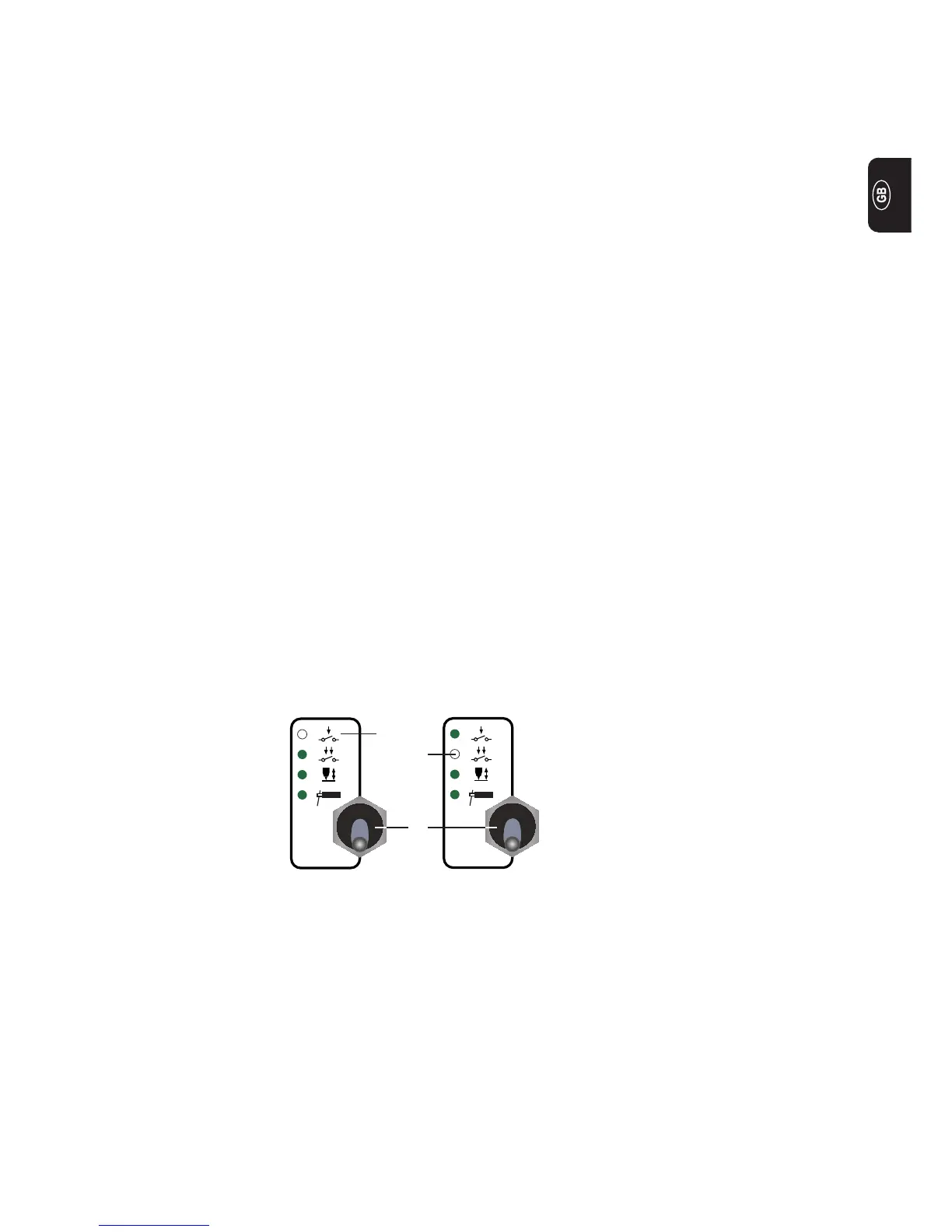
(1)
(3)
(2)
- Press the “Mode” button (1) to select either 2-step mode (2) or 4-step mode (3)
Level 2: TIG set-up parameters
Select “Parame-
ter 2nd”


 To Next Page