41
The set-up menu makes it easy for you to adapt the parameters to many very different
types of welding task.
“Set-up menu: Level 1” contains all the set-up parameters that have an immediate effect
upon the welding process. The parameters are arranged in logical groups. Each of these
groups is called up by pressing a different combination of buttons.
On the following pages you will find a detailed description of the settings that can be
made in the set-up menu, and of the parameters that are available in it.
The set-up menu: Level 1
General remarks
- While pressing and holding the Set button (13), press the “Mode” button (1)
- The first set-up parameter is displayed (e.g. “SPt”)
Important! The first parameter to be displayed is always the one that was the last to be
selected the last time the set-up menu was accessed.
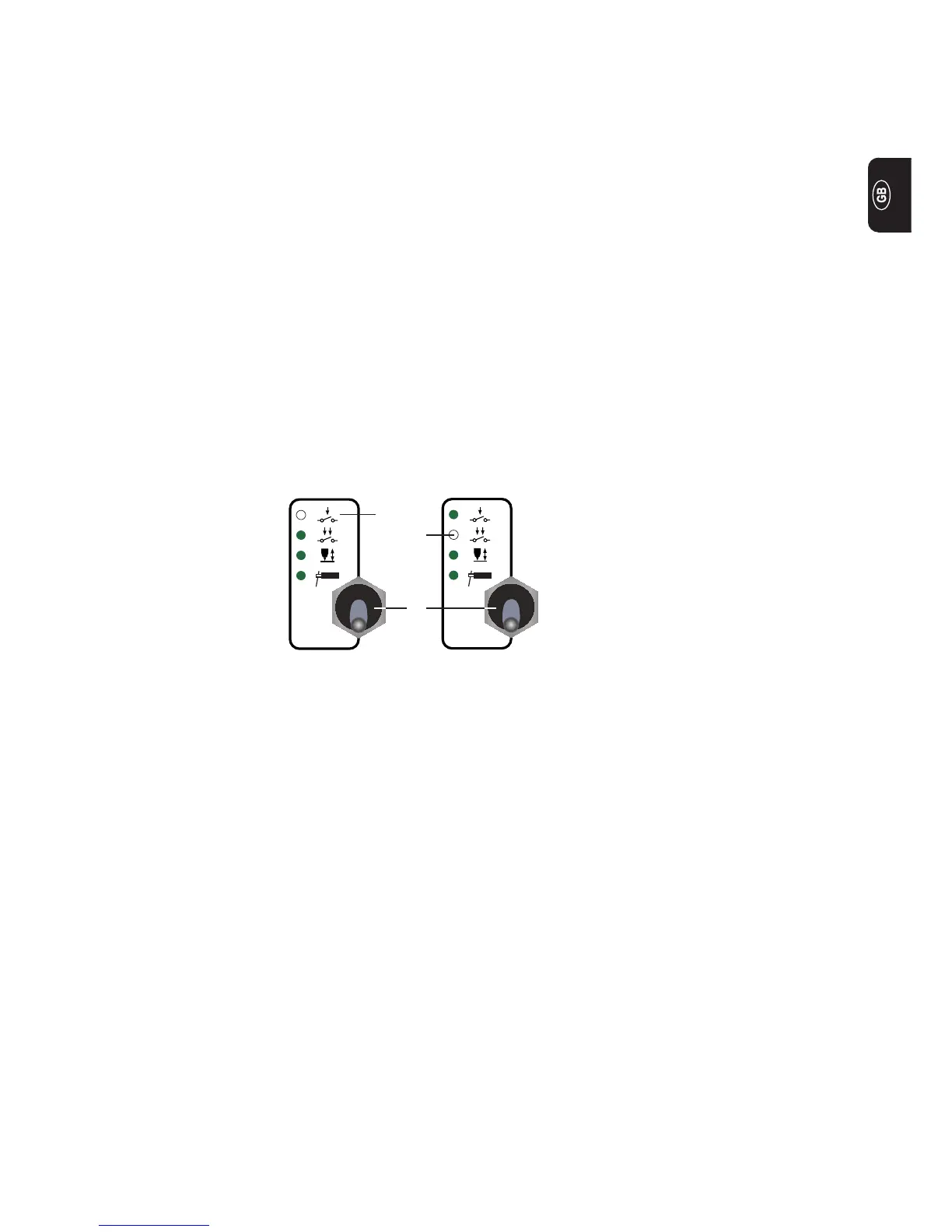
(1)
(3)
(2)
- Press the “Mode” button (1) to select either 2-step mode (2) or 4-step mode (3)
Level 1: TIG set-up parameters
Accessing
Selecting and
altering the set-
up parameter
Saving and
exiting
- Select the desired set-up parameter with the parameter selection buttons (8) and
(9).
- Alter the value of the set-up parameter with the adjusting dial (7)
- Press the Set button (13)


 To Next Page