17
cdvi.com
cdvigroup.com
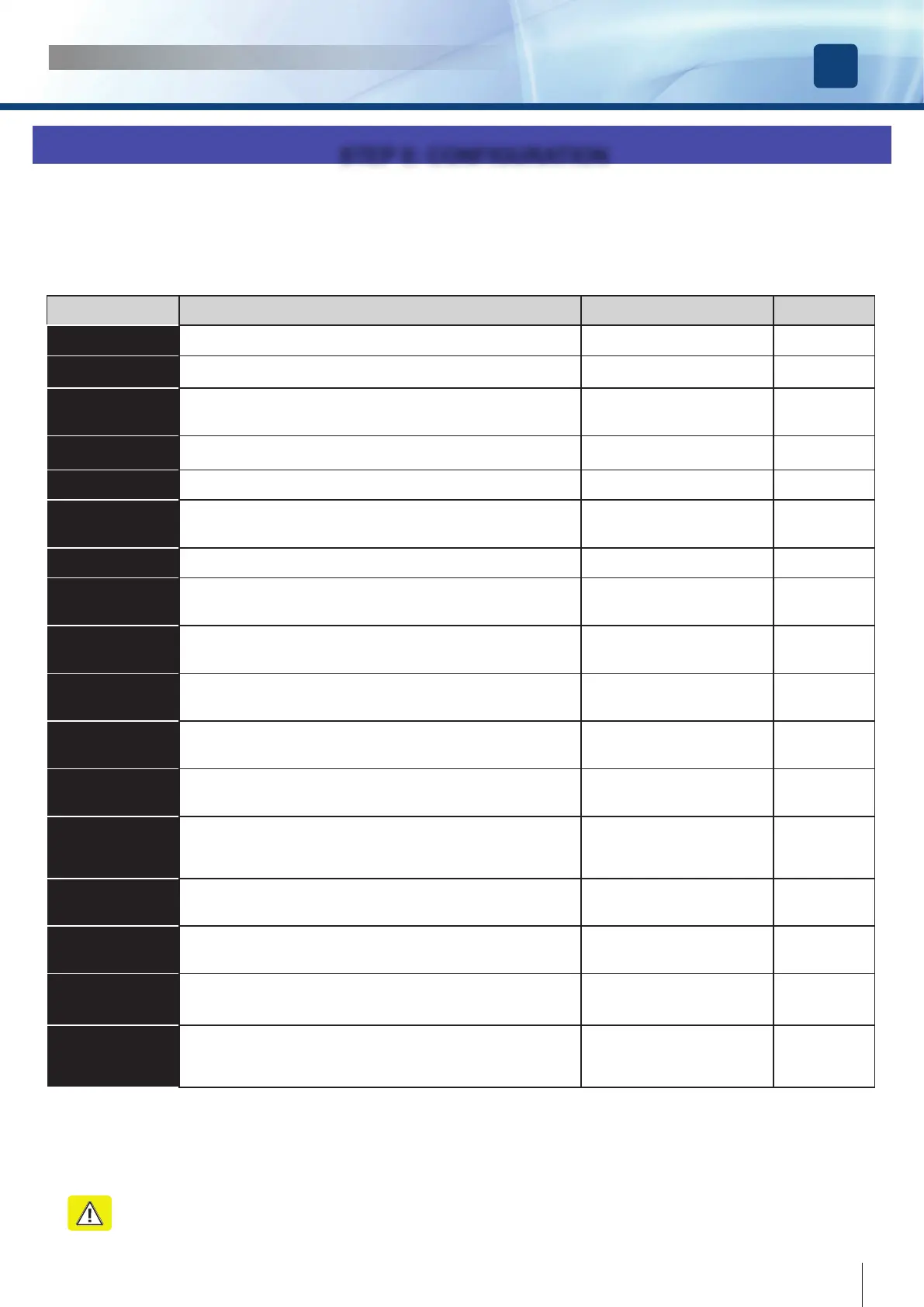
Parameter Description Option Default
Num. Doors
Sets the number of Doors ONE DOOR / TWO DOORS ONE DOOR
Electrolock
Enables electrolock and specify the type NO LOCK / STRIKE / MAGNET NO LOCK
Opening Jolt
Enables the opening Jolt : SHORT PULSE OF CLOSING BEFORE
OPENING. Usefull to unlock the electrolock in windy situations
ENABLE / DISABLE DISABLE
Push & Open
Opens automatically the door with a short push. ENABLE / DISABLE ENABLE
Push & Close
Closes the door with a short push even in pause status. ENABLE / DISABLE ENABLE
Wind Stop
Keeps the door closed in presence of wind which pushes the door. See
ADVANCED SETTINGS to set the level of the closing force used.
ENABLE / DISABLE DISABLE
Autoreclosing
Enables the automatic reclosing of the door ENABLE / DISABLE ENABLE
Radar ‘I’ Mode
INTERNAL radar operating mode. If it’s selected the option CLOSING the
radar is excluded during the closing. This avoids the door to reopen for the
arm detection
NEVER / CLOSING / ALWAYS NEVER
Radar ‘E’ Mode
EXTERNAL radar operating mode. If it’s selected the option CLOSING the
radar is excluded during the closing. This avoids the door to reopen for the
arm detection
NEVER / CLOSING / ALWAYS NEVER
Day / Night
Set the Night / Day mode. In Night mode the External radar is disabled. DAY & NIGHT / NIGHT NIGHT
Disabled Mode
Disabled access mode ( See paragraph Disabled
access settings)
ENABLE / DISABLE DISABLE
Open Command
Functions of the main command which can open, close and stop ( this will
be the function assigned to the open button ( terminals 15-16 ) and to the
radio transmitter
OPEN - OPEN/CLOSE -
OPEN-CLOSE/STOP
OPEN/CLOSE
Mode Spring
Spring function: if the door is closed, it remains free and can be pushed
manually; once opened, the door will reclose after the pause time set.
NOTE : In Spring mode the pause time is 1 sec. if the door is partly
opened and equal to the set value if the door is opened completely .
ENABLE / DISABLE DISABLE
2 Doors Overlap
Overlap of the leaves ( in case of double doors ). In this case starts rst
the MASTER leaf in opening and rst the SLAVE leaf in closing. If the
parameter is DISABLED the leaves open and close simultaneously
ENABLE / DISABLE DISABLE
Door Type
Leaf MASTER or leaf SLAVE ( in case of double doors ) MASTER / SLAVE MASTER
Arm Type
Articulated or sliding arm. This parameter set the VELOCITY of the door
according to the arm type selected. (See Adjustments)
50% ARTICULATED ARM, 70% SLIDING ARM
SLIDING / ARTICULATED SLIDING
Fire Signal
Fire signal management. When this option is enabled the door operates
regularly only if the re power V-/V+ is present. If the re power falls down
( for a re alarm in progress) the door reacts according to the choice set in
the advanced sets options )
ENABLE / DISABLE DISABLE
Step II allows you to set all the basic parameters of the operator, according to the type of door to automate
The submenu CONFIGURATION consists of 18 parameters.
Each parameter can have 2 or more values.
For each parameter there is a preset factory value. If the function FACTORY DEFAULT of the main menu is used, all the parameters
are reset to those values.
See the description of each parameter in the following table:
STEP II: CONFIGURATION
ATTENTION : Any change carried out needs a complete cycle ( open, pause, close ) or a system reset to be
implemented.
INSTALLATION MANUAL
EN
DIGIWAY PLUS



 To Next Page