INSTALLATION MANUAL
EN
DIGIWAY PLUS
Use Instructions
If the door is working properly the led LP is STABLE GREEN
HOW TO OPEN THE DOOR
According to the peripherals installed the door driven by this operator can be opened by the following devices:
• OPEN BUTTON
• OPEN REMOTE CONTROL
• RADAR ( INTERNAL / EXTERNAL )
• MANUAL PUSH ON THE DOOR to OPEN or CLOSE
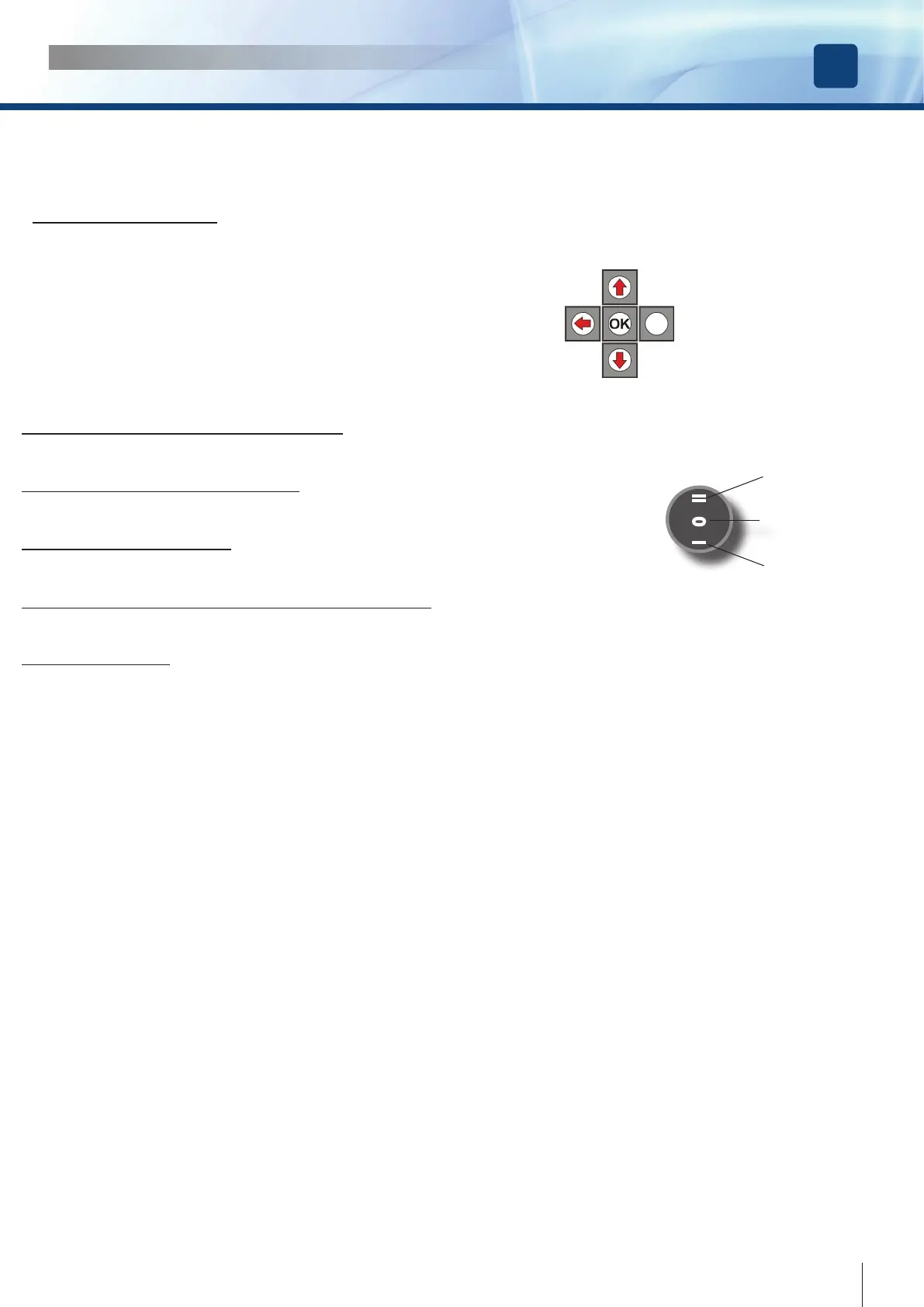
• PRESS BUTTON “DOWN” of the KEYBOARD
HOW TO SET THE DOOR IN AUTOMATIC MODE
Move the external switch in position II ---> the led LP will become GREEN
HOW TO SET THE DOOR ALWAYS OPEN
Move the external switch in position II ---> the led LP will become ORANGE
HOW TO SET THE DOOR FREE
Move the external switch in position 0 --> the led LP will switch OFF
HOW TO SET THE DOOR IN NIGHT MODE ( when connected )
Move the external switch to NIGHT ---> the led LP will become ORANGE BLINKING
BATTERY OPERATED
The led LP blinks GREEN
I 0 II
DOOR ALWAYS
OPEN
DOOR FREE
FULLY AUTOMATIC
ESC
DOWN
UP
31
cdvi.com
cdvigroup.com



 To Next Page