30
Operating Instruction for Thermal Imager
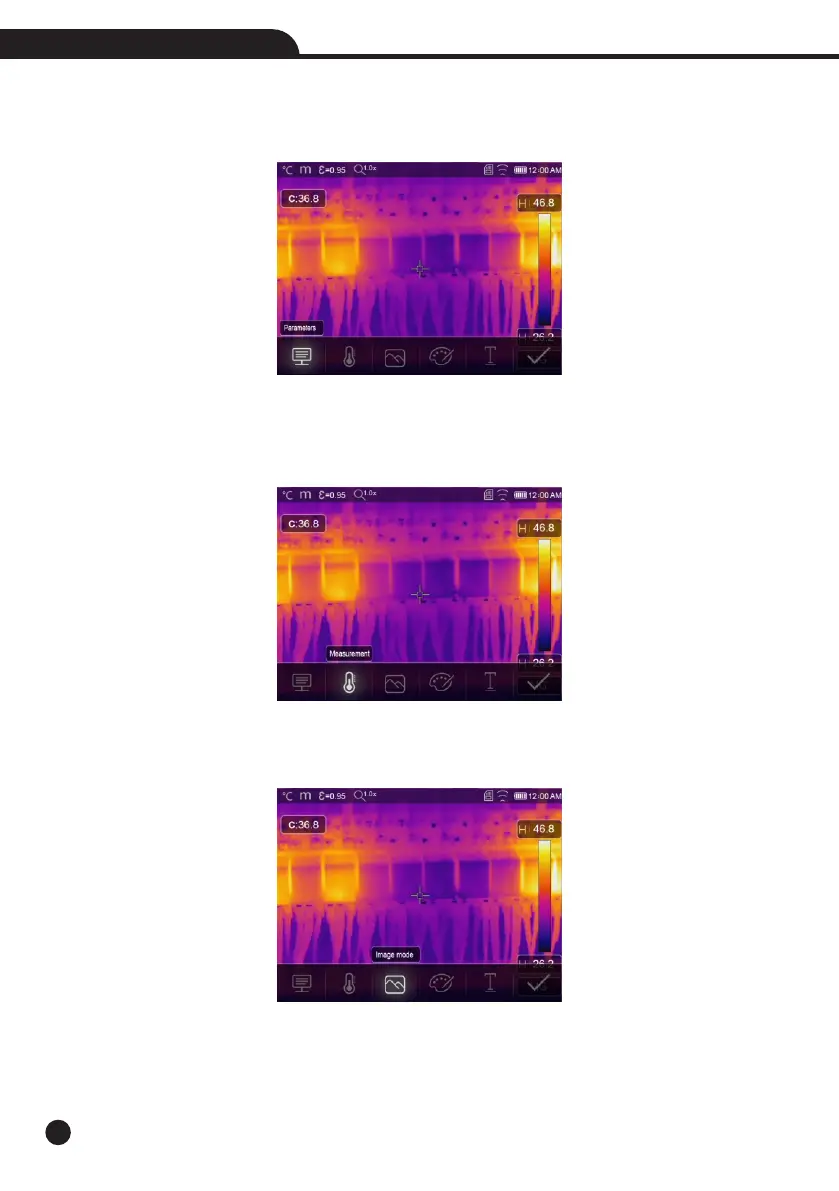
6-8-3.Change Measure Parameters
Touch the “Parameters” icon, it can change the image’s measure parameters: Emissivity, ambient temperature,
humidity, reflect temperature, infrared compensation, distance.
6-8-4.Add Analyse Tools
Touch the “Measurement” icon, it can add or change the analyse tools in the image: point analyse, area analyse,
line analyse.
6-8-5.Change Image Mode
Touch the “Image Mode” icon, it can change the image mode: thermal, visible,picture in picture, Auto fusion,
zoom.



 To Next Page
 Loading...










