35
Operating Instruction for Thermal Imager
8.Android/iOS APP Thermview
8-1.Software Install and Uninstall
8-1-1.System Required
Android mobile phone: Android 4.0 above, with USB OTG Support
iOS: iPhone4 above
8-1-2.Thermoview App Install
Android: Search “Thermview” on Google Play and install it.
iOS: Search “Thermview” on Apple Store and install it.
8-2.Thermview Function
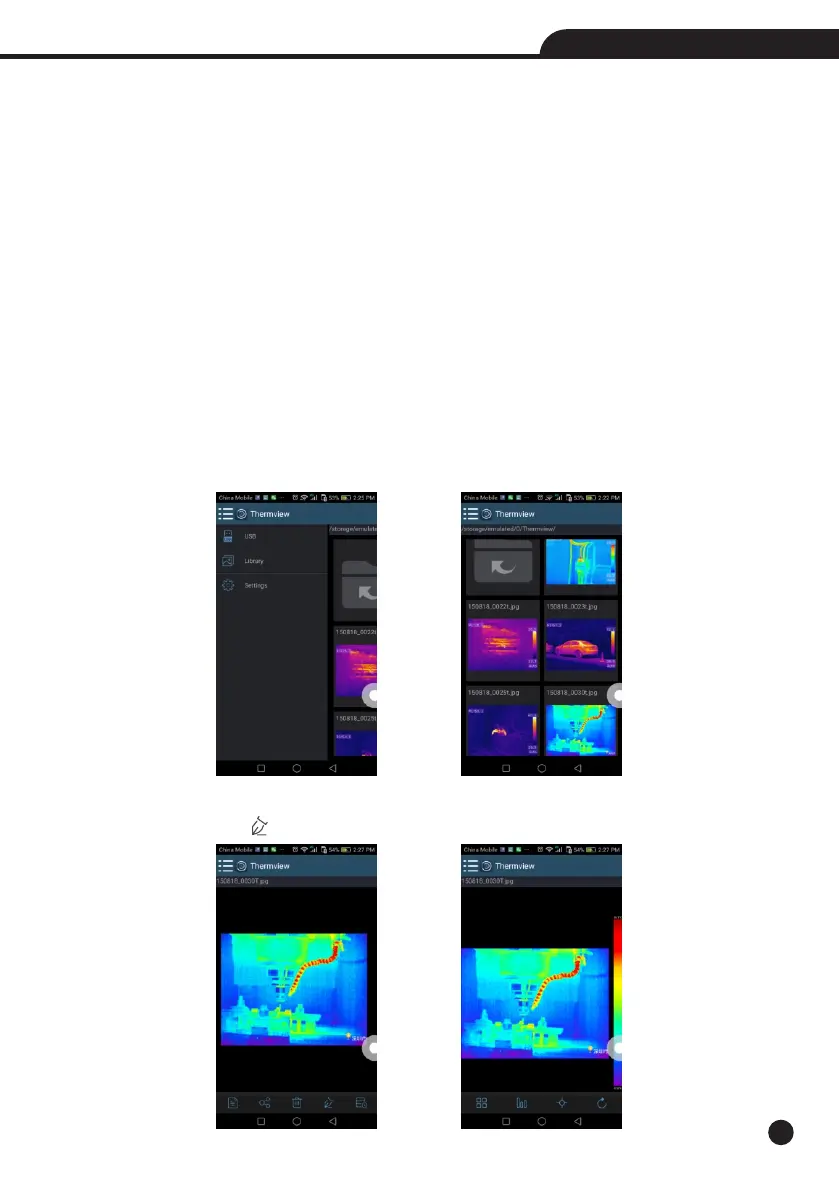
8-2-1.Import Pictures
1.Enable WIFI function on the thermal device.
2.Connect the smart phone to the thermal device through the WIFI.
3.Download the IR pictures from the thermal imager directly or get the realtime video stream.
4.View and analyse the thermal image.
8-2-2.Analyse
Select a IR Picture and click “ ” icon to analyse it.



 To Next Page
 Loading...










