31
Operating Instruction for Thermal Imager
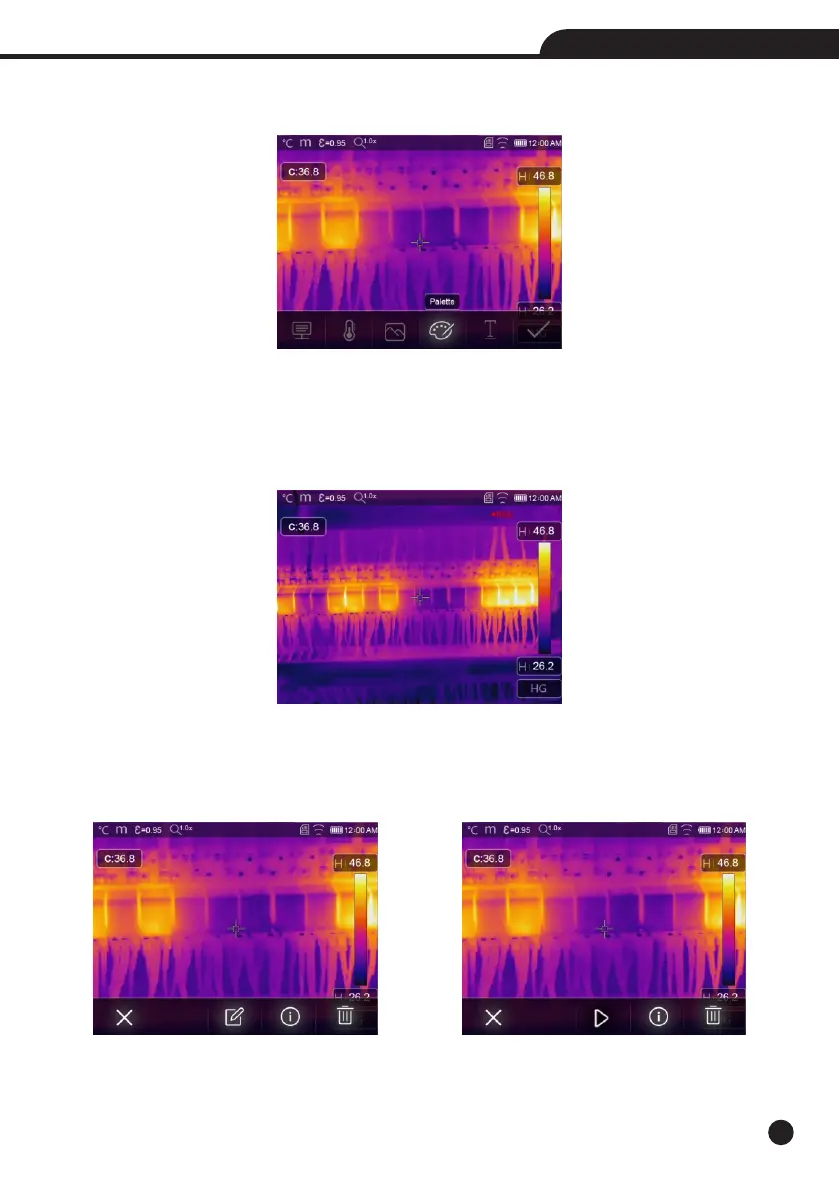
6-8-6.Change Color
Touch the “Pallete” icon, it can change the image color.
6-9.Video Menu
The Thermal Imager has “.mp4” video capture.
1. In desktop, press Trigger button and hold for about 2 seconds, start video capture with voice.
2. To stop video capture, press Trigger button again, The video saved in the video file.
6-10.Files Browser
In desktop, press “Files Browse” button, popup files Browser, Which displays pictures and videos saved in SD
Memory Card.
Picture Mode Video Mode



 To Next Page
 Loading...










