38
Operating Instruction for Thermal Imager
9.PC Software
9-1.System Required
• Window XP or higher version of Windows system, please make sure you have installed Net Framework 2.0 or Net
Framework 3.5 (Include 2.0)when you install PCIMeter software.
• If not, please find and install our Microsoft. NET_Framework_v2.0.exe that provided to you.
• Open the net framework 2.0,Follow all tips to install Net Framework 2.0 till it finishes.
• If your system already have installed Net Framework 2.0, then no need to install again.
9-2.IRMeter Install
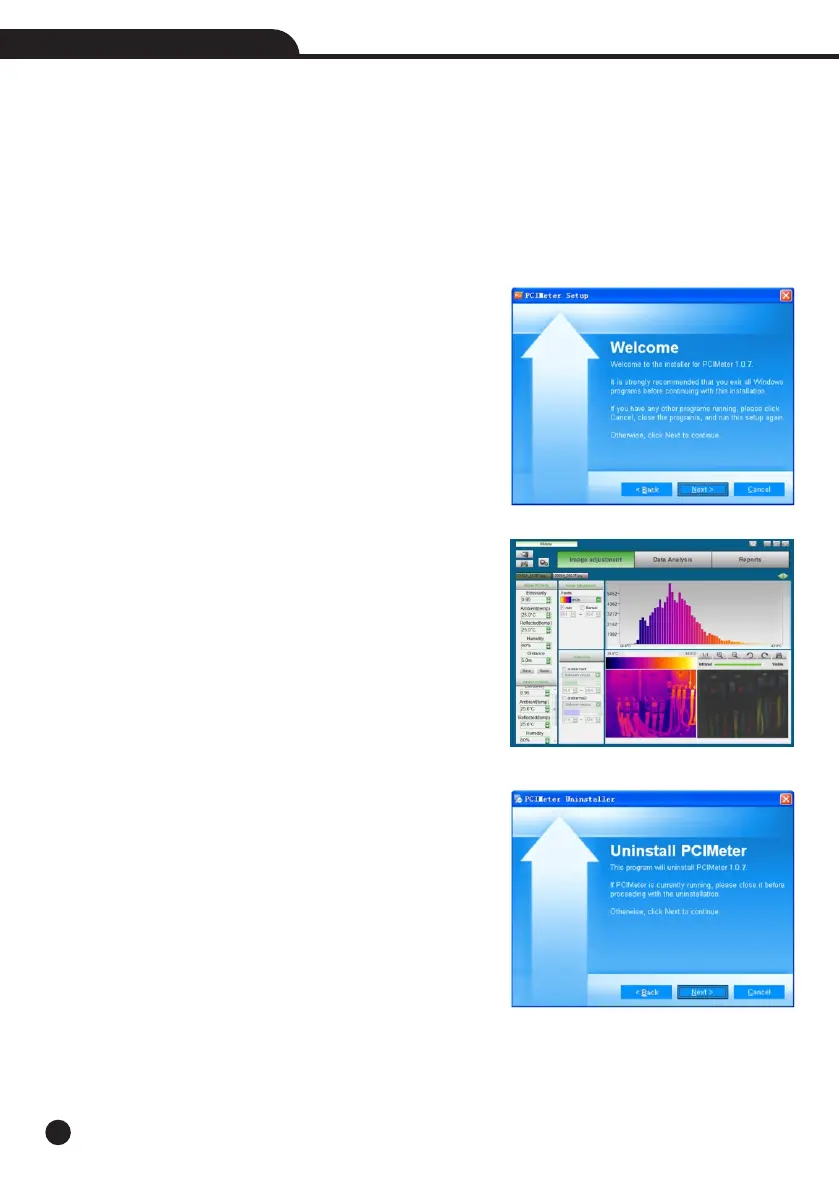
• You can insert your installation CD to install directly if you
have one, or you can run “setup.exe” to install it as follow.
• Click “Next” to install, till finish installation.
• Installation Successful after click “Finish” like above.
9-3.Running
After ensuring PCIMeter software has been installed, click
shortcuts on the desktop or start menu to run the software.
9-4.Uninstall
Uninstall PCIMeter in the start menu as follow, then click
“Next” to finish uninstall.



 To Next Page
 Loading...










