24
Operating Instruction for Thermal Imager
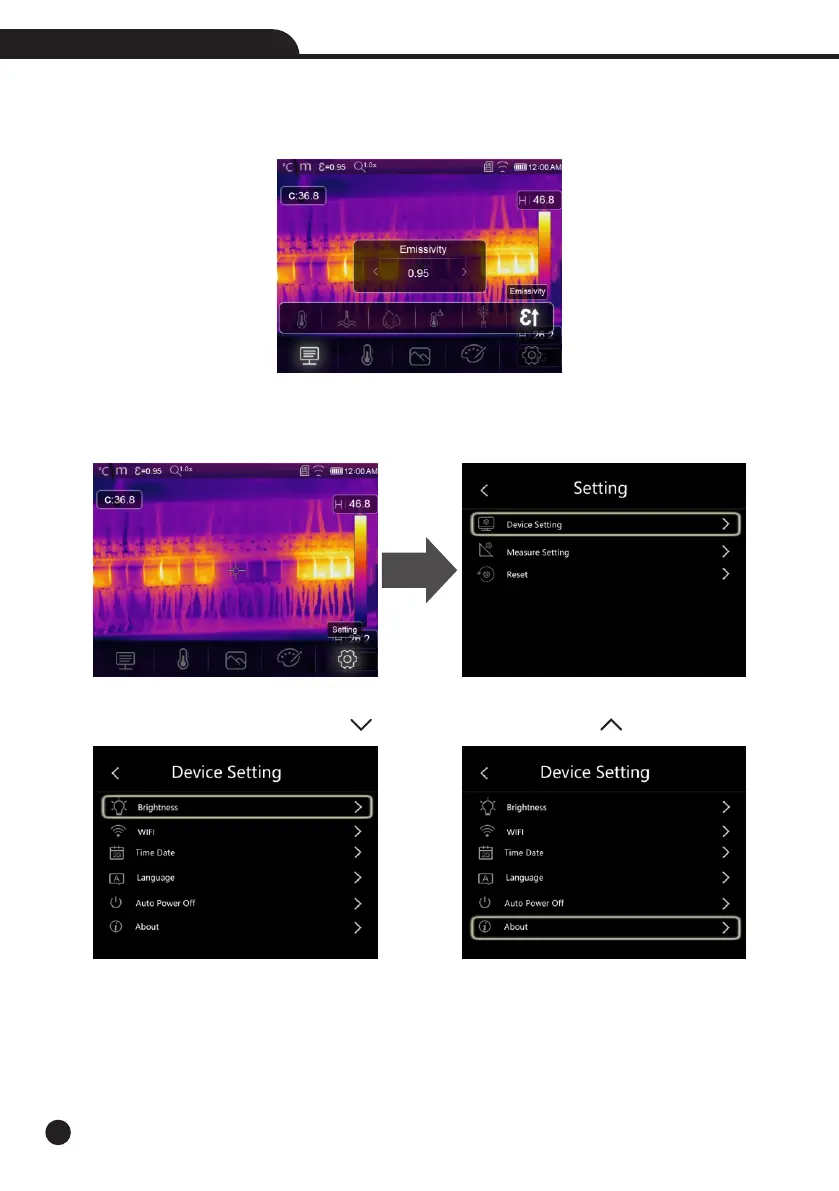
6-6-6.Emissivity
• In emissivity submenu, press “Left” and “Right” arrow to change the emissivity values.
• “Emiss” sets object emissivity, the value range is 0.01~1.00.
6-7.Settings Menu
1.In main menu, press “Settings” icon button, highlight “Settings”.
2.The Settings menu will display.
6-7-1.Device Setting
There are multipages in Device setting, use “ ” icon to go to next page, or use “ ” to go to previous page.



 To Next Page
 Loading...










