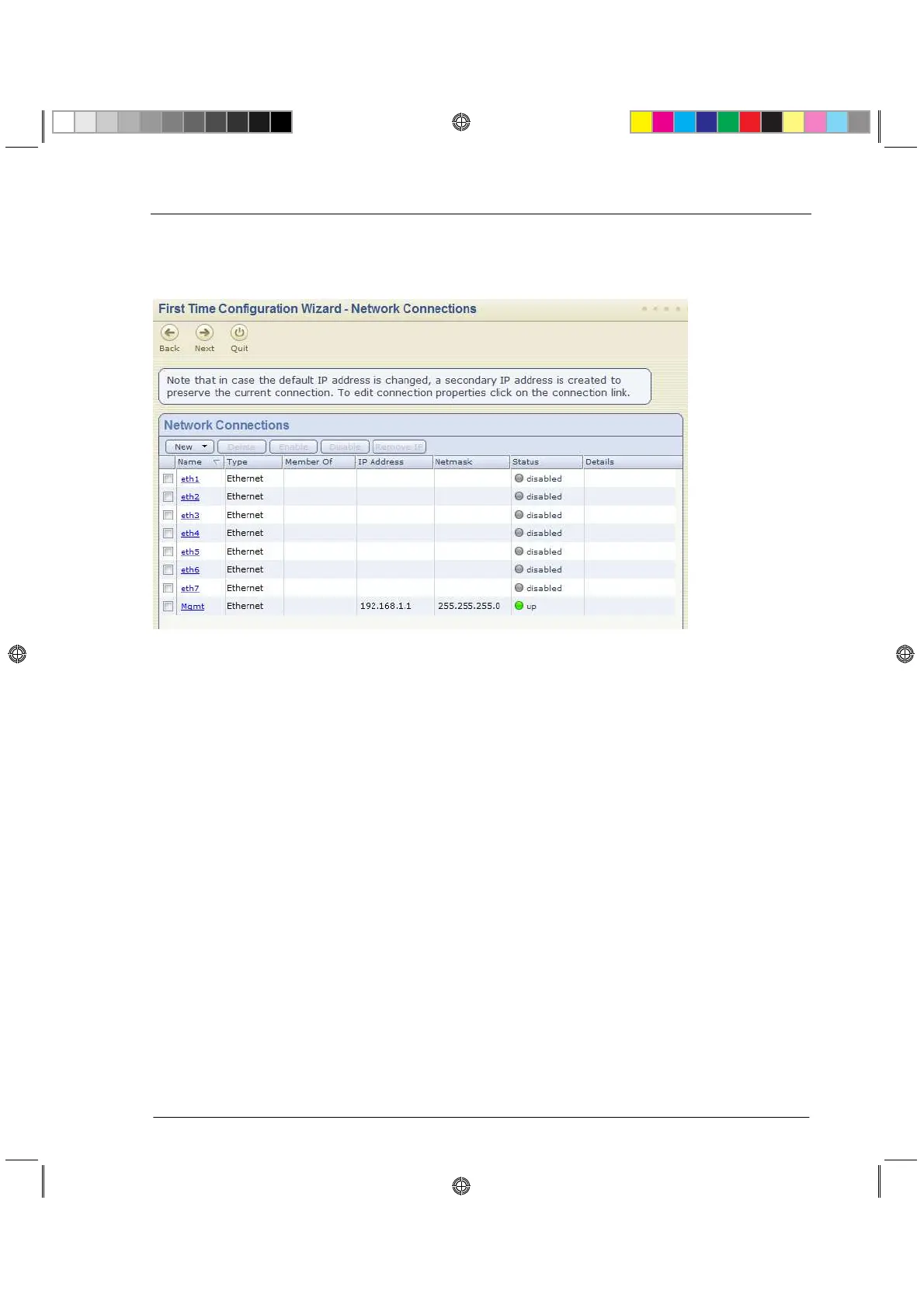
Network Connections
Configure the network connections in the Network Connections page.
You can modify the Management IP address and connectivity is preserved. A secondary
interface is created automatically to preserve connectivity. This interface can be removed after
the wizard is completed in the Network > Network Connections page after the wizard is
completed.
Routing Table
Configure the routing settings on the Routing Table page.
Host, Domain Settings, and DNS Servers
Set the Host, Domain and DNS Servers in the Host, Domain Settings, and DNS Servers
page.
The host name must start with a letter and cannot be named com1, com2....com9.
In the DNS section, set the DNS servers for the appliance.
Management Type
Set how the appliance is managed in the Management Type page.






 To Next Page