Restoring Using the Console Boot
Menu
To restore the appliance to its default factory configuration using the console
boot menu:
1. Connect the supplied DB9 serial cable to the console port on the front of the appliance.
2. Connect to the appliance using a terminal emulation program such as Microsoft
HyperTerminal, the program used here.
3. In the HyperTerminal Connect To window, select a port from the Connect using list.
Define the port settings: 9600 BPS, 8 bits, no parity, 1 stop bit.
4. From the Flow control list, select Hardware.
5. Click, Call > Call to connect to the appliance.
6. Switch on the appliance. The appliance begins the boot process and status messages
appear in HyperTerminal.
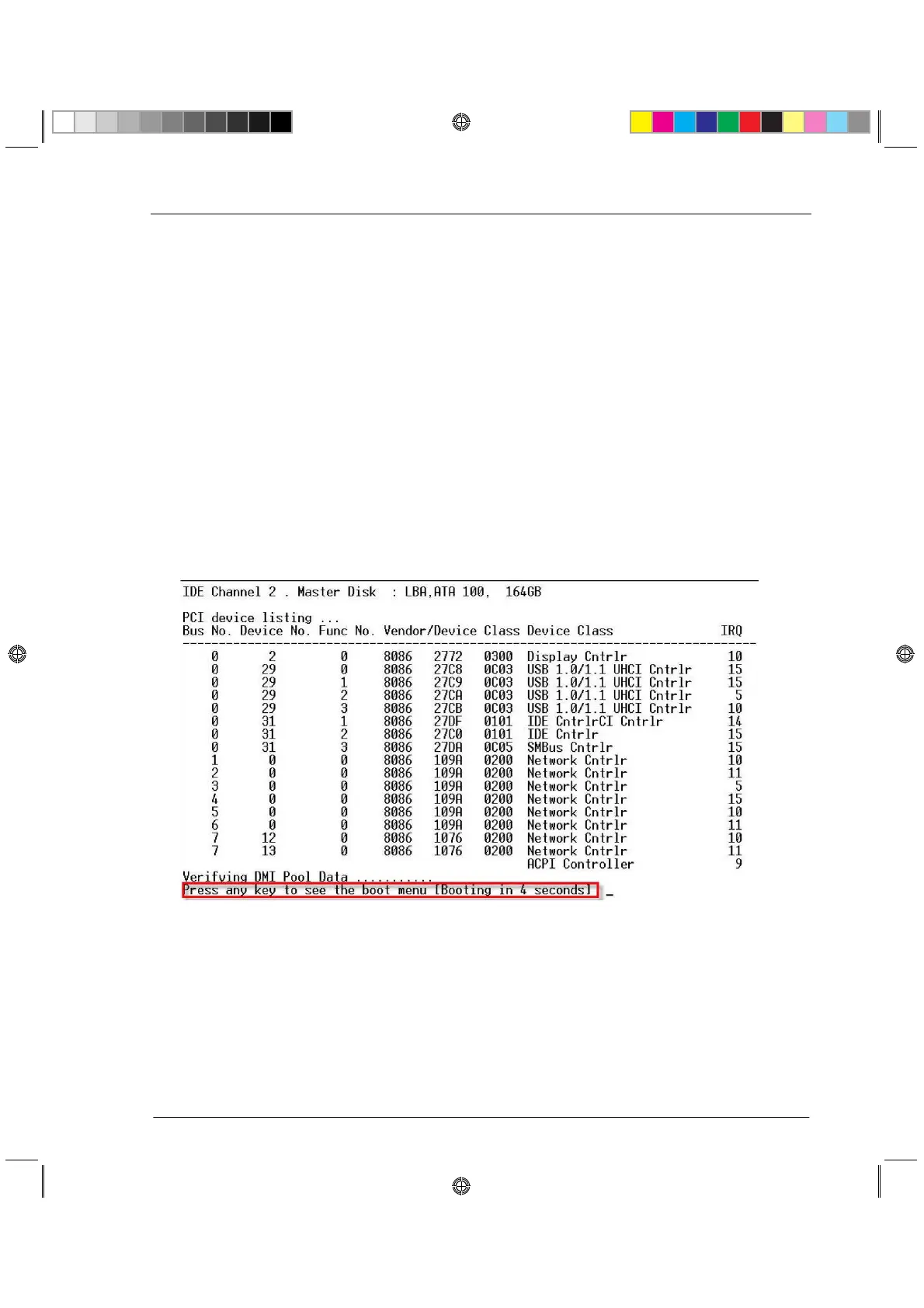
7. During the boot process, text similar to that shown below appears:
8. At this point, you have approximately four seconds to hit any key to activate the Boot menu.
9. The Boot menu opens. Scroll to the relevant Reset to factory defaults image and press
Enter.






 To Next Page