Managing Check Point 4000 Appliances Using the
LCD Panel
The appliance has an LCD panel that can be used to perform basic management operations.
The management IP address, netmask, and default gateway of the appliance can be
configured. The appliance can also be rebooted.
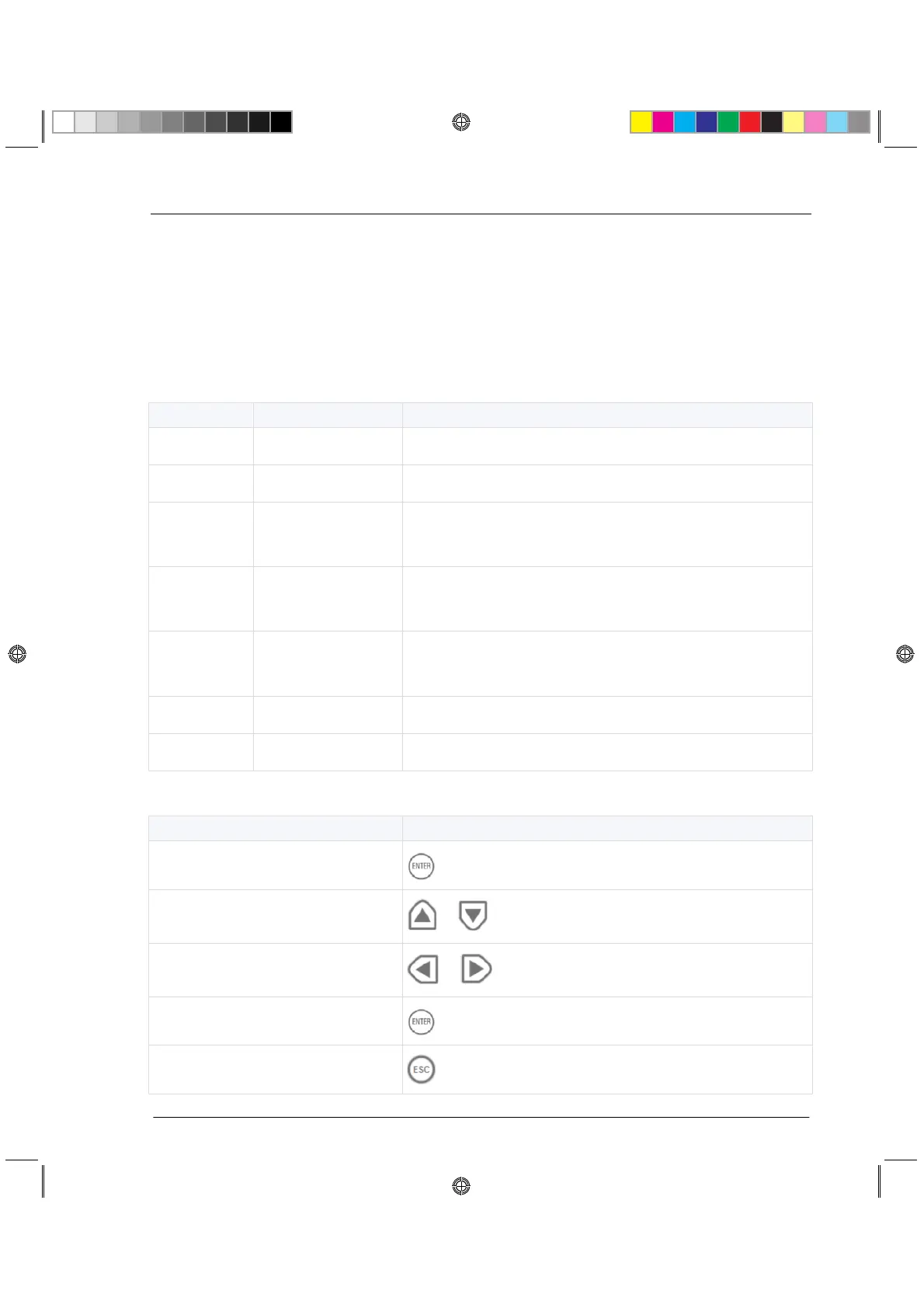
Menu Options
Enable or disable IP address allocation using DHCP
Set the management interface IP address
(cannot be edited when DHCP is enabled)
Set the management interface network mask
(cannot be edited when DHCP is enabled)
Set the management interface default gateway
(cannot be edited when DHCP is enabled)
CP_Toxotai_GettingStartedGuide_432 32CP_Toxotai_GettingStartedGuide_432 32 05 July 2011 1:21:11 PM05 July 2011 1:21:11 PM






 To Next Page