Customer Replaceable Parts
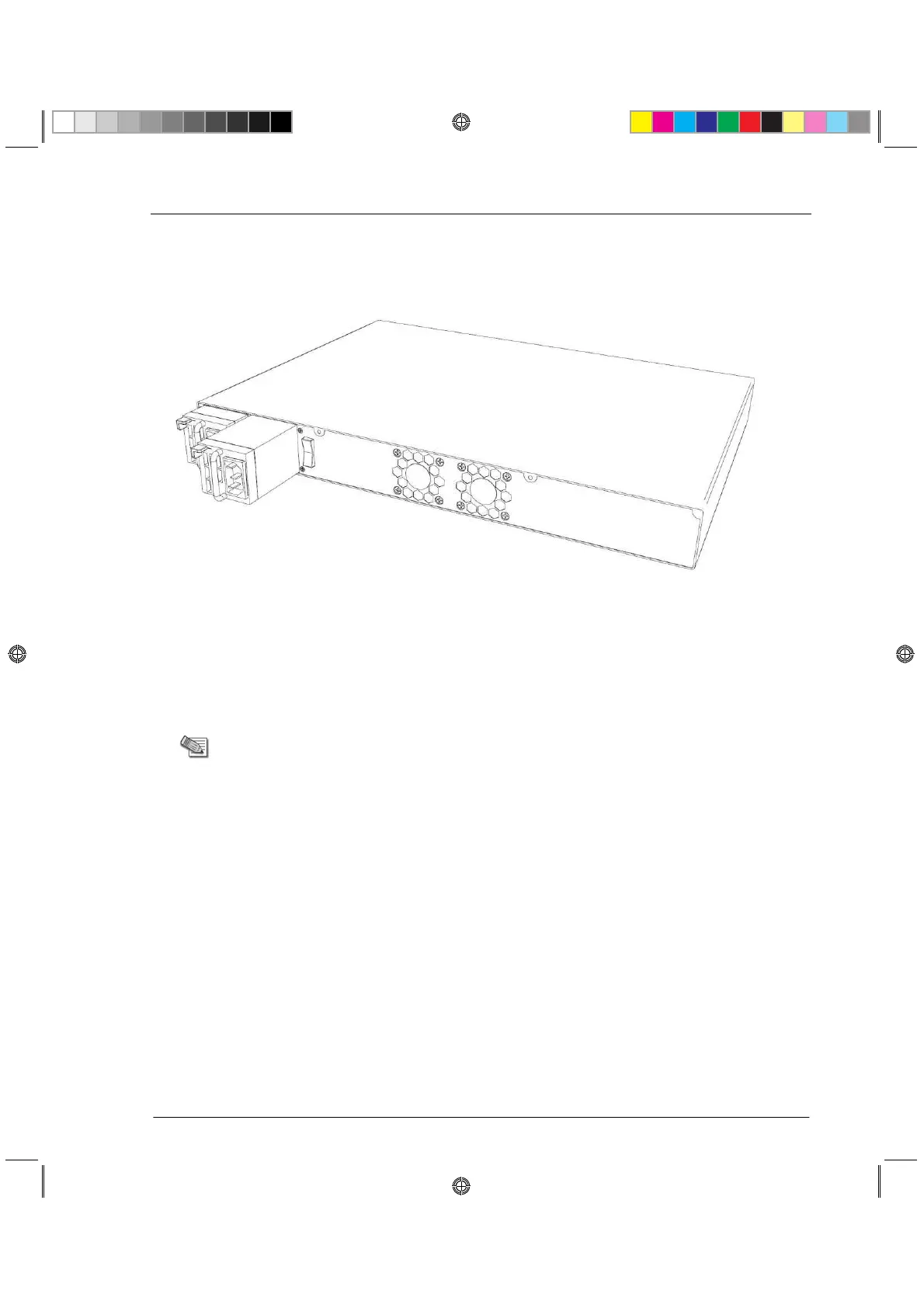
Removing the Power Supply
This section describes how to remove a power supply or placeholder unit from a Check Point
4800 appliance.
To remove a power supply unit:
1. If the alarm sounds, press the red alarm button to the right of the power supply.
The alarm stops.
2. Remove the power cord from the power supply unit.
3. Engage and hold the release lever on the power supply or placeholder unit.
4. Pull the extraction handle to remove the power supply or placeholder unit.
Note - Remove the power supply unit with the extraction handle to
prevent any possible damage.
Installing the Power Supply
This section describes how to install a power supply or placeholder unit into a Check Point
4800 appliance.
To install a replacement power supply:
1. Insert the power supply or placeholder unit into the power supply slot.
2. Push the power supply or placeholder unit until the release lever clicks.
3. Insert the power cord into the power supply socket. Make sure that the green LED is
illuminated.
CP_Toxotai_GettingStartedGuide_436 36CP_Toxotai_GettingStartedGuide_436 36 05 July 2011 1:21:11 PM05 July 2011 1:21:11 PM






 To Next Page