HIPOT Tester 19051/19052/19053/19054 Quick Start Guide
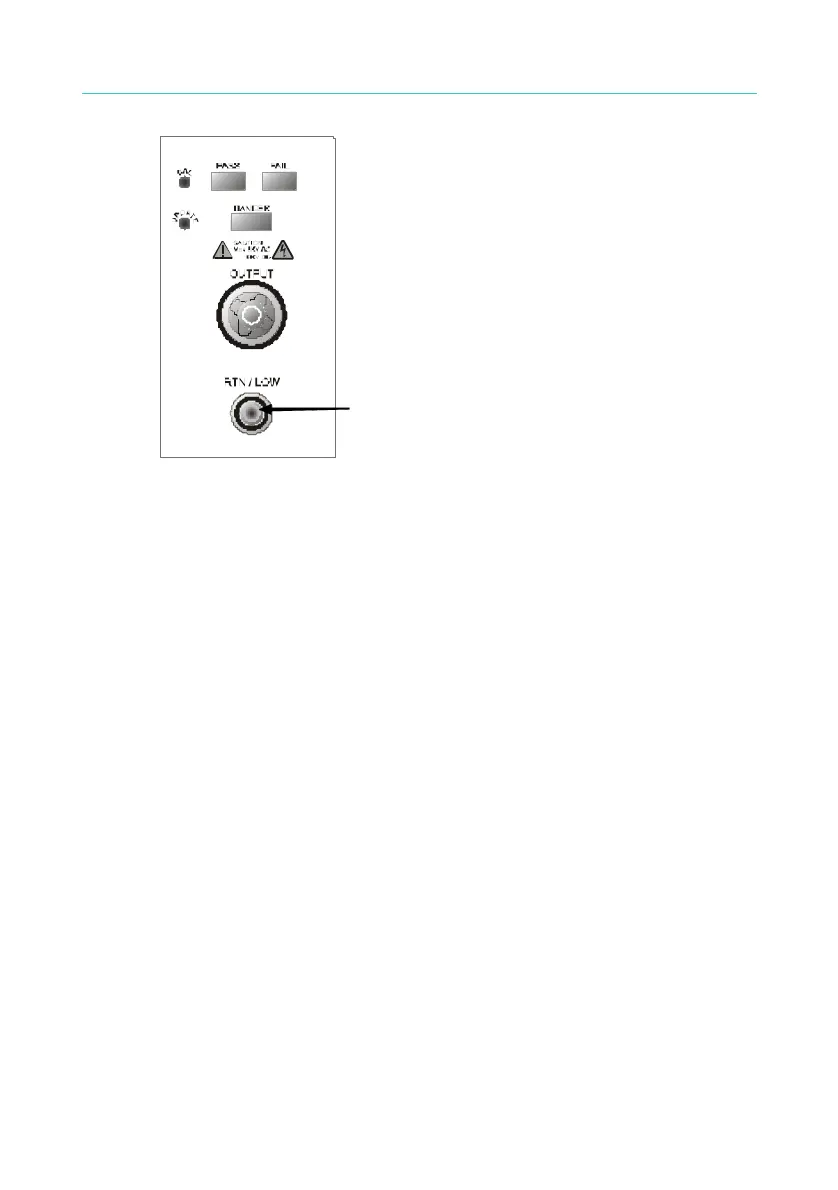
Figure 2-2
The test cable of the terminal should
be connected and locked well.
4. Connection test of high voltage output terminal
After the test cable of COMMON terminal has been connected. Then
follows the below procedures to connect high voltage output cable.
y Press [STOP] key firstly.
y Confirm DANGER indication LED is not light.
y The test cable of COMMON terminal with high voltage output
terminal is short, confirm there is no voltage output.
y Plug high voltage test cable in high voltage output terminal.
y Connect the test cable of COMMON terminal to DUT finally, and
then high voltage test cable also be connected.
5. Test stop
When the test is over the and no need to use, or the tester is not run
status or needs to exit during use, please be sure power switch is on 0
(that is turn off power). As figure 2-3.
9



 To Next Page