© CIAS Elettronica S.r.l. Ed. 1.2
Installation Manual Page 43 of 47 MICRO-RAY
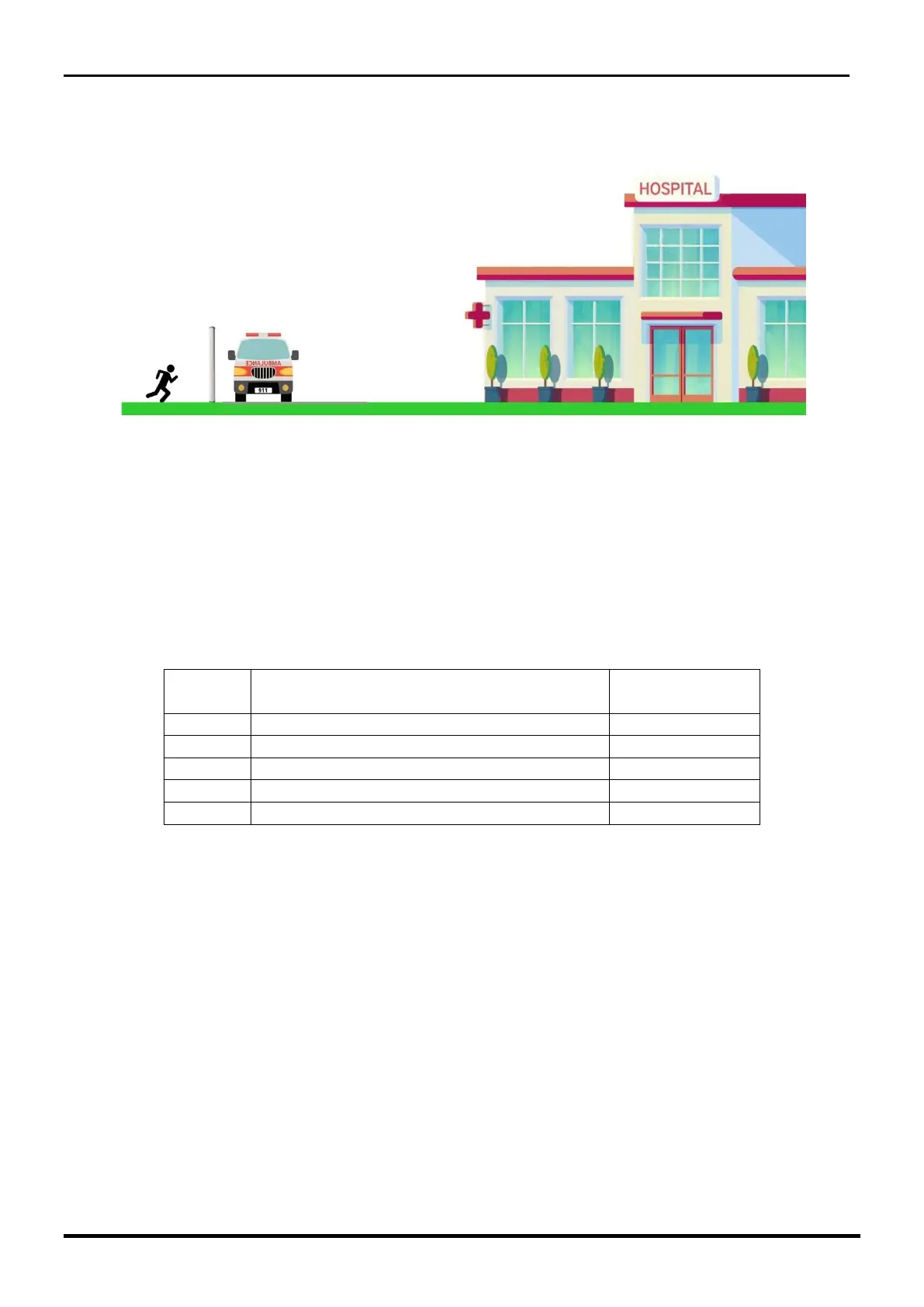
Installation example D
Open spaces with the possibility to run through from inside or outside.
➢ APPLICATION TYPE
At this point it will be possible to choose among the 5 types of application the most
appropriate one that clearly will be different for each ray analysed. The one referred under
ray 1, will be dedicated above all to the crawling, the one under 2 and 3 to the
walking/running thourgh, the ray 4 (if present) is referred to the override. Carrying the
function switch SW1 to the position 3, it is possible to read and/or set the types of
applications available and the ray to which the association is recommended.
All the rays can be set with all 5 applications. The most suitable one with respect to
the ray position is recommended below:
Select type of application:
• Select a number from 00 to 04 on the appropriate switches SW2 (tens) and SW3
• Press the button S3, to confirm its acquisition and use
Read type of application;
• Turn the SW2 switch until the red LED (D9) is on
• Turn the switch SW3 until the red LED (D8) is on
The number from 00 to 04 represented on switches SW2 (tens) and SW3 (units),
corresponds to the application number currently assigned to the ray.



 To Next Page