© CIAS Elettronica S.r.l. Ed. 1.2
Installation Manual Page 44 of 47 MICRO-RAY
➢ TYPES OF ENVIRONMENTAL DISTURBANCES FILTER AND INTERRUPTION TIME
OF RAYS
Now you can set the filter for environmental disturbances and interruption times of the rays
by analysing the environment in which MICRO-RAY is installed.
Carrying the function switch SW1 to position 5, it is possible to read and/or set the filter
for environmental disturbances and the interruption time of the rays.
Select the filter for environmental disturbances:
• Select a number from 0 to 1 on the switch SW2 (tens).
• Press the button S3, to confirm its acquisition and use
Read the filter for environmental disturbances:
• Turn the SW2 switch until the red LED (D9) is on
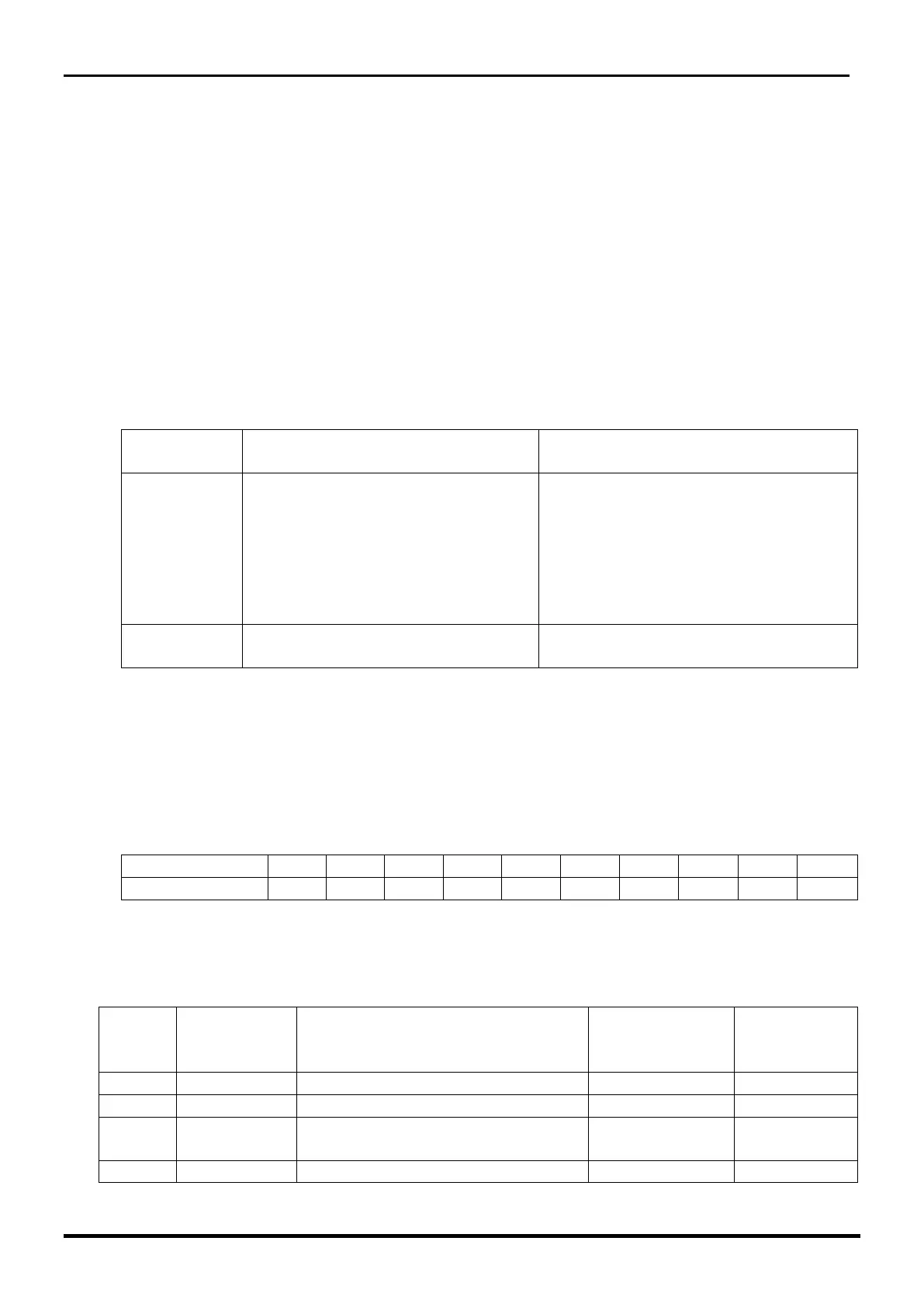
The possible selections are:
Filter for environmental
disturbances
It analyses all the types of passage
with greater reactivity (see crawling,
slow/fast walking, run etc), however,
increasing the risk of generating
improper alarms due to the
presence of vegetation along the
barrier.
Eliminates discontinuous
movements such as tree fronds.
Select interruption time:
• Select a number from 0 to 9 on the switch SW3 (units).
• Press the button S3, to confirm its acquisition and use
Read set interruption time;
• Turn the switch SW3 until the red LED (D8) is on
The number from 0 to 9 shown on switch SW3 (unit) corresponds to the times indicated in
the table below
➢ FACTORY DEFAULT
The factory settings assigned to each ray are shown in the table below:
Application Type description
Filter for
Environmental
disturbances
Corridors delimited on one side
only
Anti-crawling / Anti-climb Basic



 To Next Page