4�6�-PROGRAMMING
Fromtheprogrammingmenuyoucan:
Denethetransformationratios�
ProgramtheratioofkgCO
2
carbonemissionsofthetwotaris�
Programthecostratioofthetwotaris�
Programthemaximumdemandparameters�
Deletetheenergymetersandthemaximumandminimumvalues�
Modifythedisplay'sbacklight�
Programthedigitaloutput�
ProgramtheModbuscommunications�
TheCVM-C5doesnotrecordprogrammingchangesuntiltheprogrammingiscomplete�Ifthe
deviceisRESETbeforenishingtheprogrammingornokeyispressedfor30seconds,the
congurationwillnotbestoredinthememory�
TheCVM-C5doesnottakeanymeasurementsduringprogramming�
Toentertheprogrammingmenupressthe keyfor3seconds�
Andpress toaccesstherstprogrammingpoint�
4�6�1� PRIMARY VOLTAGE
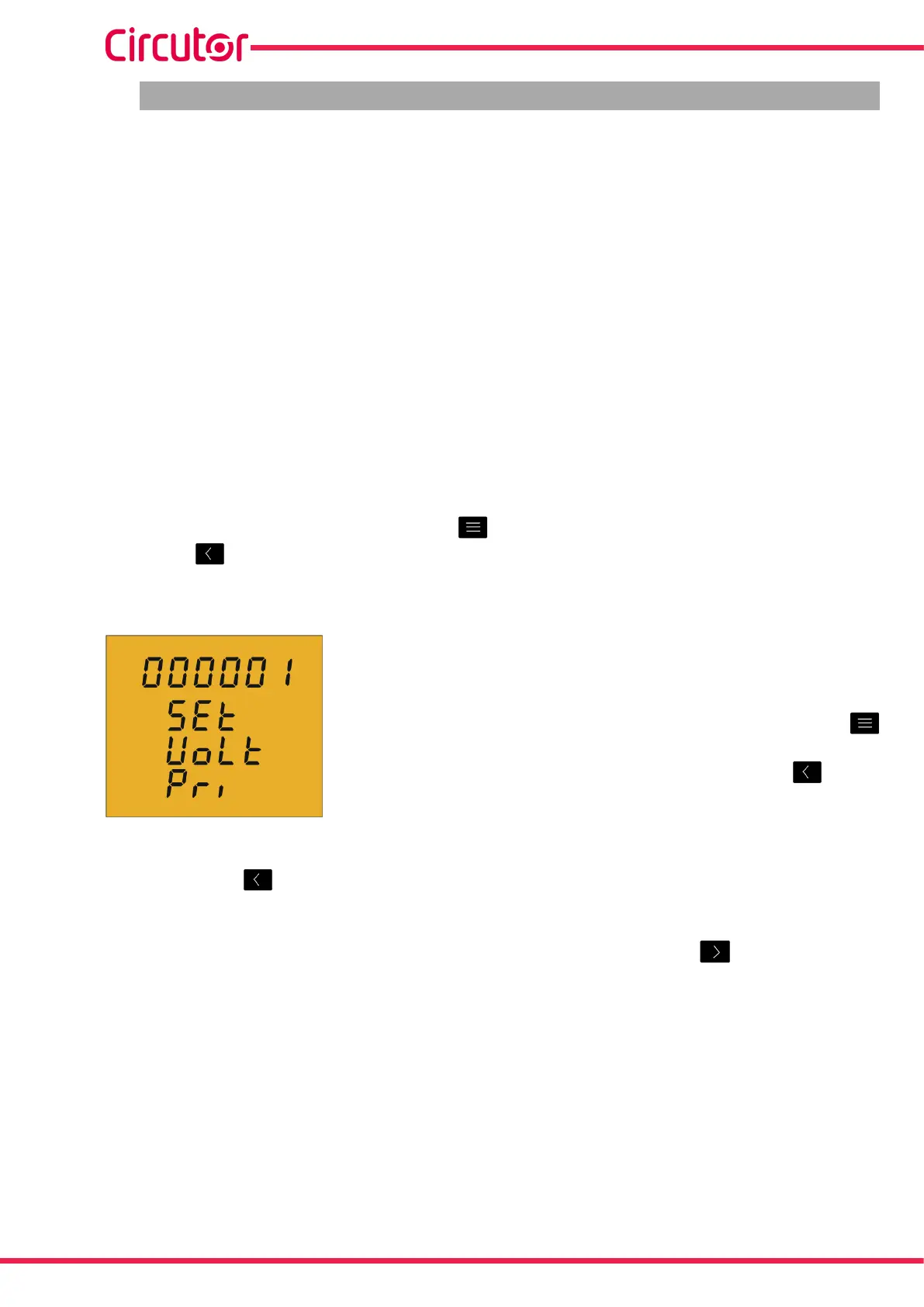
Onthisscreenthevoltagetransformerprimaryisprogrammed�
Toenterormodifythetransformerprimaryvalue,pressthe
keyrepeatedly,increasingthevalueoftheashingdigit�
Whentheon-screenvalueisthatdesired,pressthe keyto
gotothenextdigittomodifytheothervalues�
Ifyoupressthe keyafterchangingthelastdigit,itwilljumpbacktotherstdigitsoyou
canmodifythepreviouslyprogrammedvaluesagain�
Tovalidatetheinformationandgotothenextprogrammingstep,press �
Ifthevalueenteredisgreaterthanthemaximumprogrammingvalue,thedigitsashfor2
secondsandtheprogrammedvalueisdeleted�
Maximum programming value: 01000.
Minimum programming value: 0.
28
CVM-C5-xxx-485
Instruction Manual













 To Next Page