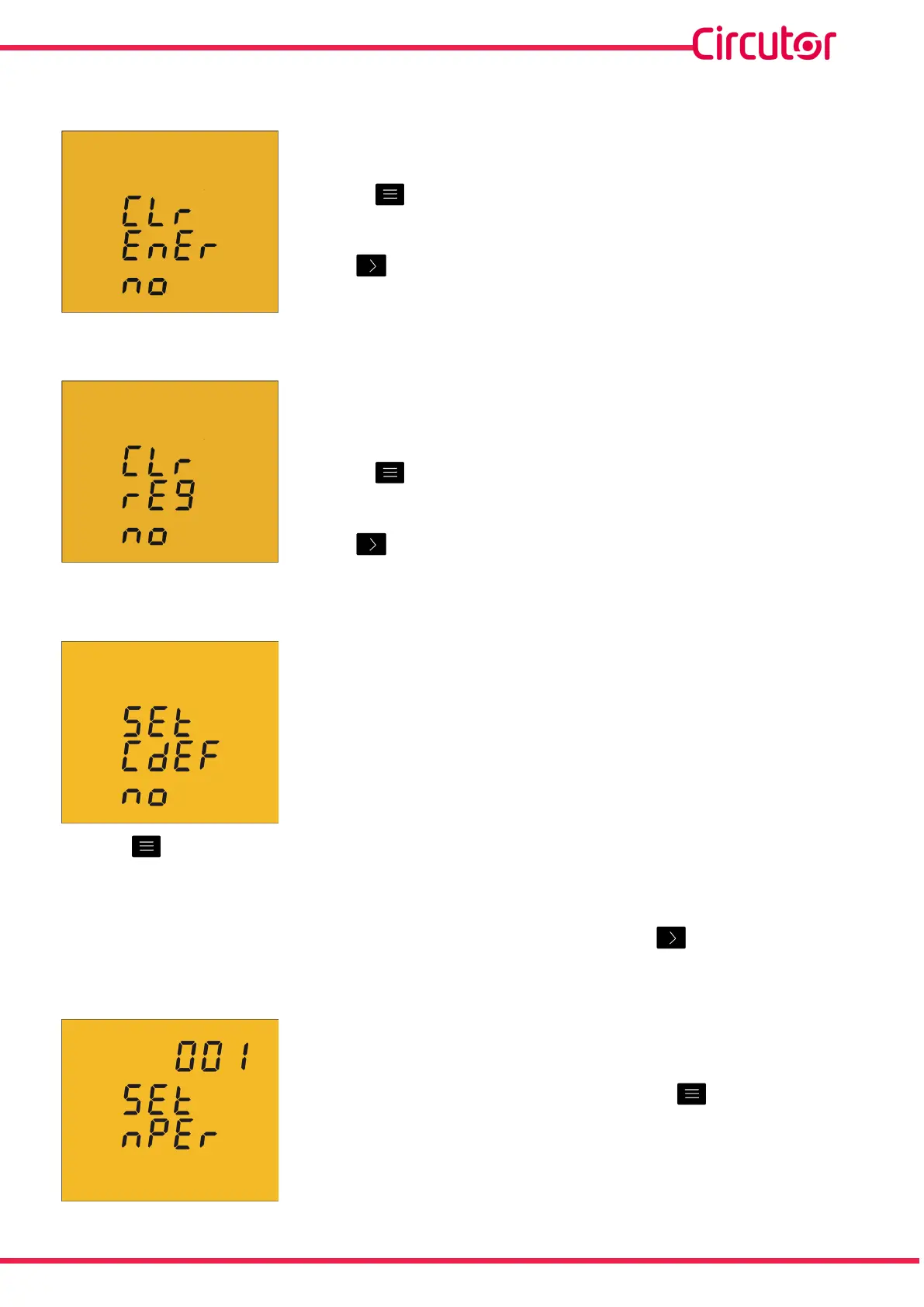
4�6�16� DELETING ENERGY METERS
Onthisscreenyouselectwhetherornottodeletetheenergy
meters�
Usethe keytojumpbetweenthetwooptions(YesandNo)�
Tovalidatetheinformationandgotothenextprogrammingstep,
press �
4�6�17� DELETING MAXIMUM AND MINIMUM VALUES
Onthisscreenyouselectwhetherornottodeletethemaximum
andminimumvalues
Usethe keytojumpbetweenthetwooptions(YesandNo)�
Tovalidatetheinformationandgotothenextprogrammingstep,
press �
4�6�18� MODBUS COMMUNICATIONS : DEFAULT PARAMETERS
Onthisscreenyouselectwhetherwewanttoreturntothe
defaultparametersoftheModbuscommunications�
Defaultparameters:
Peripheral number :1
Transmission speed : 9600
Parity : No
Number of data bits : 8
Number of Stop bits : 1
Usethe keytojumpbetweenthetwooptions:YesorNo
IfyouselecttheYesoption,thedevicejumpstostepprogramming“4.6.24. Locking the
programming”
Tovalidatetheinformationandgotothenextprogrammingstep,press �
4�6�19� MODBUS COMMUNICATIONS : PERIPHERAL NUMBER
Theperipheralnumberisprogrammedonthisscreen�
Toenterormodifythedelayvalue,pressthe keyrepeatedly,
increasingthevalueoftheashingdigit�
39
Instruction Manual
CVM-C5-xxx-485













 To Next Page