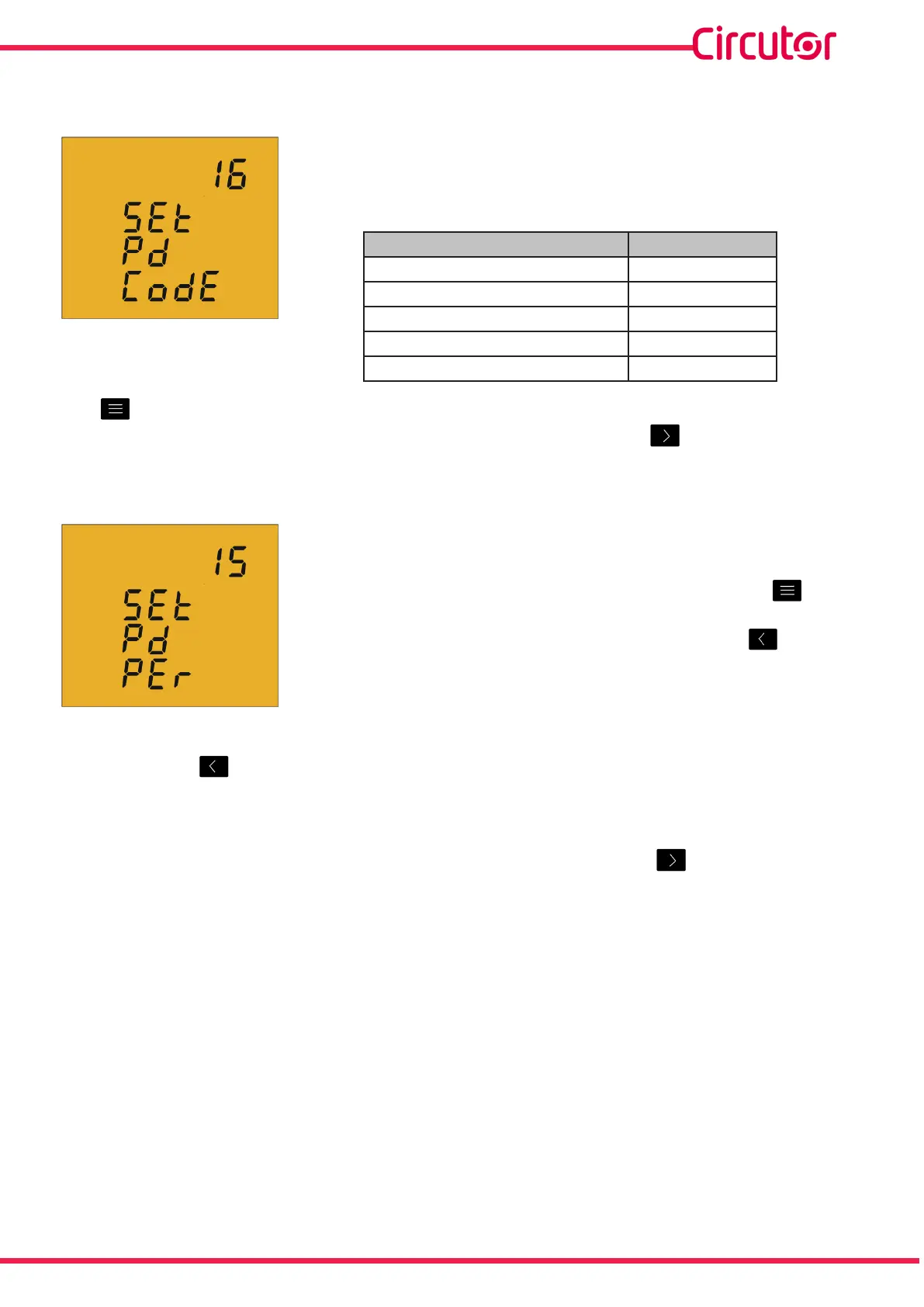
4�6�10� MAXIMUM DEMAND VARIABLE
OnthisscreenthevariablestointegrateintotheMaximum
Demandconceptareselected�
Thedisplayshowsthedigitsthatidentifythatcodeforthe
variabletobeintegratedaccordingtoTable 11
Table 11: Codes for maximum demand variables
Parameter Code
Activethree-phasepower 16
Apparentthree-phasepower 34
Three-phasecurrent 36
CurrentL1,L2,L3 A-ph
None 00
The keyjumpsbetweenthedierentoptions�
Tovalidatetheinformationandgotothenextprogrammingstep,press �
4�6�11� PERIOD OF MAXIMUM DEMAND INTEGRATION
Onthisscreenthemaximumdemandintegrationperiodis
programmed�
Toenterormodifytheintegrationperiodvalue,pressthe key
repeatedly,increasingthevalueoftheashingdigit�
Whentheon-screenvalueisthatdesired,pressthe keyto
gotothenextdigittomodifytheothervalues�
Ifyoupressthe keyafterchangingthelastdigit,itwilljumpbacktotherstdigitsoyou
canmodifythepreviouslyprogrammedvaluesagain�
Theintegrationperiodmayrangefrom1to60minutes�
Tovalidatetheinformationandgotothenextprogrammingstep,press �
Ifthevalueenteredisgreaterthanthemaximumprogrammingvalue,thedigitsashfor2
secondsandtheprogrammedvalueisdeleted�
33
Instruction Manual
CVM-C5-xxx-485













 To Next Page