6-21
Catalyst 2950 Desktop Switch Software Configuration Guide
78-14982-01
Chapter 6 Clustering Switches
Creating a Switch Cluster
If a candidate switch in the group has a password different from the group, only that specific candidate
switch is not added to the cluster.
When a candidate switch joins a cluster, it inherits the command-switch password. For more information
about setting passwords, see the “Passwords” section on page 6-16.
For additional authentication considerations in switch clusters, see the “TACACS+ and RADIUS”
section on page 6-17.
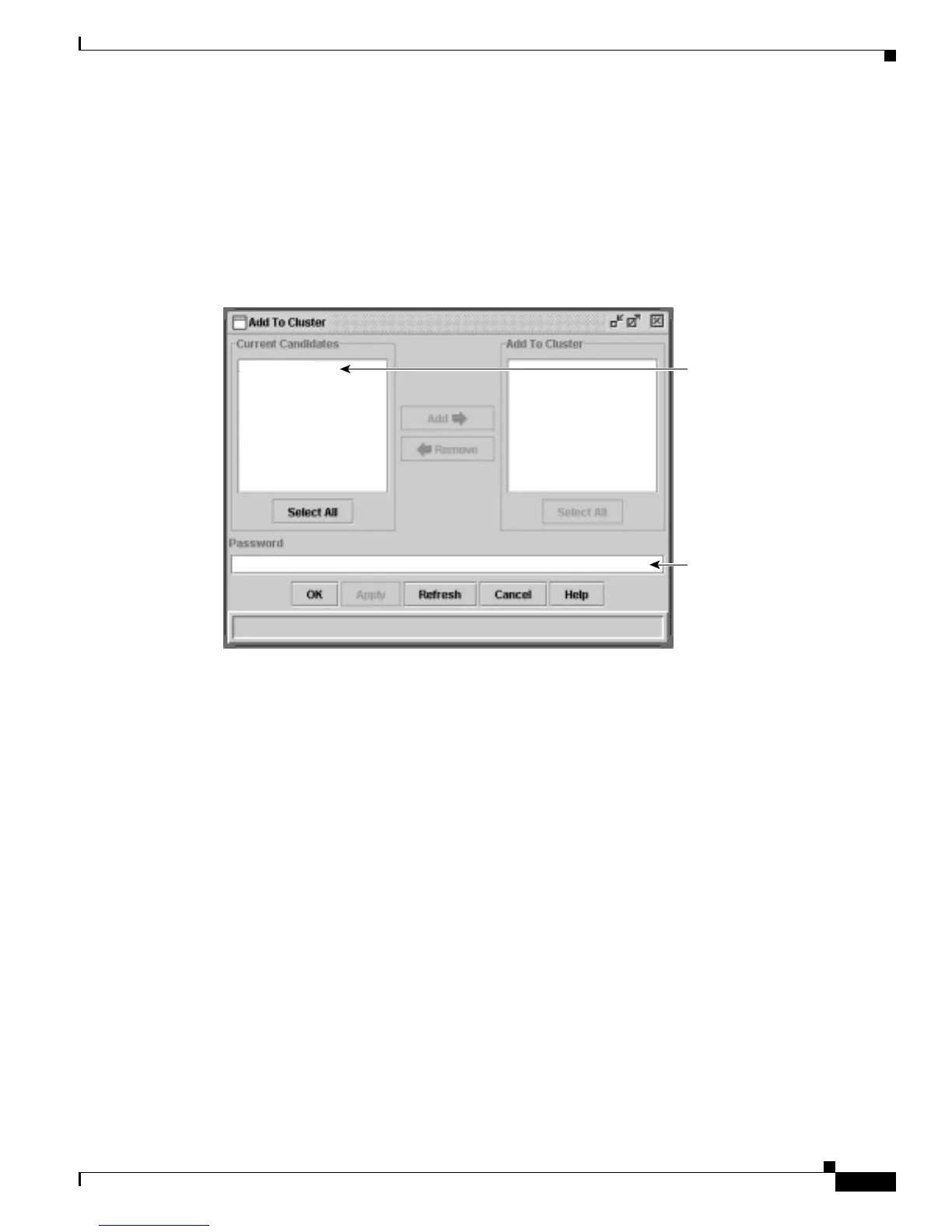
Figure 6-11 Add to Cluster Window
Enter the password of
the candidate switch. If
no password exists for
the switch, leave this
field blank.
Select a switch, and click
Add. Press Ctrl and left-
click to select more than
one switch.
2900-LRE-24-1
65724



 To Next Page