3-4
Catalyst 2950 Desktop Switch Software Configuration Guide
78-14982-01
Chapter 3 Getting Started with CMS
Front Panel View
Front Panel View
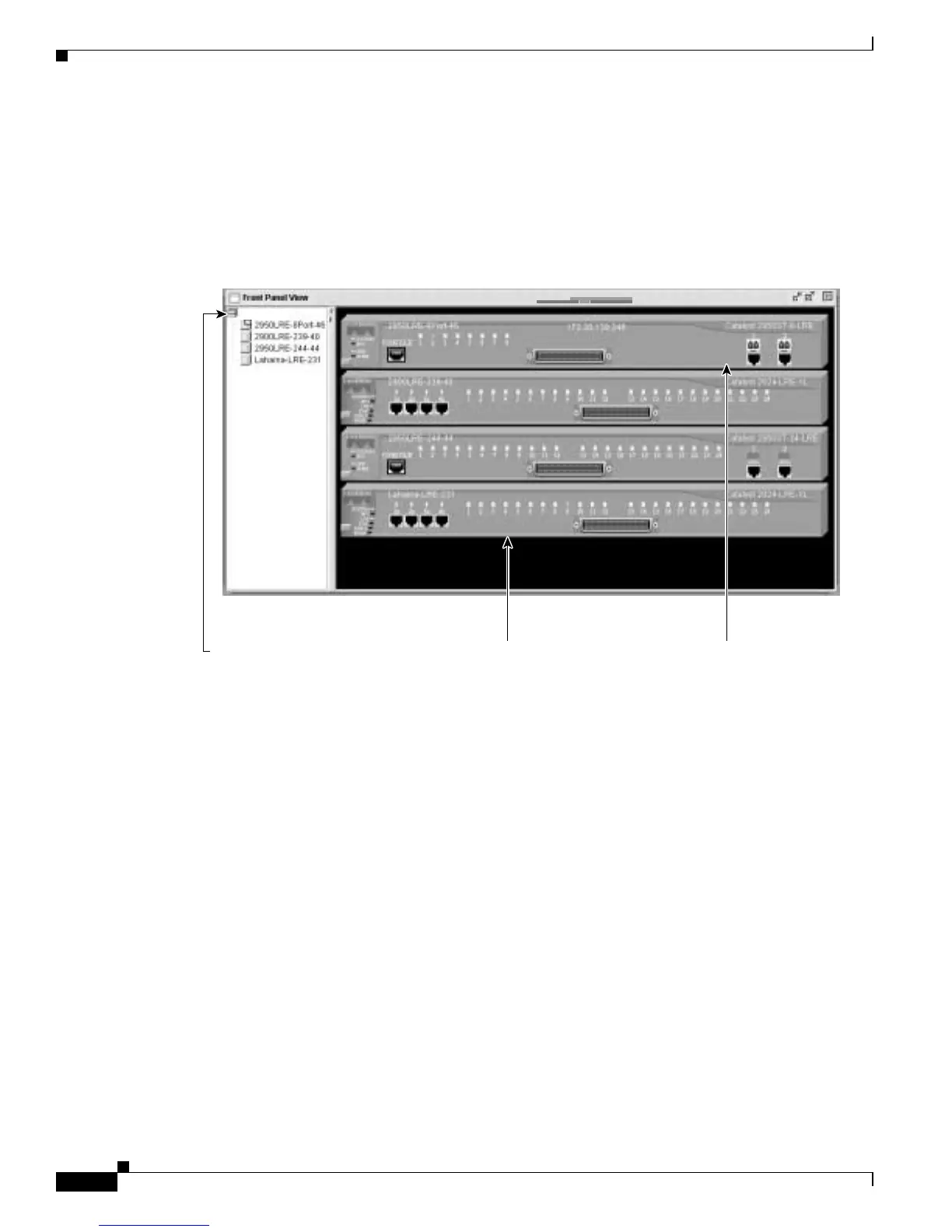
When CMS is launched from a command switch, the Front Panel view displays the front-panel images
of all the switches in the cluster (see Figure 3-2 for an 2950 LRE switch and Figure 3-3 for a 2950
non-LRE switch). You can use the cursor to re-arrange the order of the switches in this window.
Figure 3-2 Front Panel View from a 2950 LRE Command Switch
Cluster tree.
Right-click a member
switch image to display
the device pop-up
menu, and select an
option to view or change
system-related settings.
Right-click the
command switch
image to display the
cluster pop-up menu,
and select a cluster-
related option.
cluster1
86458
10.1.1.2



 To Next Page