21-17
Catalyst 2950 Desktop Switch Software Configuration Guide
78-14982-01
Chapter 21 Configuring SPAN and RSPAN
Configuring RSPAN
Removing Ports from an RSPAN Session
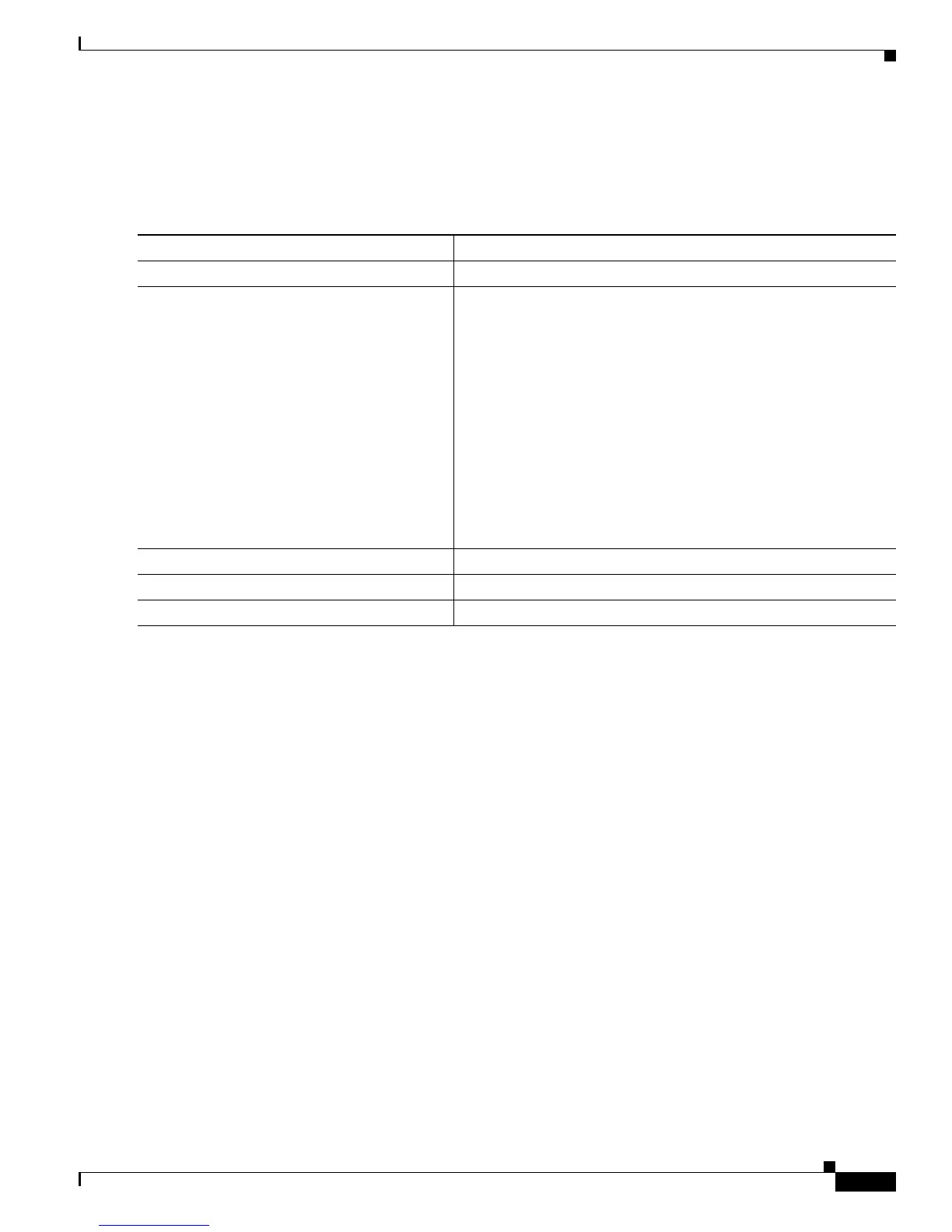
Beginning in privileged EXEC mode, follow these steps to remove a port as an RSPAN source for a
session:
This example shows how to remove port 1 as an RSPAN source for RSPAN session 1:
Switch(config)# no monitor session 1 source interface fastEthernet0/1
Switch(config)# end
This example shows how to disable received traffic monitoring on port 1, which was configured for
bidirectional monitoring:
Switch(config)# no monitor session 1 source interface fastEthernet0/1 rx
The monitoring of traffic received on port 1 is disabled, but traffic sent from this port continues to be
monitored.
Command Purpose
Step 1
configure terminal Enter global configuration mode.
Step 2
no monitor session session_number source
interface interface-id [, | -] [both | rx | tx]
Specify the characteristics of the RSPAN source port (monitored
port) to remove.
For session_number, specify 1 or 2.
For interface-id, specify the source port to no longer monitor. Valid
interfaces include physical interfaces and port-channel logical
interfaces (port-channel port-channel-number).
(Optional) Use [, | -] to specify a series or range of interfaces if they
were configured. Enter a space after the comma; enter a space
before and after the hyphen.
(Optional) Specify the direction of traffic (both, rx, or tx) to no
longer monitor. If you do not specify a traffic direction, both
transmit and receive are disabled.
Step 3
end Return to privileged EXEC mode.
Step 4
show monitor [session session_number] Verify your entries.
Step 5
copy running-config startup-config (Optional) Save your entries in the configuration file.



 To Next Page