• Use the hard keys:
Speaker
Headset
• Pick up the handset to switch audio to the handset.
Swap between active and held calls
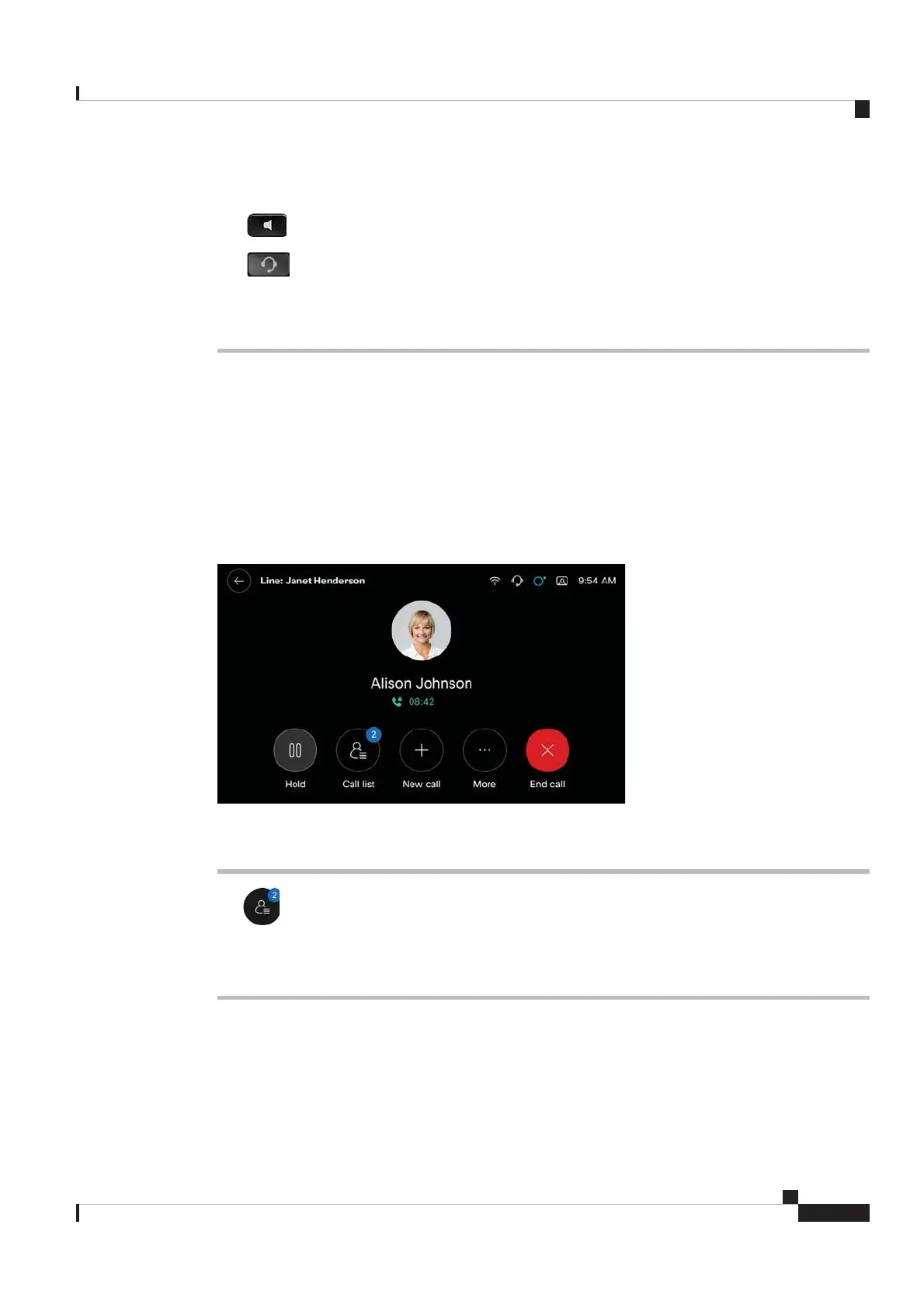
You can see the Call List button on the in-call screen when you have multiple calls. The digit on the Call List
button shows the number of calls on your phone. The calls can include the following:
• The active call
• The held calls
• The incoming calls waiting for pickup
Procedure
Step 1 Tap .
Step 2 Tap the desired call entry to open its in-call screen.
Step 3 Perform the action as needed.
Cisco Video Phone 8875 Documentation
25
Calls
Swap between active and held calls
REVIEW DRAFT - CISCO CONFIDENTIAL



 To Next Page