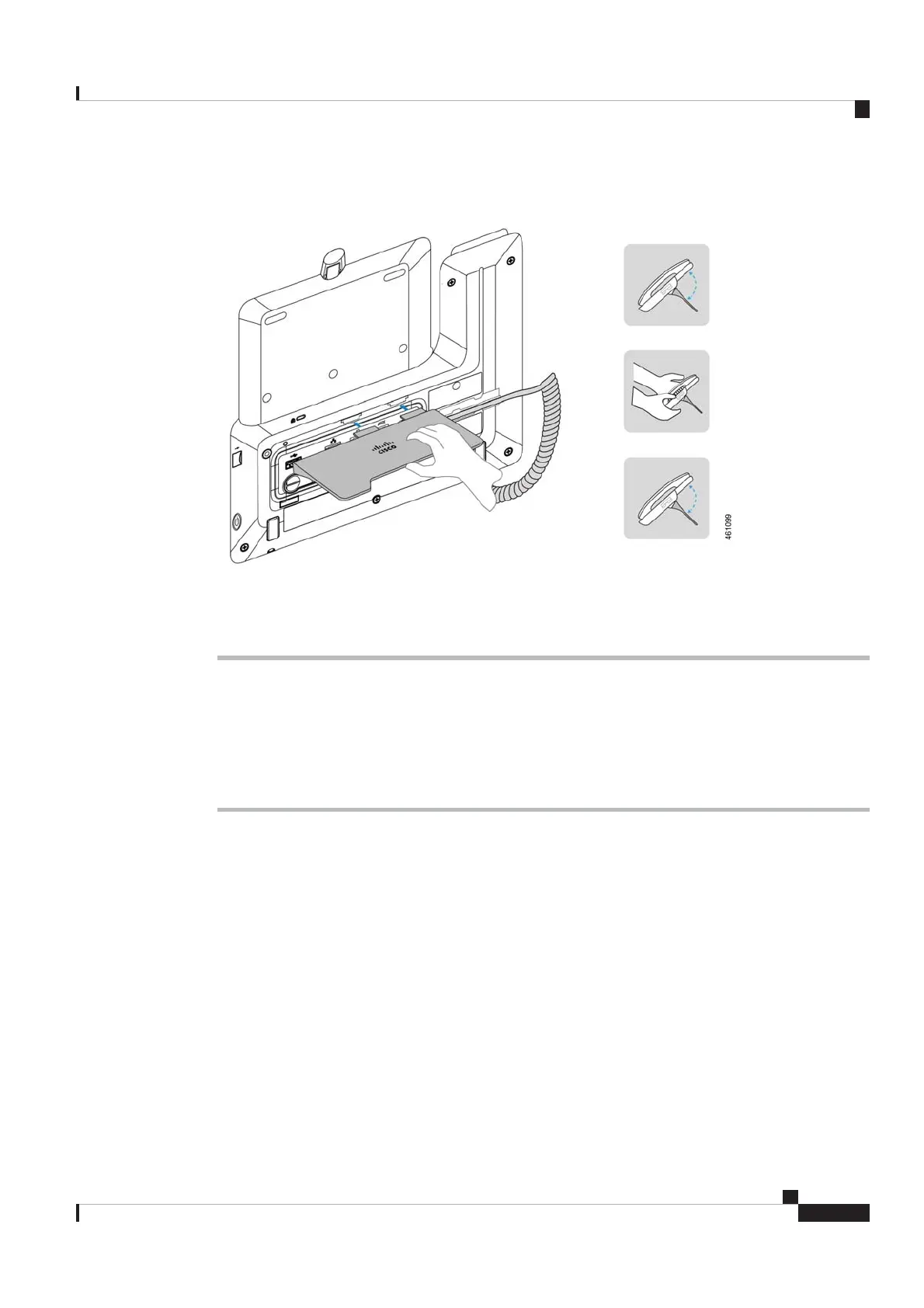
Step 3 Install the footstand.
For you to easily read the screen and eliminate glare on the screen, adjust the footstand to change the phone
to a proper angle.
Wireless Network
Follow the steps in this article to connect your Cisco Video Phone 8875 in a wireless network.
Procedure
Step 1 Connect the shipped handset to the handset port.
Cisco Video Phone 8875 Documentation
7
Get Started
Wireless Network
REVIEW DRAFT - CISCO CONFIDENTIAL



 To Next Page