Select an IF Channel or Carrier
IF Module Example
The FREQ key allows you to view the frequency setting for each individual carrier
channel in the IF output modules. The RF SEL key allows you to select another
carrier channel.
Important! The IF output is fixed at 44.00 MHz on the IF GoQAM.
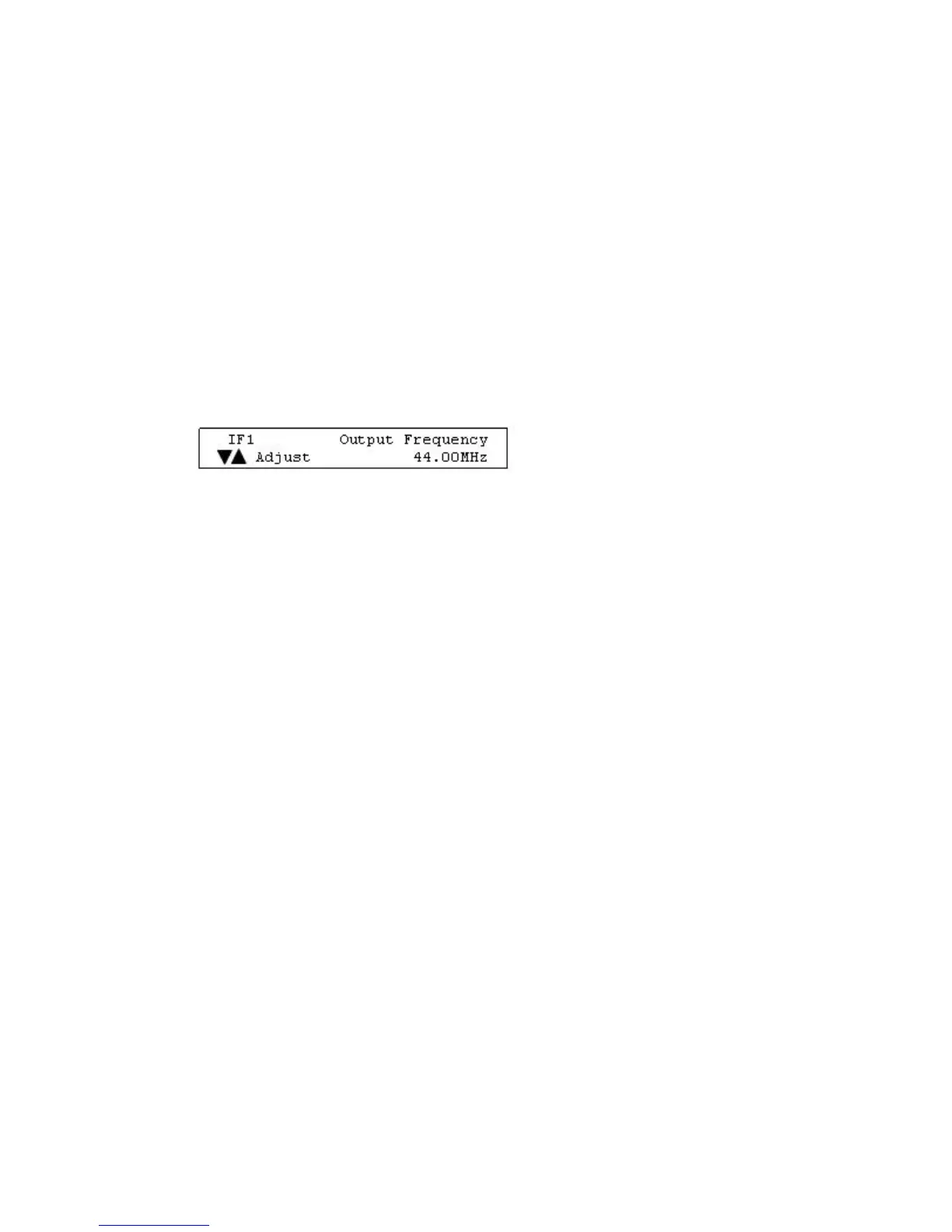
Example: A frequency setting of 44.00 MHz for IF1 in the following illustration
means that carrier channel 1 (IF1) has a frequency of 44.00 MHz. Each frequency
setting also applies to the corresponding carrier channel.
Note: Press the RF SEL key to select and view the other IF carrier channel (IF2).



 To Next Page