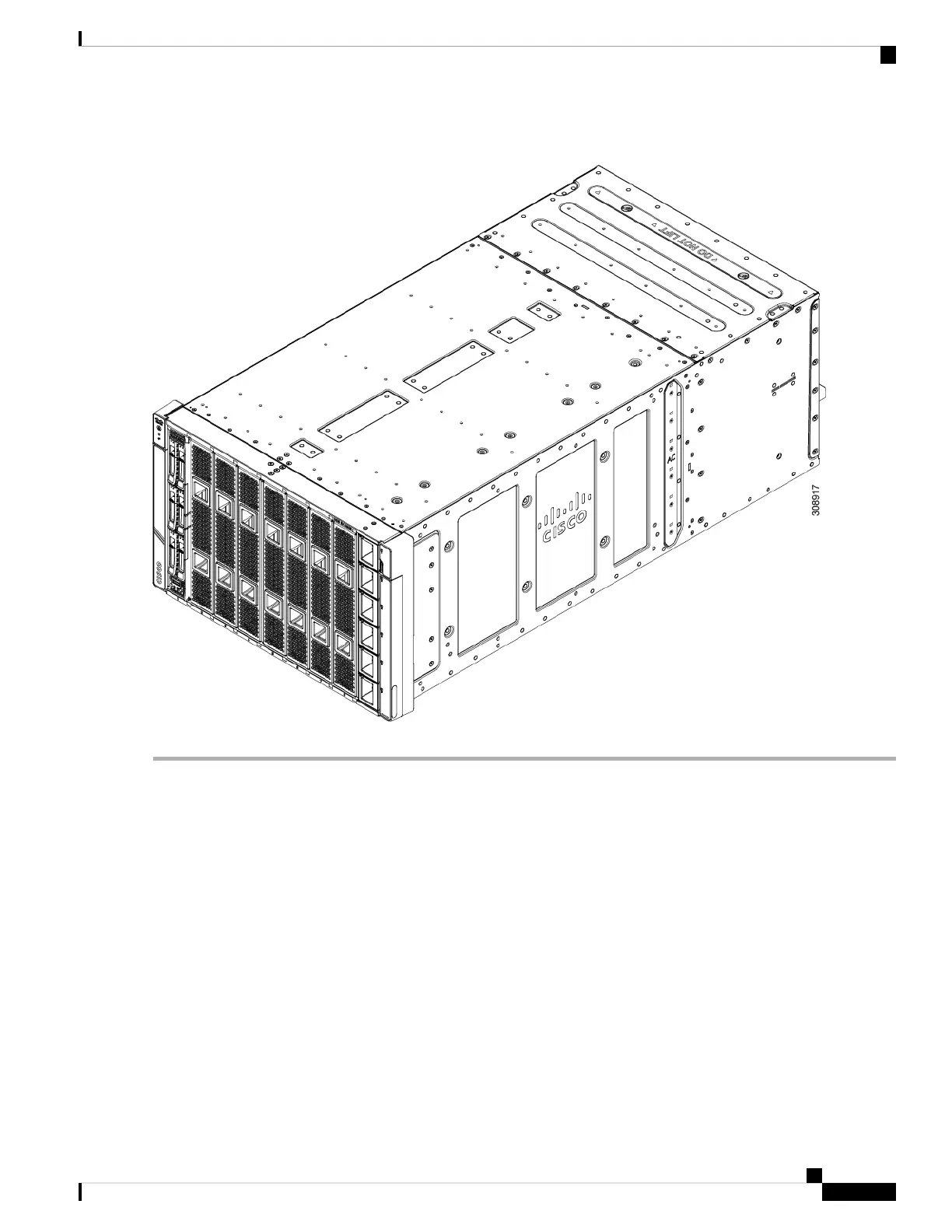
Figure 34: Installing a Compute Node Blank
Installing and Removing a Compute Node
The Cisco UCS X9508 server chassis supports full-height compute nodes. For details, see the Installation
and Service Note for your compute nodes. See http://www.cisco.com/en/US/products/ps10280/prod_installation_
guides_list.html
Installing a Compute Node
Use this task to install a compute node in an empty slot.
Before you begin
If there is a module blank in the slot where you want to install a compute node, remove the blank now. See
Removing a Compute Node Blank, on page 64.
Cisco UCS X9508 Server Chassis Installation Guide
67
Installing and Removing Components
Installing and Removing a Compute Node



 To Next Page