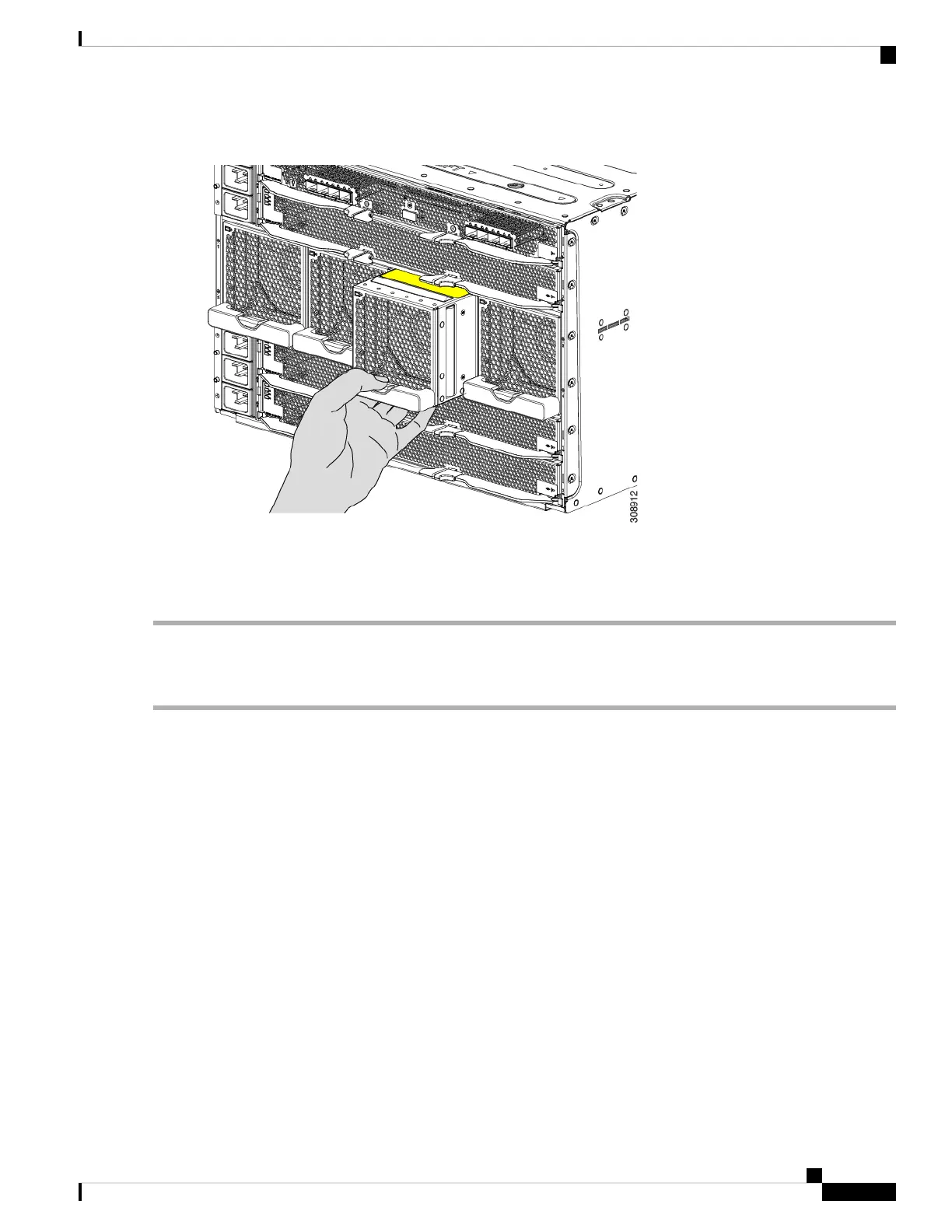
Figure 41: Seating the Fan into the Chassis
Step 4 Listen for the fan to power up and verify that the LED behavior is as expected.
See LED Locations, on page 13 and Interpreting LEDs, on page 14.
Removing a Fan Module
Step 1 Grasp the fan module handle and push down on the release button.
Cisco UCS X9508 Server Chassis Installation Guide
85
Installing and Removing Components
Removing a Fan Module



 To Next Page