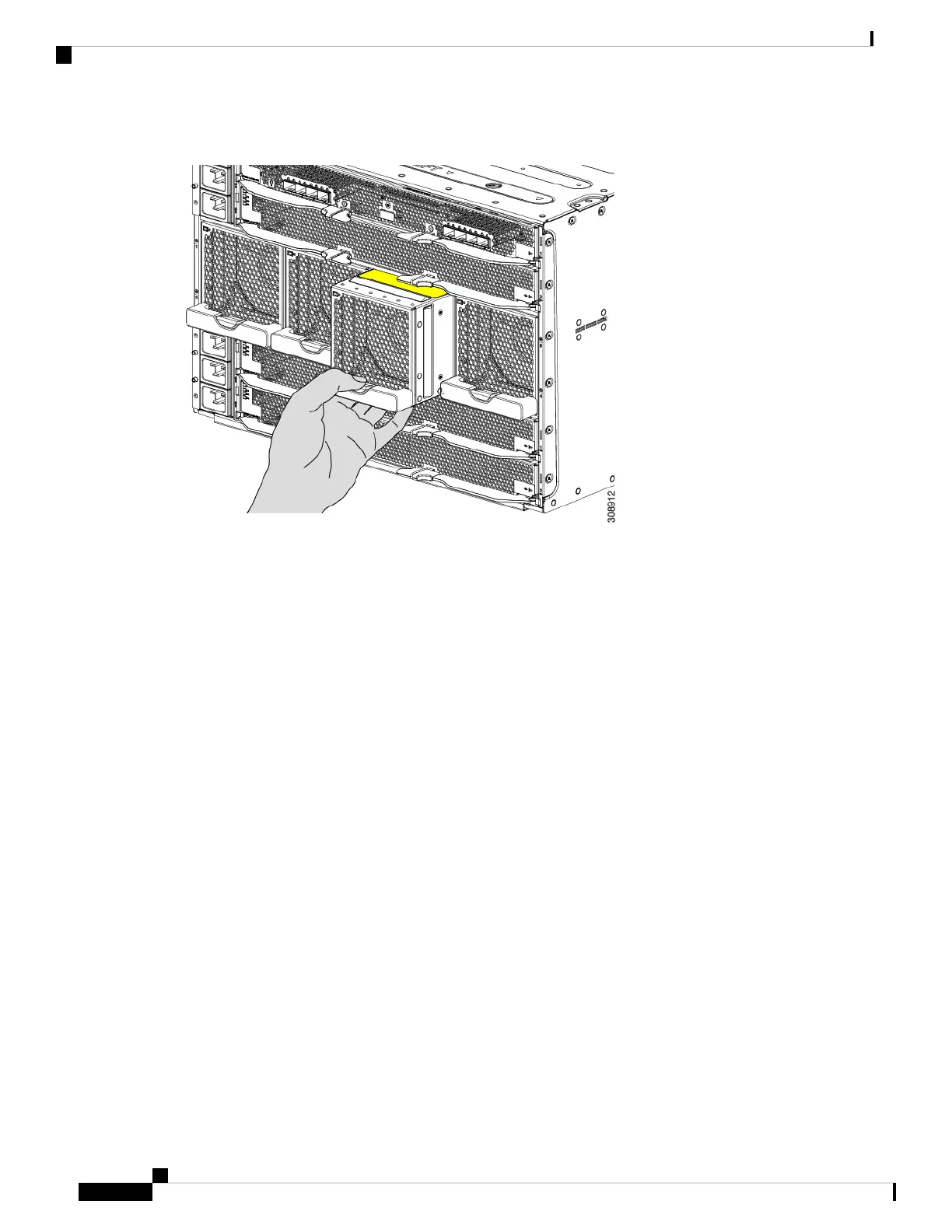
Figure 42: Disengaging the Fan Module
Step 2 Slide the fan module partially out of the chassis and place your hand underneath it to support it.
When the fan disconnects from the midplane, it will power down.
Step 3 Slide the fan completely out of the chassis, making sure to support its weight with your other hand.
Cisco UCS X9508 Server Chassis Installation Guide
86
Installing and Removing Components
Removing a Fan Module


 To Next Page
 Loading...











