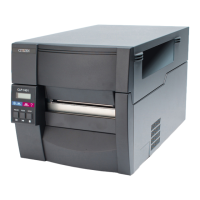
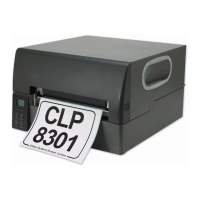
Operation Panel
2-51 CL-S6621
[Procedure to enter Factory/Service Mode]
1. Set media.
2. While pressing and holding all keys, turn on the power. (ALL keys + [POWER])
The printer enters Factory/Service mode. The PRINT LED and CONDITION LED light up
and the following message is printed on media.
3. Press the [STOP] key to skip to the next message.
Then, the following message is printed.
4. Press the [STOP] key to skip to the next message.
Then, the following message is printed.
5. Press the [PAUSE] key to enter the menu settings mode.
Then, the following top menu is printed.
• To enter the Factory Mode menu, proceed to the next step 6.
• To proceed to the next top menu (Service Mode menu), press the [STOP] key. See step
7.
• To return to the previous one, press the [MODE] key.
6. Press the [PAUSE] key to enter the submenus.
* The following submenus under the Factory Mode menu will be printed as you press the
[PAUSE] key repeatedly.
* For setting each item, see “
(3-3) Factory/Service Mode menu table - (a) Factory Mode
menu table”, and setting example “How to change the value in the Factory Mode menu”
on page 2-
56.
Through Sensor Position +000dots
Save=(PAUSE) Next Digit=(FEED) Change value=(STOP) Exit=(MODE)
Reflect Sensor Position +000dots
Save=(PAUSE) Next Digit=(FEED) Change value=(STOP) Exit=(MODE)
Mach Tear Pos +000dots
Save=(PAUSE) Next Digit=(FEED) Change value=(STOP) Exit=(MODE)
(to be continued)
Citizen CL-S6621 VuePrint Menu System
The four control panel buttons are used to select different options. Generally:
Yes / Select / Save = PAUSE (P) key
No / Next Item / Increase Item = STOP (S) key
Next Digit = FEED (F) key
Exit to previous menu = MODE (M) key
Do you want to reset this printer to factory settings? Yes=(PAUSE) No=(STOP)
Do you want to print the current menu settings? Yes=(PAUSE) No=(STOP)
Do you want to change the menu settings? Yes=(PAUSE) No=(STOP)
Do you want to change “Factory Mode Menu” items?
Yes=(PAUSE) No=(STOP) Exit=(MODE)


 To Next Page