Page -34- Clarke
®
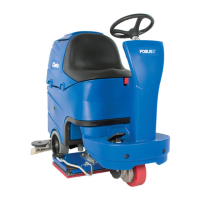
Operator's Manual -Focus Rider Scrubber
How to Return One Touch to Factory Default Settings
To restore the factory settings, follow the procedures below:
1. Press and hold the green one touch button (figure 10, B)
until you hear a
double beep from the machine. NOTE:
The time required for this will be approximately 10
seconds.
2. The settings should be returned to 4 bars of solution and
2 bars of brush pressure. NOTE: The squeegee vac
switch must be in the middle position for default
settings to work.
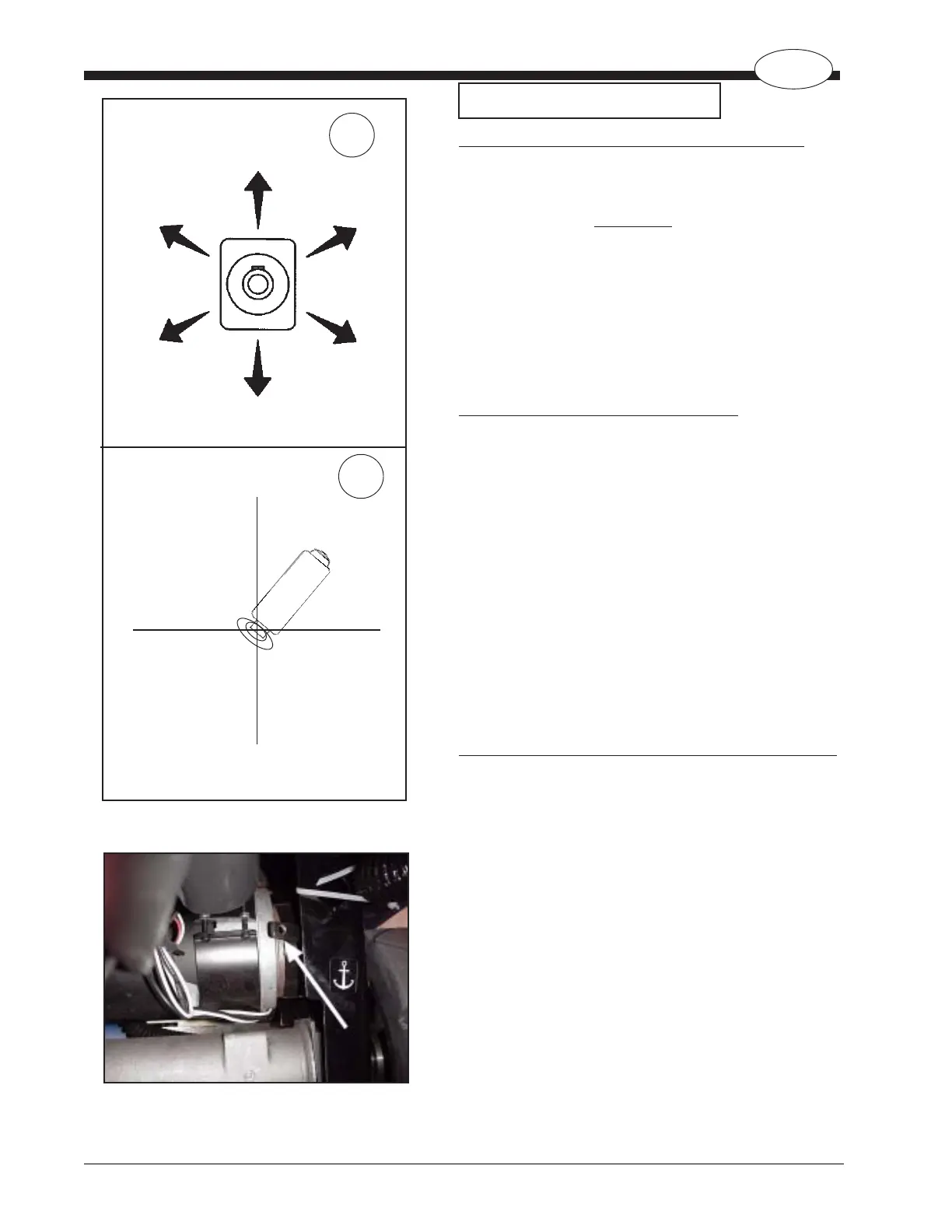
Directional Control (see figure 12, A and B)
The Focus Rider Scrubber is equipped with a joystick for
controlling speed and direction of the machine. Simply
point the joystick in the direction you want the machine to go
(figure 12, A). This is true for both forward and reverse
directions. The speed and direction are directly proportional
to the position of the joystick. If you want to go slow and
straight, apply a slight amount of pressure to the joystick in
the forward direction. For more speed, move the joystick
further in direction you wish to travel.
NOTE: See example in figure 12, B - the joystick is
positioned to where the machine will go in the forward-right
direction.
How to Move the Machine Without Power (see figure 12A)
1. Engage manual override on brake (see page 9, “Parking
Brake”).
2. Remove foot plate and 4 screws.
3. Using a Phillips screwdriver, turn shaft on motor in
direction you wish to turn machine.
4. Slowly push machine to desired location. NOTE: If you
attempt to push machine too fast it will limit top speed.
If this happens, stop and restart.
5. After moving machine, disengage manual brake
override. NOTE: Machine will not function if override is
engaged.
How To Operate The Machine
(Top View)
Figure 12
Figure 12A
A
B
Forward Right
Forward Left
Reverse Left
Reverse Right
EN
Adelante
Derecha
Adelante Izquierda
Reversa Izquierda
Reversa Derecha
En avant
et à droite
En avant et à gauche
En arrière et à gauche
En arrière et à droite
(Vista superior)
(Vue du dessus)




 To Next Page