66
recording status.
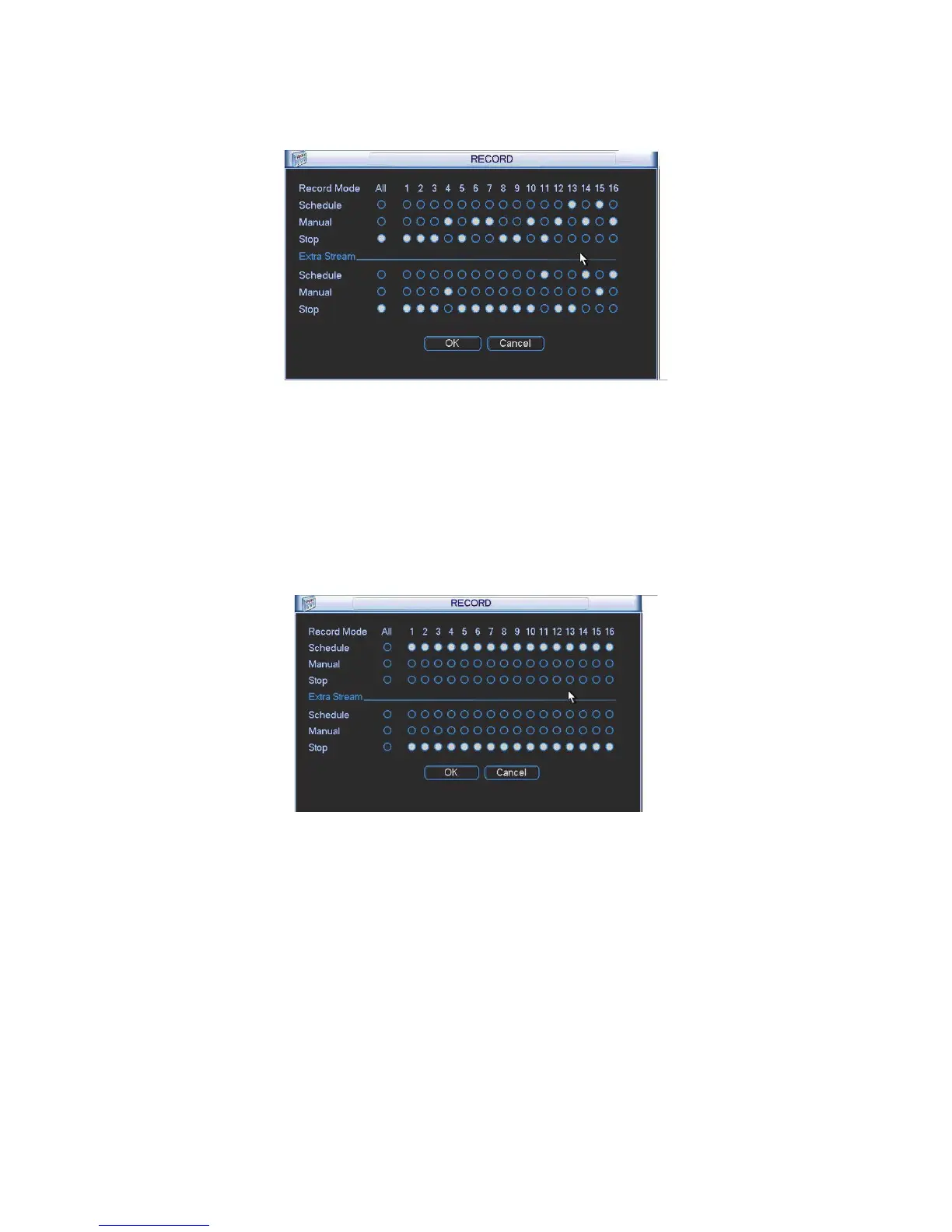
You can use mouse or direction key to highlight channel number. See Figure 4-87.
Figure 4-87
4.7.4.4 Enable all channel recording
Highlight ż below All, you can enable all channel recording.
z All channel schedule record
Please highlight “ALL” after “Schedule”. See Figure 4-88.
When system is in schedule recording, all channels will record as you have previously set
(Main menu->Setting->Schedule).
The corresponding indication light in front panel will turn on.
Figure 4-88
z All channel manual record
Please highlight “ALL” after “Manual.” See Figure 4-89.
When system is in manual recording, all scheduled set up you have set in will be null ((Main
menu->Setting->Schedule)).
You can see indication light in front panel turns on, system begins manual record now.



 To Next Page