18
Note:
All the operations here (such as playback speed, channel, time and progress) have
relationship with hardware version. Some series NVRs do not support some functions or
playback speeds.
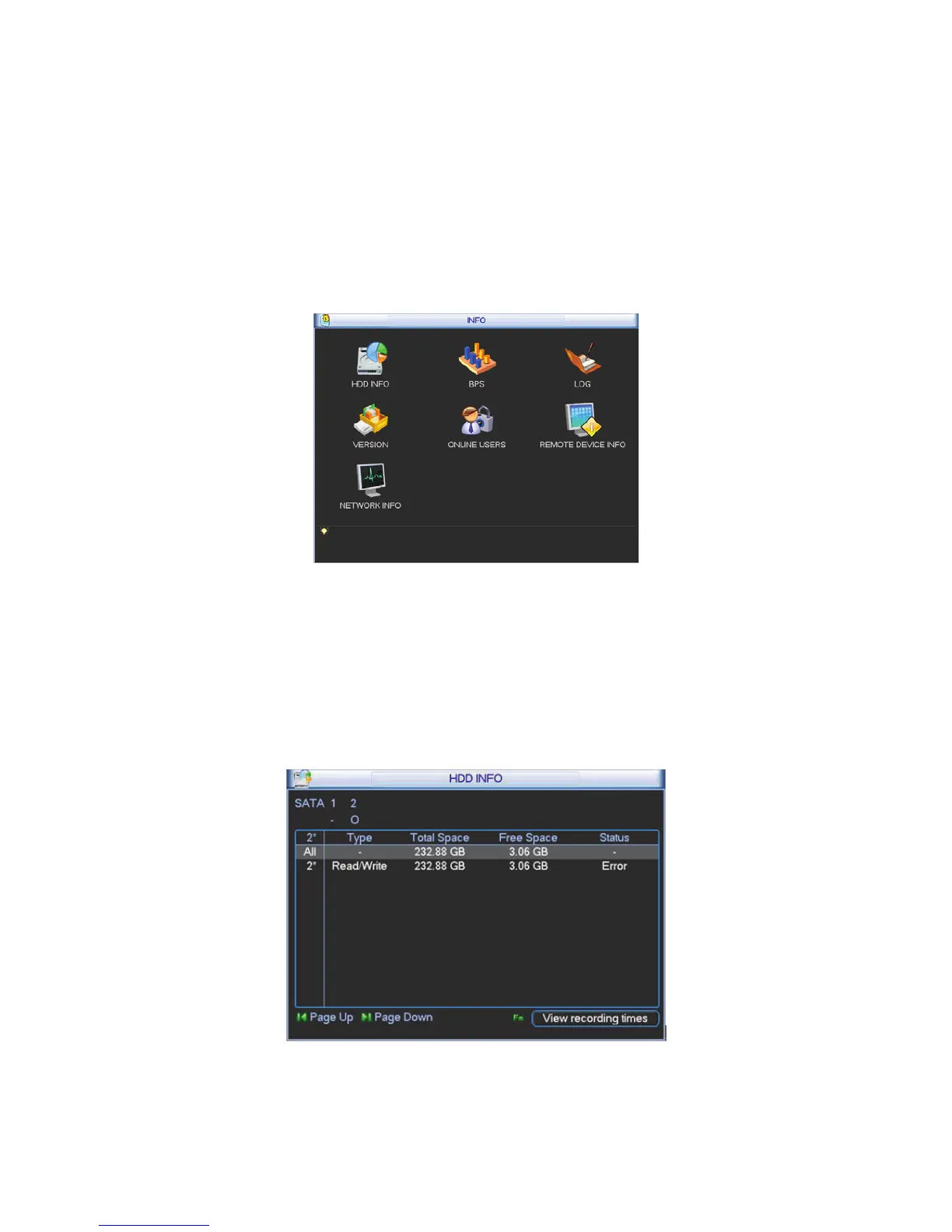
Here is for you to view system information. There are total seven items: HDD (hard disk
information), BPS (data stream statistics), log, Version, online user, remote device information
and network info. See Figure 4-7.
Figure 4-7
4.5.1 HDD Information
Here is to list hard disk type, total space, free space, and status. See Figure 4-8.
ż means current HDD is normal.. - means there is no HDD.
If disk is damaged, system shows as “?”. Please remove the broken hard disk before you add a
new one.
Figure 4-8
In Figure 4-8, click view record d time button, HDD record time information interface is shown as
in Figure 4-9.



 To Next Page