61
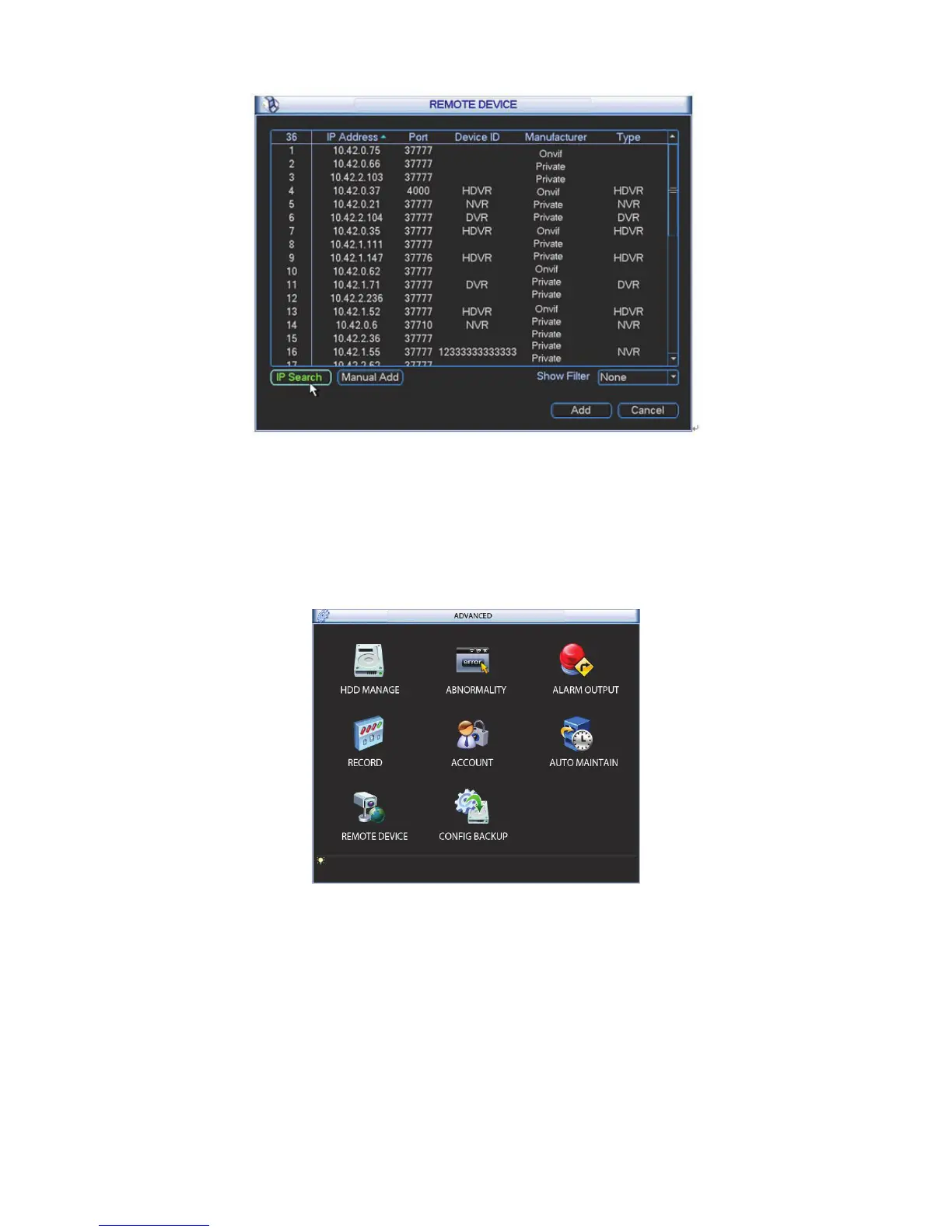
Figure 4-78
Double click advanced icon in the main window, the interface is shown as below. See Figure
4-79.There are total eight function keys: HDD management, alarm output, abnormity, manual
record, account, auto maintenance, TV adjust and video matrix.
Figure 4-79
4.7.1 HDD Management
Here is for you to view and implement hard disk management. See Figure 4-80.
You can see current HDD type, status, capacity and record time. When HDD is working properly,
system is shown as O. When HDD error occurred, system is shown as X.
z Alarm set: Click alarm set button, the interface is shown as below. See Figure 4-81. (This
interface is just like the abnormality setup). Please refer to chapter 4.7.2 for detailed
information.



 To Next Page