62
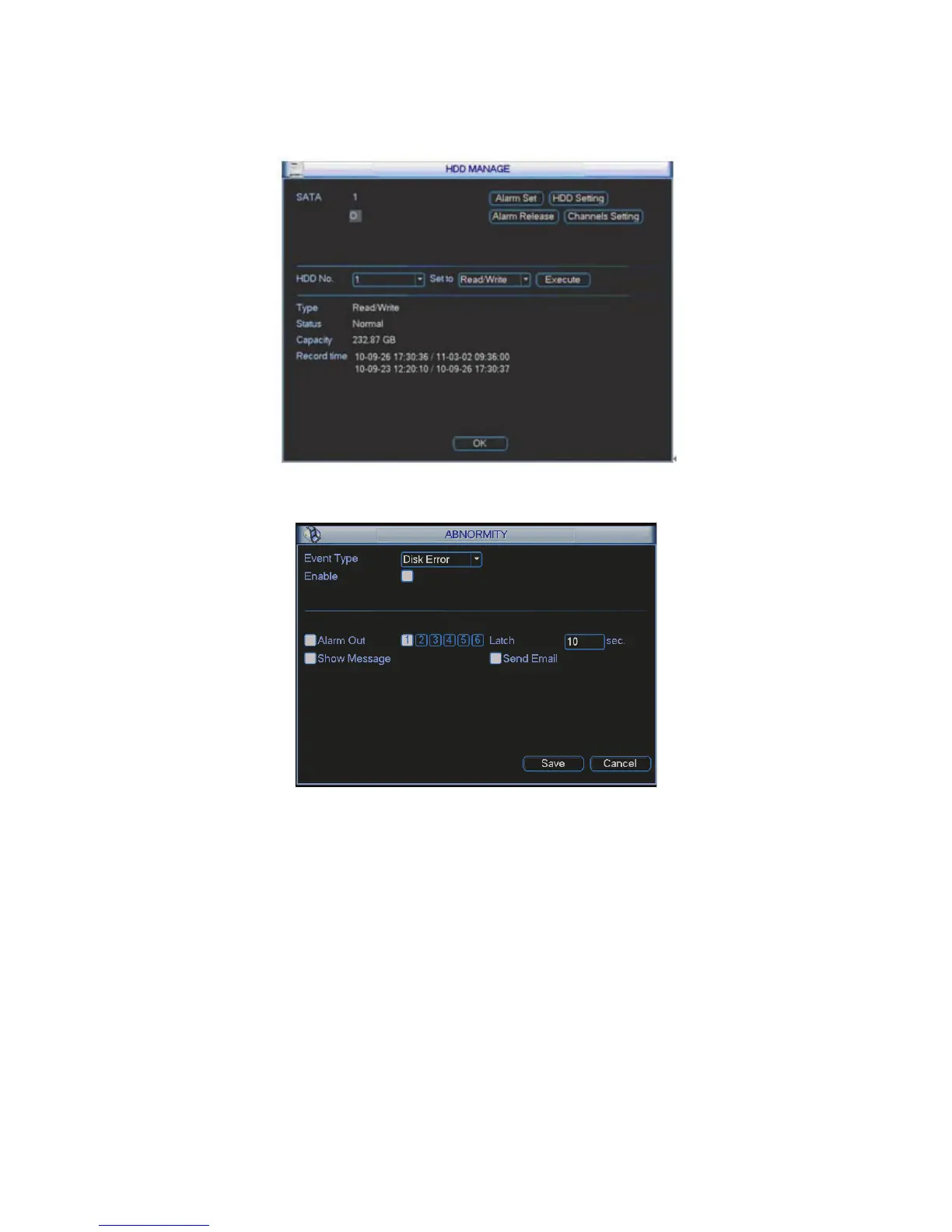
z HDD operation: You can select HDD mode from the dropdown list such as read-only or you
can erase all data in the HDD. Please note system needs to reboot to get all the modification
activated.
Figure 4-80
Figure 4-81
For the HDD group setup operation, please note:
z Each channel’s records can be stored into the specified HDD Group.
z Each HDD Group is corresponding to several hard disks, while one hard disk is only
included in one HDD Group.
z Each channel is only corresponding with one HDD Group, while one HDD Group can
store records from several channels.
z HDD Group is only available for read-write HDD and self-defined disks, other types of
hard disks cannot be set as HDD Group.
Important:
z eSATA also supports this function, you can manage e-SATA hard disk as local hard disk.
z Current series software version can only set the HDD group operation of the read-write HDDs.
It is not for the redundancy HDD.



 To Next Page