67
Figure 4-89
4.7.4.5 Stop all channel recording
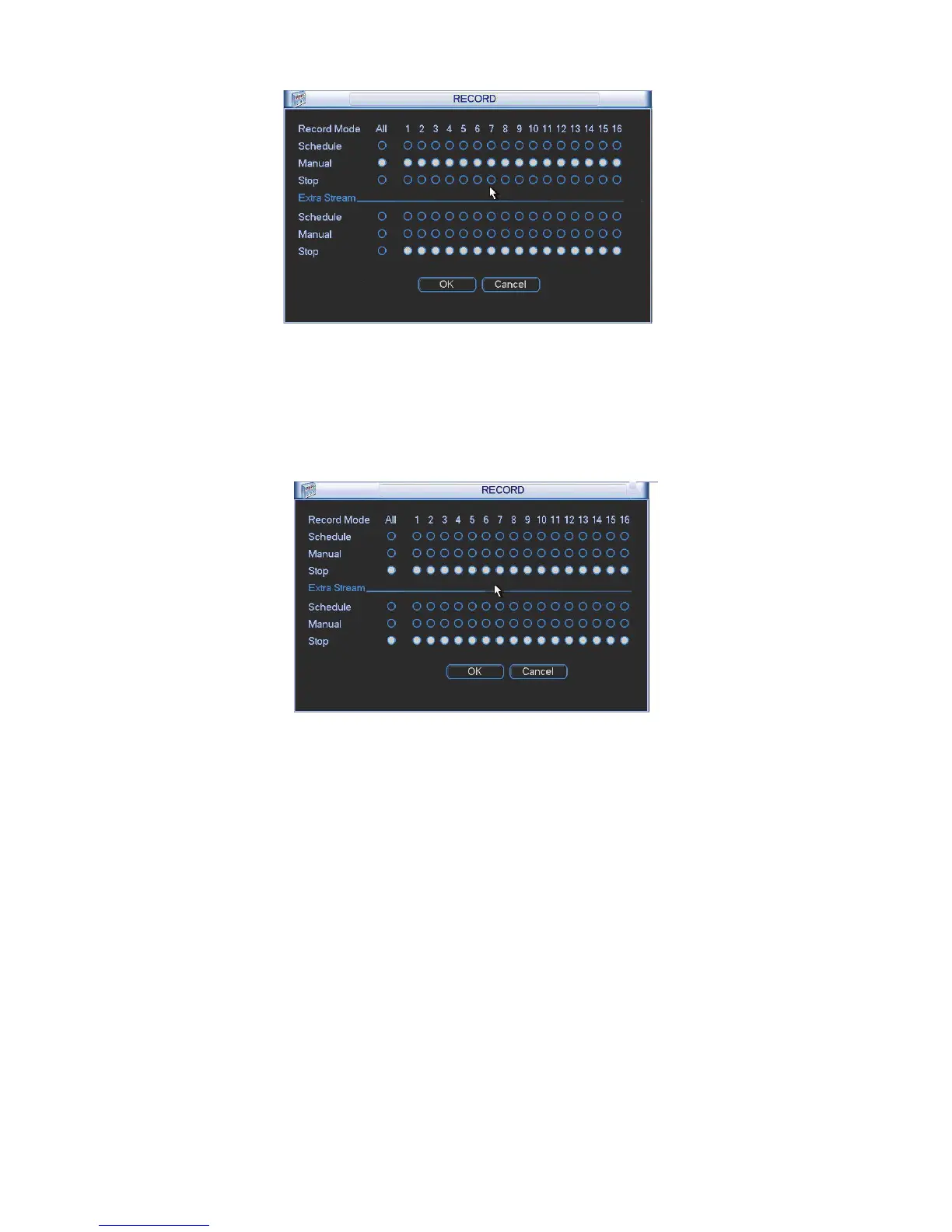
Please highlight “ALL” after “Stop”. See Figure 4-90.
System stops all channel recording no matter what mode you have set in the menu (Main
menu->Setting->Schedule)
Figure 4-90
4.7.5 Account
Here is for you to implement account management. See Figure 4-91. Here you can:
z Add new user
z Modify user
z Add group
z Modify group
z Modify password.
For account management please note:
z For the user account name and the user group, the string max length is 6-byte. The
backspace in front of or at the back of the string is invalid. There can be backspace in the
middle. The string includes the valid character, letter, number, underline, subtraction sign,
and dot.
z System account adopts two-level management: group and user. No limit to group or user
amount.
z For group or user management, there are two levels: admin and user.



 To Next Page