57
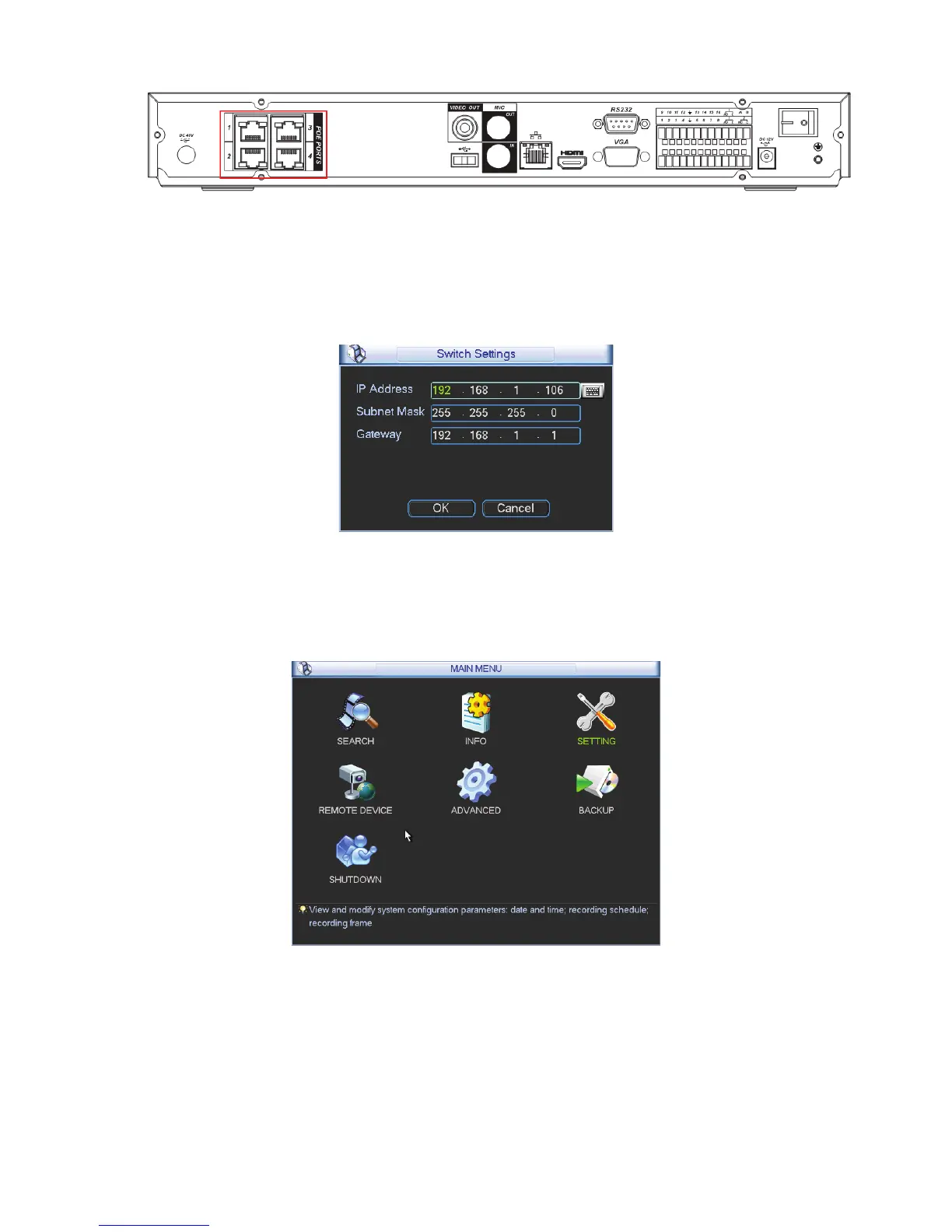
Figure 4-71
4.6.11.2 Built-in Switch Setup
The built-in switch function is for product of PoE port.
From Network->Network Server->Switch, you can set switch IP address, subnet mask, gateway
and etc. See Figure 4-72.
Figure 4-72
4.6.11.3 Remote Device
In the main menu, click the Remote Device icon to go to the corresponding interface. See Figure
4-73.
Figure 4-73
The remote device interface is shown as in Figure 4-74.
z IP search: Click it to search IP address.
z Add: Click it to connect to the selected device and add it to the Added device list. Support
Batch add.
z Show filter: You can use it to display the specified devices from the added device.



 To Next Page